
Contractor Software Selection Checklist for 2026
Streamline your software choices with our expert contractor software selection checklist. Boost productivity and avoid costly mistakes in 2026!
May 28, 2026
Article
Picking the wrong software costs you more than money. It costs you time, crew frustration, and months of lost productivity trying to undo a bad fit. With dozens of platforms competing for your attention, a structured contractor software selection checklist is the most reliable way to cut through the noise and make a decision grounded in your actual operational needs, not a vendor's marketing pitch. This article gives you that checklist, along with a practical construction management software guide covering how to evaluate, test, and compare your options before you commit.
Table of Contents
- Key takeaways
- Your contractor software selection checklist: core evaluation criteria
- 10 checklist items to evaluate when comparing contractor software
- How to compare and test software candidates before you buy
- Matching software to your size, trade, and budget
- My honest take on what most contractors get wrong
- Find the right field service software faster with Ampleexpress
- FAQ
Key takeaways
| Point | Details |
|---|---|
| Split your evaluation | Score office control features and field execution capabilities separately to avoid adoption failure. |
| Pilot with real data | Test software on active projects, not demos, to expose workflow mismatches before purchase. |
| Calculate total cost of ownership | Factor in licensing, training, support, and scaling costs over three to five years. |
| Compliance tools reduce risk | Automated COI alerts and partner portals are risk management tools, not optional extras. |
| Match software to your gaps | The best fit is the platform that addresses your specific operational gaps, not the one with the most features. |
Your contractor software selection checklist: core evaluation criteria
Before you open a single demo, you need a clear framework for what you are actually evaluating. The industry term for this structured approach is a software evaluation matrix, and it is the foundation of any sound contractor software evaluation criteria process.
Start by separating two distinct categories of need.
Office control features cover estimating, job costing, contract management, document storage, compliance tracking, and financial reporting. These tools serve your project managers, estimators, and admin staff.

Field execution features cover dispatch, mobile access, offline capability, signature capture, real-time communication, and task updates. These tools serve your technicians and crews on site.
Separate scoring of back-office and field features prevents the most common selection failure: buying software your office loves but your field team refuses to use.
Here are the core criteria categories to include in your evaluation matrix:
- Functional fit: Does the platform cover your primary workflows, whether that is bidding, scheduling, dispatch, or compliance?
- Integration capability: Does it connect with your accounting software, CRM, or project management tools? Integration between project management and financial systems is critical for accurate job costing.
- Usability: Can your field crew use it on a phone with spotty signal? Does it support offline mode and role-based views?
- Total cost of ownership (TCO): Add up licensing fees, onboarding, training, support contracts, and the cost of scaling over three to five years. Check out ServiceTitan pricing breakdowns to see how quickly costs compound.
- Security and compliance: Does it include audit trails, user permissions, and data encryption?
- Vendor support: What does implementation look like? Is there a dedicated success manager or just a help center?
Pro Tip: Build a weighted scorecard with a 1 to 5 scale for each criterion. Assign higher weights to the categories that affect your daily operations most. This removes gut-feel bias from the final decision.
10 checklist items to evaluate when comparing contractor software
Use this list as your working contractor software evaluation criteria during vendor demos and trials. Each item maps to a real operational risk if ignored.
- Project and region fit. Verify the platform supports your project types, whether residential service, commercial construction, or specialty trade work. A practical evaluation checklist should confirm region-specific compliance requirements are covered.
- Bid management and subcontractor access. For preconstruction teams, check whether the platform includes bid invitations, verified subcontractor networks, and bid leveling tools.
- Document management with version control. Centralized document storage with version history prevents costly miscommunication on active jobs. Confirm the system logs every change and who made it.
- Takeoff and estimating integration. If you do your own estimates, the software should connect directly to your takeoff tool or include built-in takeoff capabilities to avoid double entry.
- COI and compliance management. Compliance software evaluation should confirm the platform includes certificate of insurance tracking, secure portals for subcontractors, and automated renewal reminders. Manual COI tracking is a liability.
- Mobile execution with offline access. Field crews need to log job updates, capture signatures, and access job history without a reliable internet connection. Test this in the field, not in the demo room.
- Automated alerts for deadlines and renewals. Automated compliance alerts are not just a convenience feature. They reduce the operational risk of missed renewals and lapsed subcontractor credentials.
- Dashboards with construction-specific KPIs. Generic reporting is not enough. Look for budget versus actual job cost visibility, crew utilization rates, and drill-down analytics by project or trade. Construction ERP features like AI-powered forecasting and open APIs are worth evaluating if you are scaling.
- Vendor onboarding and training support. Ask specifically about configuration assistance, data imports, and whether a dedicated success manager is included. This matters more than most contractors realize until they are three weeks into a failed rollout.
- Scalability. Will the platform support your crew size in two years? Confirm pricing tiers and feature availability at higher crew counts before you sign anything.
| Checklist Item | Why It Matters | Red Flag |
|---|---|---|
| COI management | Reduces subcontractor liability exposure | Manual tracking only |
| Offline mobile access | Field crews work in low-signal areas | No offline mode available |
| Job cost visibility | Tracks budget vs. actual in real time | Requires manual export to accounting |
| Automated alerts | Prevents missed renewals and deadlines | Alert setup requires IT involvement |
| Vendor onboarding | Determines time to productive use | No dedicated implementation support |
Pro Tip: Ask vendors for a reference from a contractor with your crew size and trade specialty. Generic case studies tell you very little about real-world fit.
How to compare and test software candidates before you buy
Reading feature lists is not evaluation. Real evaluation happens when you put the software to work on an actual project.
Start by building your weighted scorecard before any demos begin. Assign each criterion a weight from 1 to 3 based on how much it affects your daily operations. Score each vendor 1 to 5 on each criterion during the demo. The math does the heavy lifting.
During demos, bring your own data. Use a real job from last quarter, including your actual documents, subcontractor list, and compliance requirements. A vendor who cannot walk your workflow with your data is a vendor who has not seen your type of operation before.
After demos, run a pilot on an active project. Pilot testing with active projects is the fastest way to uncover workflow mismatches and usability issues that never surface in a controlled demo. Assign your field team to use the mobile app for two weeks and collect specific feedback on offline performance, data sync speed, and ease of job updates.
Here is what to validate during your pilot:
- End-to-end data flow: Does information entered in the field show up correctly in the office dashboard without manual intervention?
- Audit trail accuracy: Are changes logged with timestamps and user IDs?
- Mobile performance: Does the app function reliably in low-connectivity areas?
- Handoff workflows: Can a tech close a job and trigger an invoice without a phone call to the office?
- Vendor responsiveness: How fast does support respond when something breaks during the pilot?
Calculate your TCO over three to five years. Include licensing, onboarding, ongoing training for new hires, integration setup, and the cost of scaling to your projected crew size. Dashboard software evaluation should always include a TCO assessment, not just the monthly subscription rate.
Review contract terms carefully. Watch for auto-renewal clauses, data export restrictions, and implementation timelines that push your go-live date past your busy season.
Matching software to your size, trade, and budget
The best-fit contractor software is not the one with the most features. It is the one that closes your specific gaps without overwhelming your crew.
Here is how to think about fit by situation:
- Small subcontractors (1 to 5 techs): Free tiers from platforms like Jobber or Housecall Pro cover scheduling, invoicing, and basic job history. Paid upgrades become worth it when you need automated reminders, reporting, or QuickBooks sync.
- Mid-size contractors (6 to 20 techs): You need dispatch, compliance tracking, and mobile job management. Bundled platforms that cover scheduling, invoicing, and COI management in one place reduce integration headaches.
- Specialty trade considerations: HVAC contractors need equipment service history and maintenance agreements. Plumbing teams benefit from parts standardization and job history by fixture type. Electrical contractors prioritize permit tracking and inspection scheduling. See how electrical field service software handles these trade-specific needs. Pest control operators need route optimization and chemical usage logs.
- Tech stack compatibility: Verify the platform connects to your existing accounting software before the demo. Rebuilding your chart of accounts because of a software switch is expensive and disruptive.
Trade-offs to weigh honestly:
- Feature-rich platforms often require longer onboarding and higher adoption effort from your crew.
- Simpler tools get adopted faster but may require manual workarounds as you grow.
- Platforms with open APIs give you more integration flexibility but require more technical setup.
Pro Tip: Look for platforms that offer a free trial on your actual account, not a sandbox demo environment. Real data reveals real problems.
My honest take on what most contractors get wrong
I've reviewed dozens of software evaluations, and the same mistakes come up repeatedly. The biggest one is treating the demo as the finish line.
I've seen contractors sign contracts based on a polished demo, then spend three months fighting a system that looked great in a conference room but fell apart when a field tech tried to close a job from a crawl space with no signal. Piloting only UI elements without testing end-to-end workflows is how you end up with software that passes the demo but fails the job site.
The second mistake is letting the office team drive the entire selection. Your field crew will tell you things in a two-week pilot that no demo will ever reveal. Involve them early, and weight their feedback heavily.
What I've found actually works: define your subcontractor portal data-sharing boundaries and role-based permissions before you start evaluating vendors. Scoping this late creates costly rework in implementation. Know who sees what before you sign anything.
Software selection is not a one-time purchase decision. It is the start of an ongoing relationship with a vendor. Treat it that way from the first demo.
— Blake
Find the right field service software faster with Ampleexpress
Evaluating software against a checklist takes time, and most contractors do not have hours to spare comparing 30 platforms side by side.
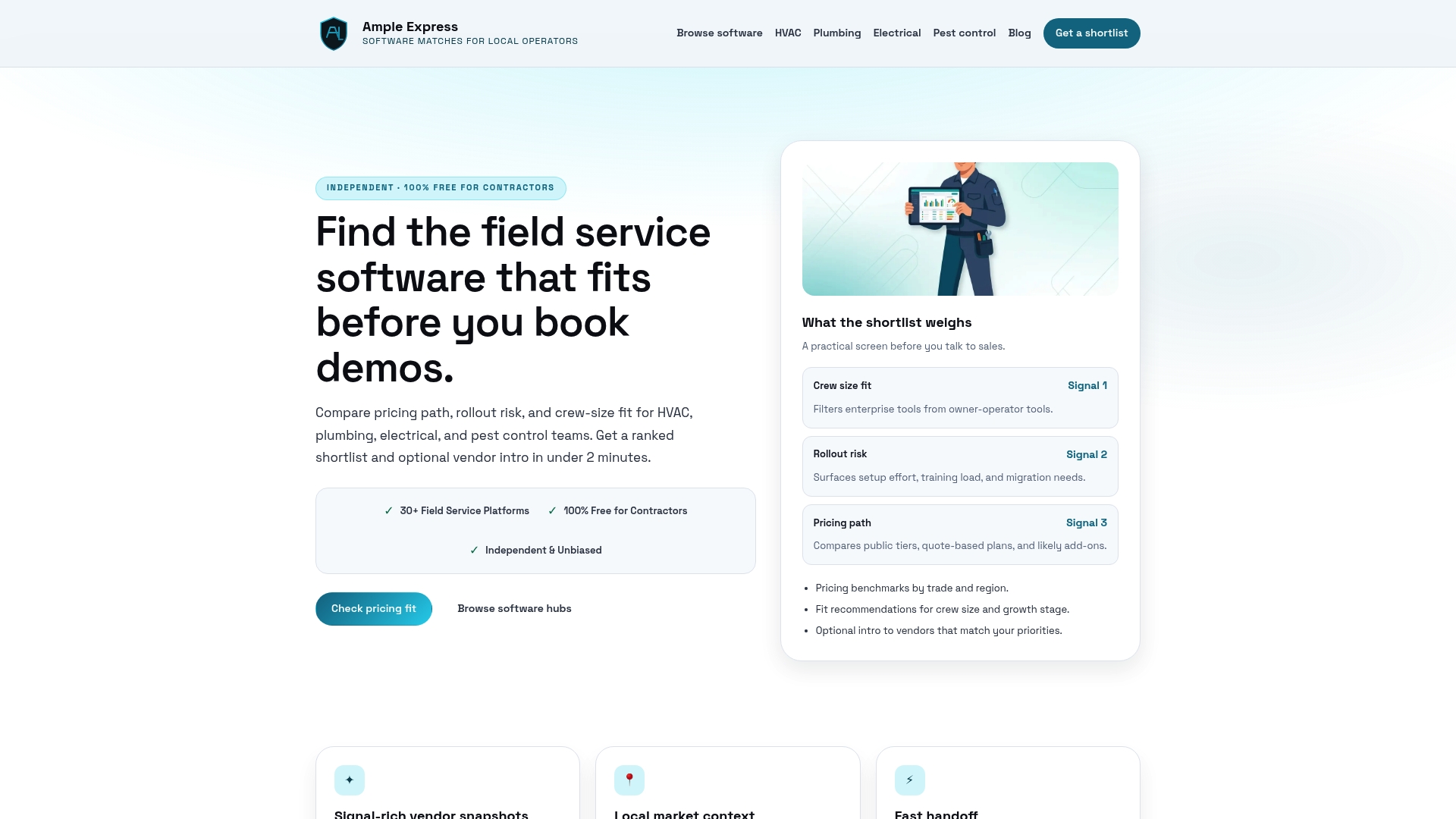
Ampleexpress does the comparison work for you. The platform provides a ranked shortlist of over 30 field service software options by trade, covering HVAC, plumbing, electrical, and pest control. Each recommendation highlights mobile capability, compliance features, pricing paths, and rollout risk so you can make a confident decision without the guesswork. Whether you run a two-tech plumbing crew or a 25-person electrical operation, Ampleexpress matches you to platforms that fit your crew size, tech stack, and growth plans. Share your trade and priorities to get a tailored shortlist in minutes.
FAQ
What should a contractor software selection checklist include?
A solid checklist covers functional fit, mobile and offline capability, compliance and COI management, integration with accounting tools, vendor onboarding support, and total cost of ownership over three to five years.
How do you evaluate contractor software before buying?
Build a weighted scorecard, run demos with your own project data, and pilot the software on an active job for at least two weeks to test real workflow performance and field usability.
What are the most important features in contractor software?
Core features include dispatch and scheduling, mobile job management with offline access, automated compliance alerts, job cost tracking, and document management with version control.
How do small contractors choose software on a limited budget?
Start with free or low-cost tiers that cover scheduling, invoicing, and basic job history, then upgrade to paid plans when you need automated alerts, reporting, or accounting integration.
Why is pilot testing software so important?
Running a pilot on active projects reveals workflow mismatches, data sync issues, and field usability problems that never appear in a vendor demo.
Recommended
- Best Electrical software for electrical companies with service contracts
- ServiceTitan vs alternatives for hvac contractors | Ample Express
- Electrical Field Service Software (2026) - Dispatch, Estimates & Invoicing
- Best hvac software alternatives to ServiceTitan | Ample Express