
Field Service Growth Blog
Top 5 Fieldservio.com Software Alternatives 2026
Explore 5 fieldservio.com alternatives to compare software solutions for improved efficiency and effective management of field teams.
July 6, 2026
Article
# Top 5 Fieldservio.com Software Alternatives 2026

Comparing field service management options that actually fit regional workflows and team size is difficult for contractors. Most directories only list generic features or require vendor outreach before you see pricing, rollout, or fit for your crew size. This list shows how five alternatives match team structure, price targets, and local requirements so you can choose field service software without wasting time on blind demos.
## Table of Contents
- [Ample Express](#ample-express)
- [FieldPulse](#fieldpulse)
- [Workever](#workever)
- [Fieldcode](#fieldcode)
- [BuildOps](#buildops)
- [Comparison of alternatives](#comparison-of-alternatives)
## Ample Express
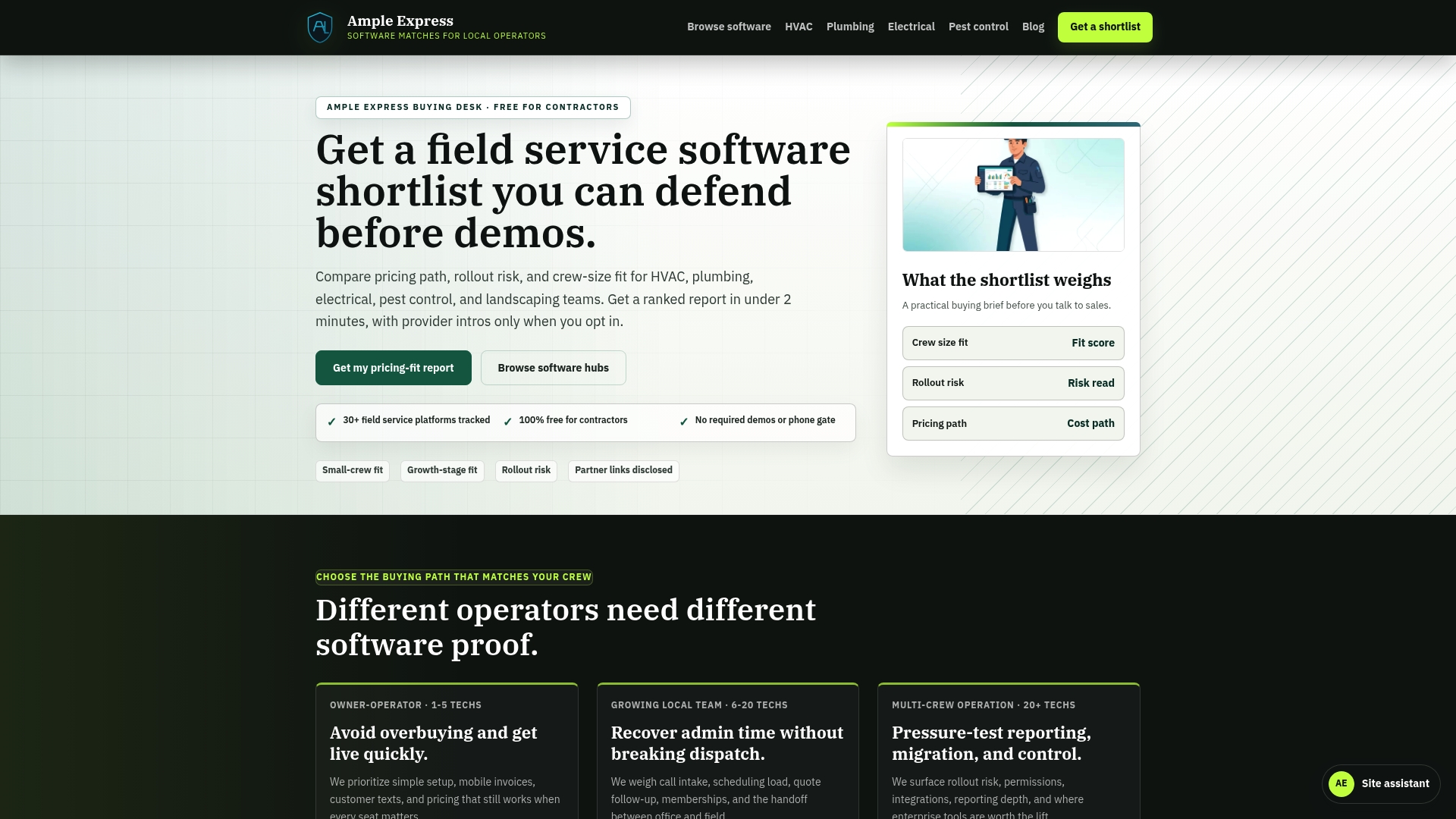
### At a Glance
Ample Express reports a **ranked shortlist of over 30** field service software options. The service says it uses federal and local data sources to align recommendations with regional pricing and crew size trends. The platform is **free for contractors**, which removes evaluation cost barriers for small teams.
### Core Features
Ample Express runs vendor-neutral comparison and ranking and pairs that with localized market insights to reveal which vendors fit specific cities and trades. The site offers cost and rollout risk analysis alongside trade-specific workflow guidance for HVAC, plumbing, electrical, pest control, and landscaping. Automated shortlisting matches vendors to crew size and stated priorities so you get a focused vendor list quickly.
### Key Differentiator
Operator-led, vendor-neutral research that combines federal and local data sources sets Ample Express apart from directory-style listings. That hands-on research aims to surface rollout risk and pricing fit for local markets rather than generic national recommendations. The result is recommendations tied to observable local signals and trade workflows.
### Pros
Ample Express focuses on contractor needs and publishes a transparent methodology for how it ranks vendors. The site centralizes localized market data so you can compare pricing norms and crew-size fit without running multiple vendor calls. Because the service is free for contractors, you can generate a shortlist without sales pressure or demo gatekeepers. The platform also frames rollout risk and trade workflow fit so you can prioritize vendors that match your operational reality.
### Cons
- Does not provide product demos or detailed, hands-on feature testing.
### Who It's For
If you run a small to mid-sized trade business and you need a data-first way to narrow software options, this fits you. The site is geared to contractors who want local pricing context and crew-size recommendations before scheduling vendor demos. Owner-operators and operations managers who want to reduce rollout risk will find the shortlists useful.
### Unique Value Proposition
Automated shortlisting that maps vendors to your crew size and local pricing signals speeds vendor selection. That shortlist shortens vendor screening time and reduces the likelihood of choosing tools that mismatch your crew or regional rates. For teams replacing legacy systems, the guidance clarifies which vendors require complex rollouts and which are simpler fits.
### Real World Use Case
A Chicago plumbing company used Ample Express to compare dispatching platforms against local pricing and crew size. The shortlist highlighted two vendors that matched their two-technician model and invoicing workflow, and it flagged one vendor with a higher rollout risk. The company avoided an ill-fitting platform and scheduled targeted demos instead.
**Website:** https://ampleexpress.com
## FieldPulse
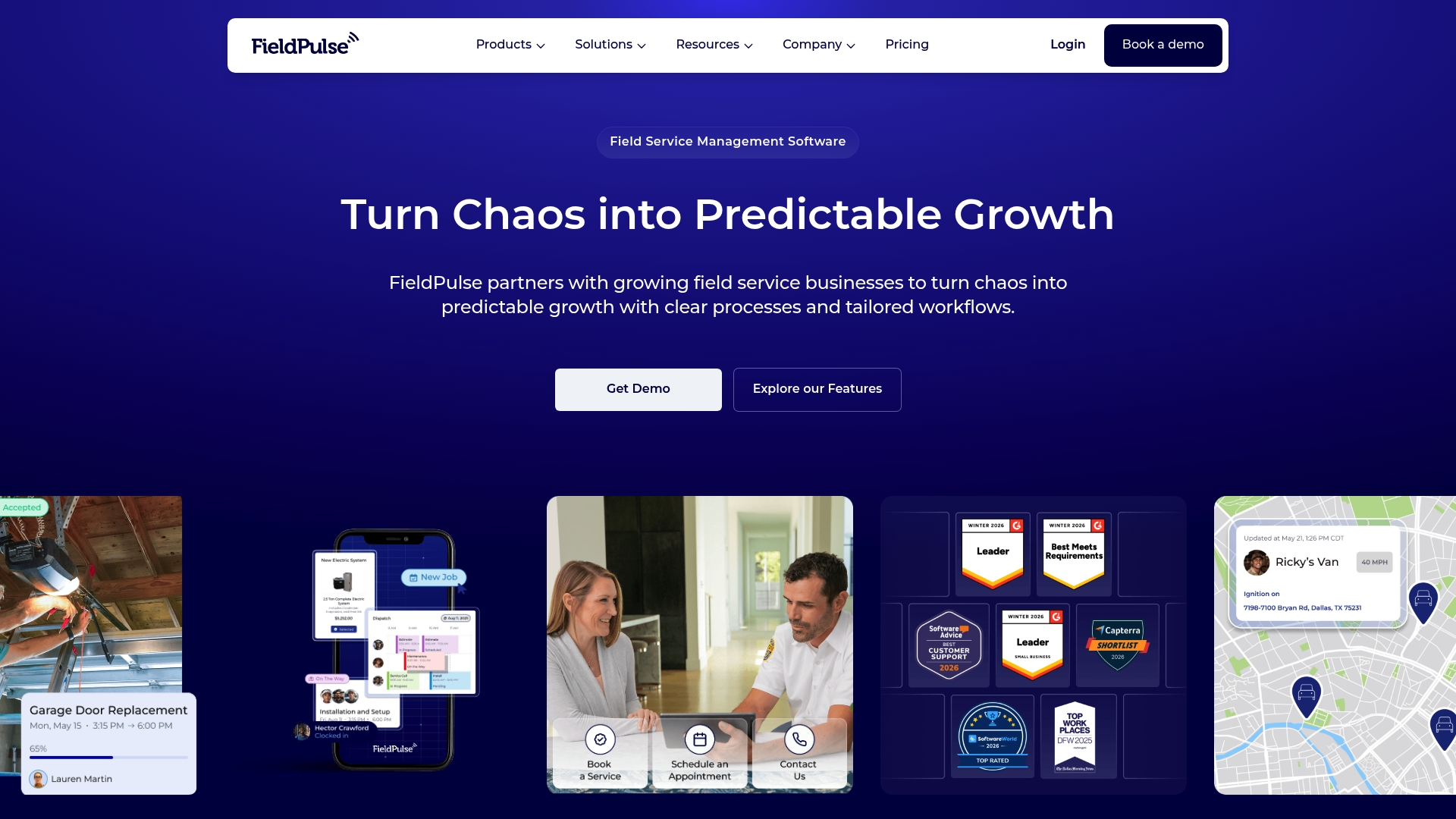
### At a Glance
FieldPulse reports it is trusted by **over 10,000 service professionals**. The product targets trade service teams that need scheduling, dispatch, and mobile job management. Its marketing highlights seat-based pricing and hands-on setup support for new customers.
### Core Features
FieldPulse centralizes **Scheduling & Dispatching**, work order and job management, and estimates and invoicing into one platform. The system also includes a **Mobile App for field teams**, dashboards and reporting, inventory and asset management, a customer portal, and custom forms. Operator AI for dispatching, fleet tracking, payments, maintenance agreements, and a booking portal expand operational coverage.
### Key Differentiator
FieldPulse sells itself as an all in one platform with strong industry-specific customization and onboarding support. That emphasis on tailored workflows and support teams targets contractors who need configuration help during rollout. The product positions support as a practical advantage for teams scaling processes.
### Pros
FieldPulse delivers a broad feature set that reduces the number of separate tools you have to run. The platform supports custom workflows and detailed job records, which helps match office processes to technician routines. **Flexible seat-based pricing** and vendor-provided setup and training make it easier for growing teams to add seats and adopt the system.
### Cons
- Pricing details and specific advanced features require direct consultation with sales, which makes initial cost comparisons harder.
- Some users report a learning curve when configuring complex workflows, which can slow initial deployment.
- Integration setup can be complex, and connecting accounting or fleet tools sometimes needs technical assistance.
### When It May Not Fit
Very small operations with only a few simple jobs may find the feature set more than they need. Teams that want transparent, fixed published pricing will need a direct quote instead. If you prefer minimal setup and no configuration, this product may require more time to configure than lighter task apps.
### Notable Integrations
FieldPulse lists integrations with **QuickBooks**, common CRM systems, billing and invoicing platforms, and fleet tracking tools. These connections support back-office accounting, customer records, payment flow, and vehicle monitoring. Integration complexity varies by vendor and may need setup help.
### Who It's For
Growing trade service businesses that need one platform to handle scheduling, field mobility, billing, and customer communications. Best for HVAC, plumbing, electrical, appliance repair, and similar contractors adding tech or seats. Teams that plan to customize workflows and use vendor support will get the most value.
### Real World Use Case
A mid-sized HVAC company uses FieldPulse to schedule appointments, dispatch technicians, send estimates, and collect payments through the customer portal. They track parts in inventory and monitor fleet locations for faster routing. That workflow reduced administrative handoffs and consolidated job history in one place.
### Pricing
FieldPulse uses a seat-based pricing model and offers custom quotes based on team size and needs. The company asks prospects to contact sales for a tailored price and feature bundle. Pricing transparency therefore depends on direct consultation with the vendor.
**Website:** https://fieldpulse.com
## Workever

### At a Glance
Starts at **£29/month** for the Base plan, billed per user. Workever includes a mobile app that supports offline work for field teams. The product advertises integrations with accounting tools and calendar apps for end to end job administration.
### Core Features
**Workever** combines job creation, quoting, invoicing, and a drag and drop scheduler into a single interface. The mobile apps let field workers capture forms, timesheets, expenses, and photos while offline and then sync later. The platform also offers inventory and asset tracking, a purchase order system, automated reminders, and integrations with **Xero** and **QuickBooks**.
### Key Differentiator
The clearest difference is the all in one mix of scheduling, job management, invoicing, and customer communication paired with **mobile offline capabilities**. That arrangement keeps office staff and field crews working from the same job record when connectivity drops. For teams that run jobs in basements, rural areas, or client sites with poor signal, that behavior matters.
### Pros
The interface is intuitive for nontechnical office staff and dispatchers, which lowers training time. The mobile app is strong on offline data capture so field workers can complete forms and invoice on site. Integrations with accounting platforms and calendar systems reduce duplicate data entry and make reconciliation easier.
### Cons
- Customization can be limited for advanced reporting. Some buyers need deeper analytics than the platform offers.
- Pricing starts at a per user rate that may feel high for solo operators or brand new startups. Budgeting for add ons can raise the monthly spend.
- Customer support response times receive mixed feedback from users. Some reports describe slow replies for complex issues.
### When It May Not Fit
If you run a one person operation on a tight budget, the per user pricing and add on costs may not match your needs. Teams that require highly custom reports or a specialized BI pipeline will likely find reporting too constrained. Organizations that need rapid guaranteed support SLAs should verify response commitments before signing.
### Notable Integrations
- Xero
- QuickBooks
- Stripe
- Google Calendar
- Outlook
### Who It's For
Small to mid sized service and trades businesses looking for a cloud based system that works on desktop and mobile. Dispatch teams that schedule multiple technicians per day will benefit from the drag and drop planner. Companies that need on site invoicing and offline data capture will find the mobile features especially relevant.
### Real World Use Case
A plumbing company uses Workever to schedule jobs, assign technicians, and collect on site signatures and photos. Technicians record time and expenses through the mobile app while offline and sync when back in range. The office exports invoices to accounting software and closes the job more quickly.
### Pricing
Plans start at **£29/month** per user for the Base plan and **£39/month** per user for the Ultimate plan, billed per user. Additional features and third party integrations are available as paid add ons. Confirm seat and add on costs when budgeting for a rollout.
**Website:** https://workever.com
## Fieldcode
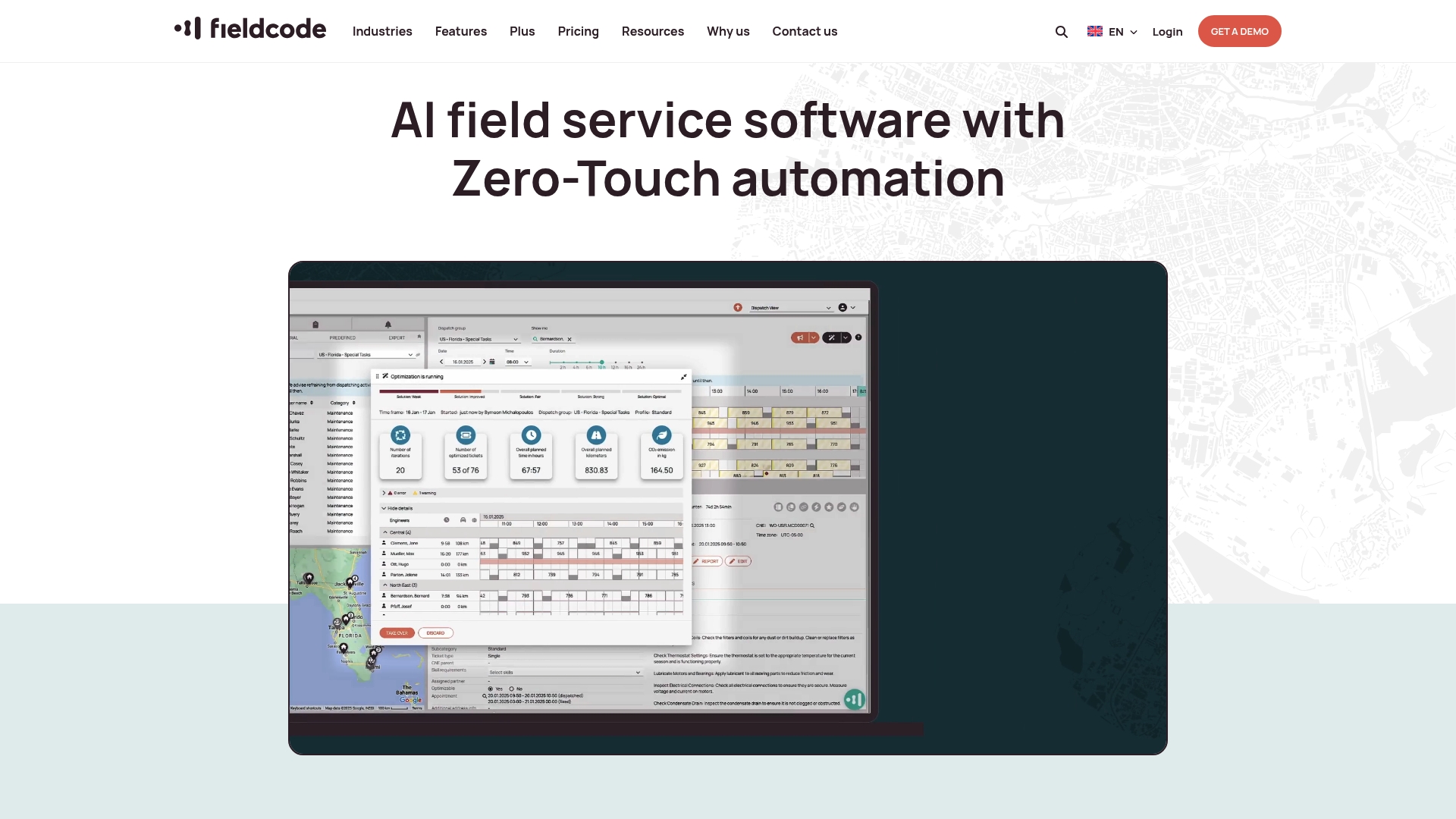
### At a Glance
Fieldcode's marketing materials state it is hosted in Europe and advertises **GDPR compliance**. The platform centers on **AI powered scheduling** to replace manual dispatch work. Its stack also includes voice AI agents and developer APIs for routing and reoptimization. That hosting and compliance claim targets organizations wanting European data residency.
### Core Features
Fieldcode combines AI powered scheduling, routing, and dispatching with a customer self service booking portal and guided mobile workflows for technicians. The product adds voice AI agents for automating calls and confirmations and workflow automation for tickets and jobs. It also includes asset, contracts, and inventory management in Fieldcode Plus, real time analytics and developer APIs that handle constraints like SLAs, skills, and location.
### Key Differentiator
Fieldcode's main distinction is high automation plus open APIs for custom logic and integrations. The platform focuses on zero touch automation and AI supported decision making for complex sequencing. That compliance claim and European hosting make it a clearer choice for teams prioritizing data residency and regional regulation.
### Pros
Fieldcode automates manual dispatching and reduces repetitive scheduling work, which frees dispatchers for exceptions. It supports industry specific workflows, so technicians see guided steps tailored to a job type. The voice AI agents and predictive maintenance hooks reduce inbound calls and help schedule preventative work. Open APIs let technical teams connect ERP and CRM systems or build custom routing rules.
### Cons
- Complex feature set can require dedicated onboarding and training.
- Pricing and packages may be costly for very small teams.
- Advanced customization often needs technical expertise from internal developers or vendors.
- The wide feature ecosystem may overwhelm teams that only want a basic scheduling tool.
### Who It's For
Fieldcode fits large service organizations and enterprises that run complex field operations. It suits teams with internal technical resources or third party integrators for custom API work. Choose it when you need deep automation, advanced routing, and policy driven job sequencing.
### Real World Use Case
A telecommunications provider uses Fieldcode to match tasks to technician skills and location automatically. The system optimizes routes with its routing API and updates customers with real time status. That setup reduced manual dispatch work and gave customers clearer appointment windows.
### Pricing
Fieldcode lists plans starting at $25 per user/month for the Essential plan. Higher tier plans add more automation and customization. Custom quotes are available for enterprise deployments.
**Website:** https://fieldcode.com
## BuildOps
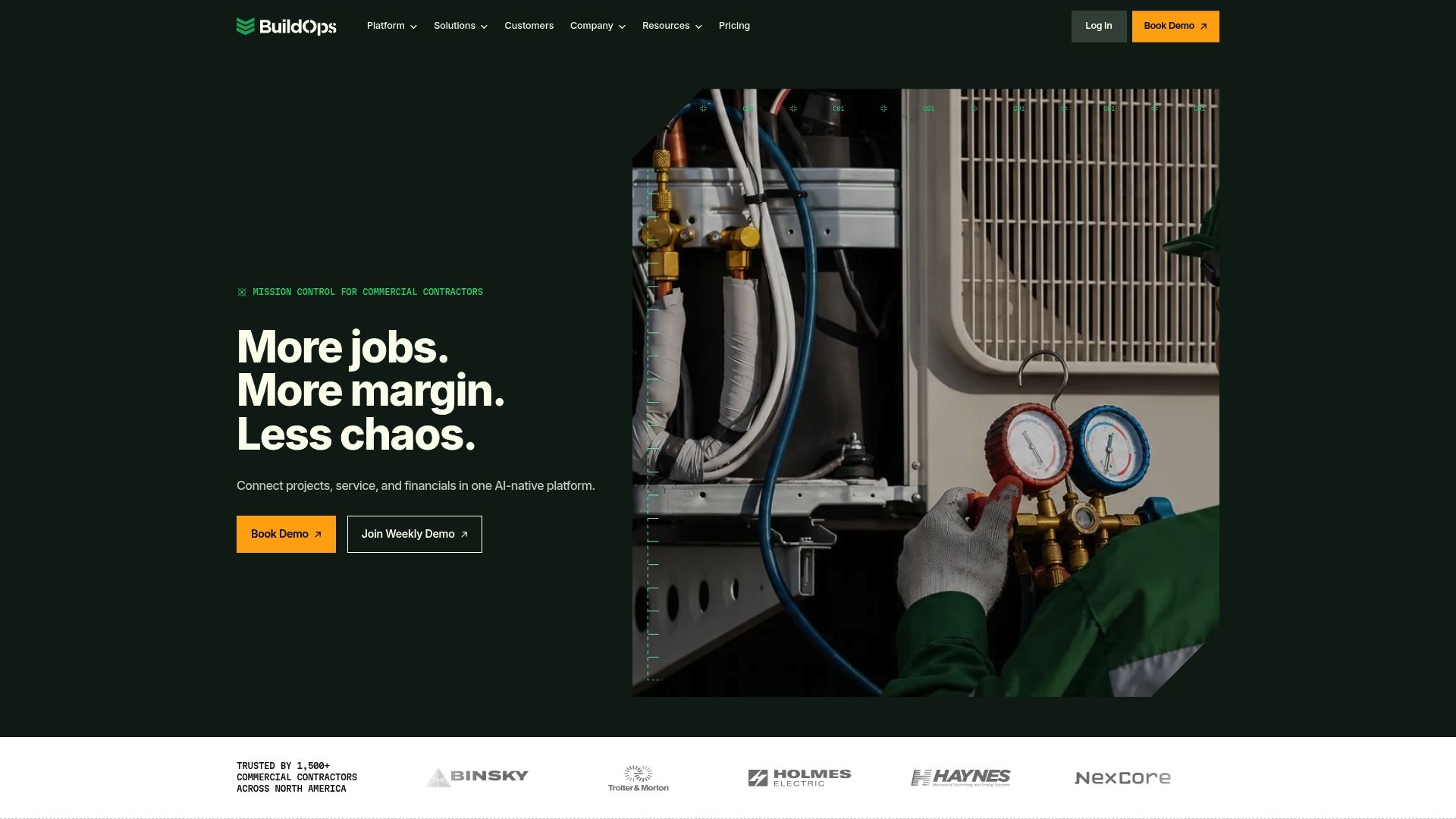
### At a Glance
BuildOps reports being trusted by over 1,500 contractors across North America. The company emphasizes an AI-native approach that combines service and project workflows inside one system. Its pitch centers on handling commercial trade complexity rather than adapting residential software.
### Core Features
The platform combines **OpsAI** with service management, project management, and financial tracking in a single product. Service features cover call intake through invoicing and mobile technician tools for field teams. Project features handle bidding, job costing, and closeout while real-time reports tie jobs to financial results.
### Key Differentiator
BuildOps targets commercial contractors with mixed project and service workloads rather than residential-only firms. The vendor built its workflows around trade complexity, including multi-trade projects and long job lifecycles. That focus changes how scheduling, cost tracking, and risk alerts work compared with retrofitted systems.
### Pros
A single system reduces duplicate data entry by combining field mobile, CRM, project controls, and accounting touchpoints. **OpsAI** aims to flag scheduling conflicts and financial risks to lower manual oversight. The platform supports add-on modules for fleet, payments, and CRM to match growing operational needs.
### Cons
- Pricing is custom and not listed publicly. You must request a demo to get a quote.
- Implementation requires vendor support and onboarding time. Smaller teams should budget weeks for rollout.
- Some integrations depend on third-party compatibility. ERP or accounting links may require additional configuration.
### When It May Not Fit
This product favors mid-size to large commercial contractors and multi-project operations. Small residential service shops will likely need configuration or a different product built for single-tech routes. If your business runs only simple, one-off service calls, BuildOps may overdeliver for your needs.
### Notable Integrations
BuildOps integrates with ERP and accounting platforms such as Viewpoint, Sage Intacct, QuickBooks, and NetSuite. Those connections support job costing and financial reconciliation between field operations and corporate finance.
### Who It's For
Mid-size to large commercial contractors managing HVAC, refrigeration, plumbing, electrical, or fire-safety trades will find the platform most relevant. Operations with both service desks and project teams get the most benefit. Companies that need deeper financial controls and ERP alignment will value the integration set.
### Real World Use Case
According to the company, a regional HVAC firm used BuildOps to manage service calls, project costs, scheduling, and billing and reported a 50% increase in operational efficiency and 30% revenue growth. Those figures come from the vendor's customer example. The case shows how unified job costing and scheduling can shorten billing cycles and improve margin visibility.
### Pricing
Pricing is tailored to each contractor based on size, trades, and required modules. The vendor asks prospective customers to schedule a demo to receive a custom quote. Add-on modules such as fleet and payments may alter the final price.
**Website:** https://buildops.com
## Comparison of alternatives
**Competitor eligibility:**
- Excluded products (discontinued / inaccessible / under construction): none
- Usable competitors remaining: FieldPulse, Workever, Fieldcode, BuildOps
**Intro pre-write:**
- Does ampleexpress.com clearly outpace every usable competitor on a single dimension? YES
- If YES: dimension where ampleexpress.com wins — localized analysis tied to pricing trends and crew sizes
- First sentence draft: When selecting software solutions for field service management, identifying platforms that align with specific operational needs and regional characteristics is essential.
**Competitor win pre-write:**
- Which competitor wins which dimension: Fieldcode wins workflow automation because its AI-powered scheduling and routing features streamline task management.
- Does this dimension matter to the primary reader? YES
**Best Fit uniqueness check:**
- List each bullet scenario in one clause: Localized vendor recommendations / Teams desiring integrated scheduling and dispatch / Commercial contractors requiring advanced financial tracking / Enterprises demanding automated workflow optimization
- Can any two be swapped without changing meaning? NO
**Our Pick pre-write:**
- The ONE capability unique to ampleexpress.com in this set: Recommendation customization based on crew size and regional pricing trends
- Evidence from the reviews: "Ample Express runs vendor-neutral comparison and pairs that with localized market insights."
- Closing sentence draft: For trade service managers prioritizing tailored, data-driven solutions to refine their vendor choice, Ample Express offers utility through its integration of localized market insights.
- Substitution test: For trade service managers prioritizing tailored, AI-powered scheduling solutions to refine their vendor choice, Fieldcode offers utility through its integration of advanced automation capabilities.
- Does the substituted version still work as a recommendation? NO
## Comparison of alternatives
Identifying the ideal platform for field service management requires balancing features, pricing models, and operational adaptability. This comparison evaluates how different options perform based on the unique needs of field service teams.
### Matching Platform Features to Needs
While Ample Express excels in providing localized recommendations tailored to crew sizes and regional trends, FieldPulse stands out for its extensive integration offerings, such as QuickBooks and fleet management tools. Furthermore, Workever's strong offline mobile functionality addresses operational inefficiencies in areas with poor network connectivity, making it a practical choice for teams operating in challenging environments. Fieldcode impresses with its automation capabilities and open APIs, facilitating complex workflows and integrations, which are crucial for enterprise-scale operation needs.
### Cost Efficiency and Pricing Insights
Workever's per-user pricing structure, starting at £29/month, might be better suited for smaller teams looking for straightforward budget calculations. Conversely, Fieldcode's entry-level pricing at $25/user/month enables scaling teams to access AI-powered scheduling without an overwhelming initial investment. BuildOps, while targeted at larger commercial contractors, offers custom pricing tailored to exact needs, requiring a detailed breakdown derived through vendor consultation.
### Best fit
- Teams relying on transparent vendor recommendations and prioritizing localized data analysis will find Ample Express most beneficial.
- Mobile-heavy teams operating in low-network areas or with complex offline requirements might favor Workever.
- Commercial contractors requiring detailed financial control integrations should investigate BuildOps for ERP alignment.
- Enterprises desiring fully automated workflows to reduce manual scheduling complexity will benefit from Fieldcode's AI-powered innovations.
### Our pick
For trade service managers looking to streamline vendor selection based on data-driven local market insights, Ample Express delivers value through its customization of suggestions based on crew size and pricing trends. However, organizations focused on complex workflow automation or requiring straightforward subscription models should explore Fieldcode or Workever as alternatives to optimize their operations.
Easily identify the right field service software solution based on key features and suitability for your needs.
| **Product** | **Primary Feature** | **Best For** | **Pricing** | **Limitation** |
|------------------|-------------------------------------------------------|------------------------------------------------|--------------------------------|----------------------------------------------------------|
| Ampleexpress | Vendor-neutral selection using local insights | Small to mid-sized trade contractors | Free for contractors | Does not provide product demos or hands-on testing |
| FieldPulse | All-in-one operations platform | Growing trade service businesses | Custom quotes required | Pricing requires consultation, configuration has a curve |
| Workever | Offline mobile app with drag-and-drop scheduling | Multi-technician scheduling inquiries | £29–£39/month per user | Limited customization for reporting |
| Fieldcode | AI-powered scheduling with European data residency | Large enterprises needing compliance | Starting at $25 per user/month | Technical expertise needed for advanced customizations |
| BuildOps | Project and service workflows on one platform | Commercial contractors | Price not published | Customization and rollout require significant onboarding |
## How to Choose the Best Field Service Software Without Wasting Time
Many small to mid-sized trade businesses struggle to find software that fits their crew size and regional pricing. Complex vendor options and unclear cost structures can lead to costly mistakes and rollout delays. Ampleexpress addresses these challenges by providing an independent, data-driven shortlist of over 30 field service software solutions. The platform highlights pricing trends, rollout risks, and local market insights so you can focus on vendors that align closely with your operational needs.
For contractors, owner-operators, and operations managers seeking vetted fieldservio.com alternatives, Ampleexpress offers a vendor-neutral resource that makes vendor selection clearer and faster. Visit [Ampleexpress](https://ampleexpress.com) to receive a tailored shortlist based on your crew size and priorities.
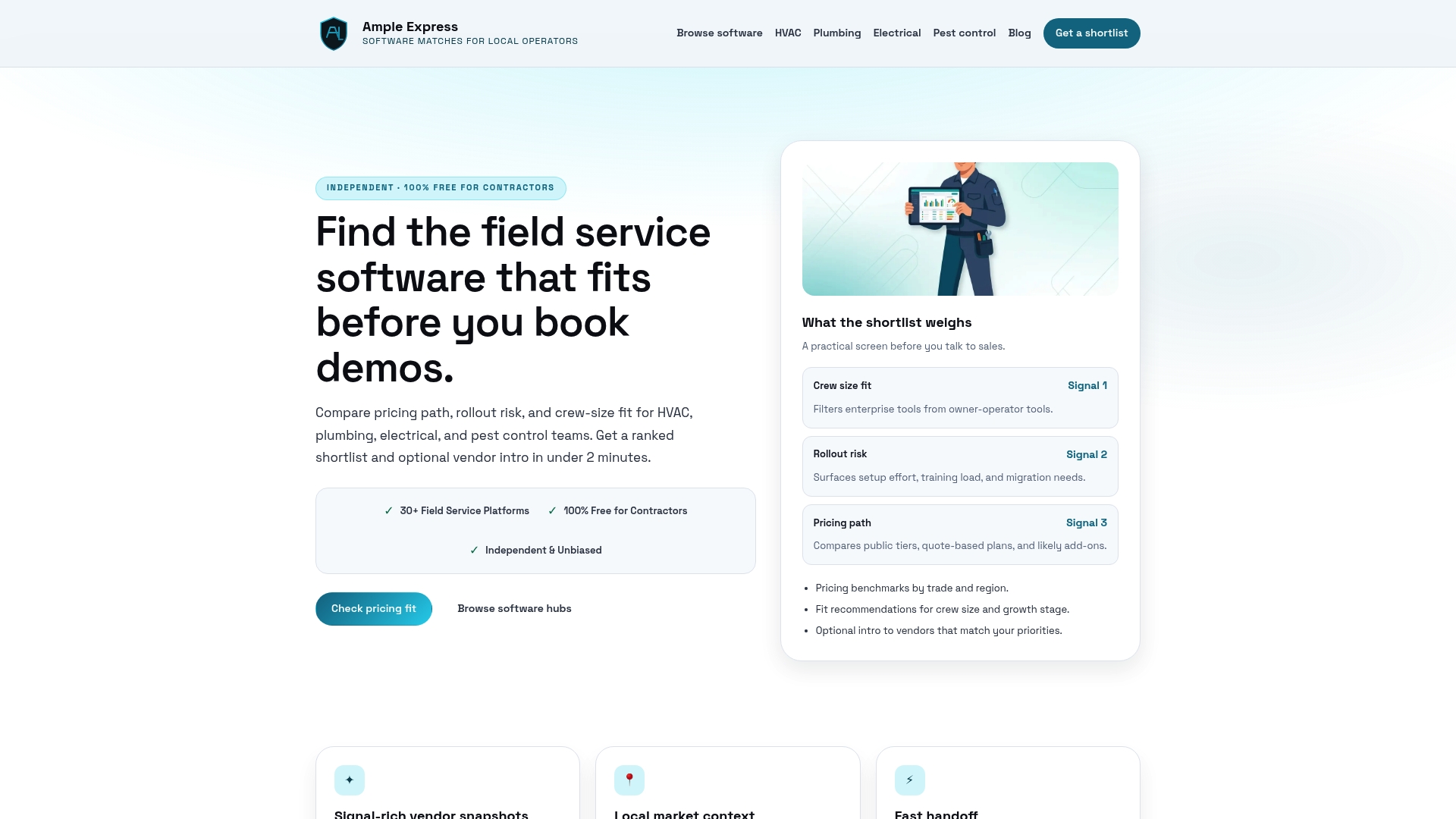
Find the right software fit for your HVAC, plumbing, electrical, or pest control business. Submit your details now and compare options with local pricing and operational risk data to schedule vendor demos that save time and reduce rollout headaches.
## FAQ
#### How does Ampleexpress help in narrowing down software options for contractors?
Ampleexpress simplifies the vendor selection process by offering automated shortlisting that matches vendors to crew size and local pricing signals. This feature allows contractors to quickly obtain a focused vendor list tailored to their operational needs. You can start generating your shortlist without sales pressure or unnecessary vendor calls.
#### What is the difference between FieldPulse and Ampleexpress?
FieldPulse excels in providing an all-in-one platform that combines scheduling, dispatching, and mobile job management, making it a strong fit for teams requiring extensive features in a single tool. Ampleexpress, on the other hand, is ideal for contractors who prefer a data-first approach to narrow down software options before engaging in vendor demonstrations. This ensures you have localized market data to consider before diving into software selection.
#### Which platform offers detailed job management and mobile capabilities?
FieldPulse provides centralized job management and a mobile app for field teams, allowing them to manage their workload effectively. While Ampleexpress focuses on creating a shortlist and providing localized insights for vendor comparison, FieldPulse is more suitable for teams looking for integrated job and dispatch management. For those needing upfront efficiency, FieldPulse might be a critical option to evaluate.
#### Can I expect transparent pricing from Ampleexpress when looking for software alternatives?
Ampleexpress is free for contractors, eliminating evaluation costs and allowing you to generate a shortlist without any sales pressure. This transparency in the initial stages helps you focus on making informed decisions about your software needs.
#### Does Workever support offline functionality for field teams?
Yes, Workever includes a mobile app that supports offline work for field teams, enabling them to capture important data regardless of connectivity. While Ampleexpress does not provide a mobile solution itself, it helps identify other platforms, like Workever, that cater to this specific need.
## Recommended
- [Service Fusion](https://ampleexpress.com/vendors/service-fusion)
- [Get a Pest Control software shortlist](https://ampleexpress.com/compare?trade=pest-control#lead-capture)
- [Pest Control field service software](https://ampleexpress.com/field-service-software/pest-control)
- [Field service software by trade](https://ampleexpress.com/field-service-software)
- [Top 5 Service Fusion Alternatives in 2026 | Ample Express](https://ampleexpress.com/blog/servicefusion-com-alternatives-5)
- [Top 5 fieldroutes.com Alternatives for Field Service Management 2026](https://ampleexpress.com/blog/fieldroutes-com-alternatives-5)
- [Top 6 MrTask.com Alternatives for 2026 | Ample Express](https://ampleexpress.com/blog/mrtask-com-alternatives-6)
- [Best Field Service Software Shortlist | Ample Express](https://ampleexpress.com)