
Top 5 Service Fusion Alternatives in 2026
Compare Service Fusion alternatives for field service contractors by dispatch fit, pricing, mobile workflows, pest control support, and rollout effort.
June 1, 2026
Article

Finding field service software that matches both your trade and crew size without a vendor pushing one-size-fits-all demos frustrates many contractor teams. Most providers either lock key workflows behind opaque pricing or require a sales call before you can preview true operational fit and local support options. This comparison shows where each alternative stands on trade customization, pricing transparency, and rollout complexity so you can confidently pick the right platform for your business needs.
Table of Contents
Ample Express
At a Glance
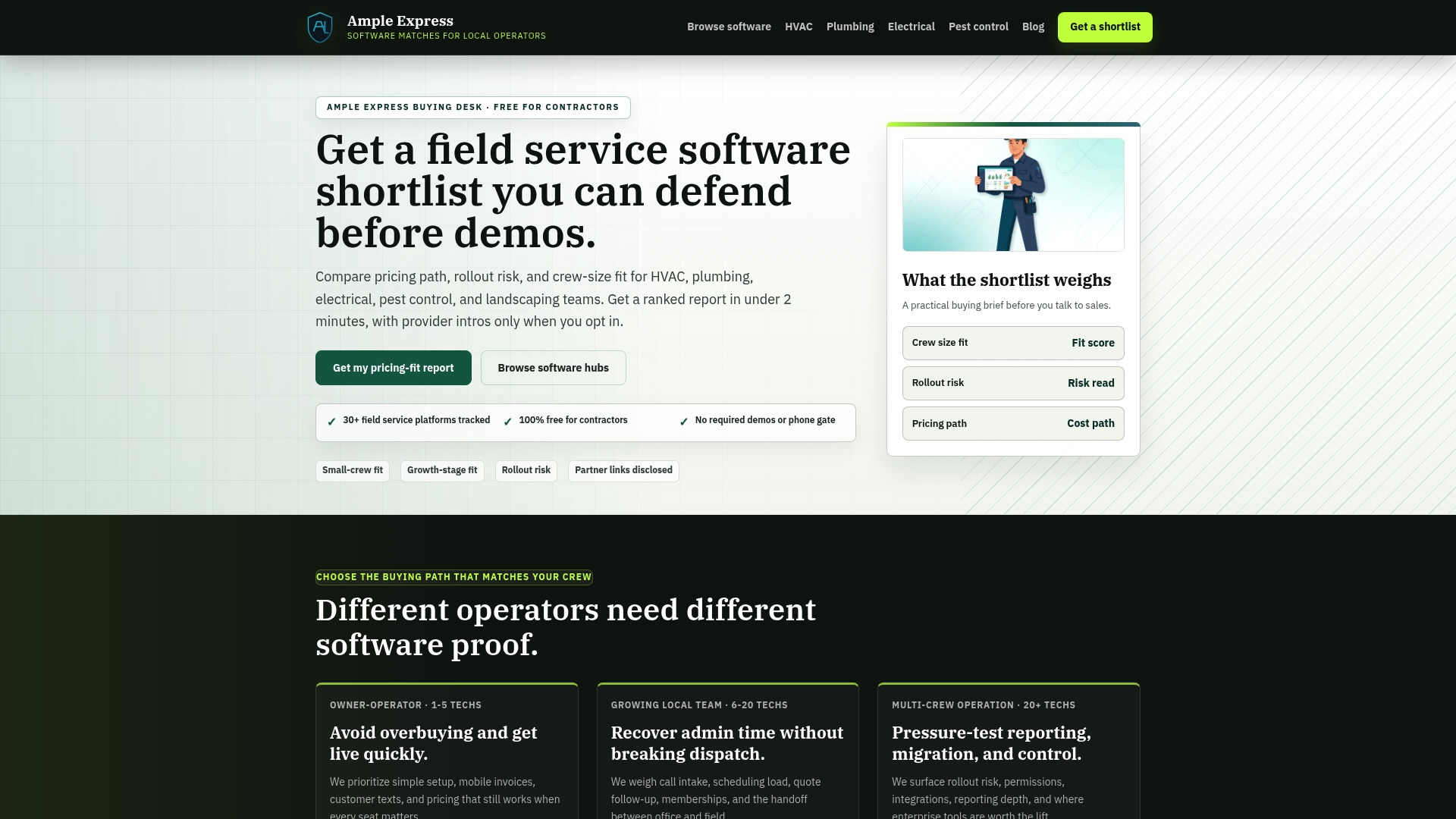
The vendor reports it tracks over 120 platforms, then distills those options into trade-focused shortlists and regional benchmarks for contractors. The service is free for contractors and emphasizes vendor neutrality and operator-led research over vendor demos.
Core Features
- Personalized shortlists in under 2 minutes tailored to trade, crew size, and region.
- Data-driven ROI and fit scoring that ranks platforms against local pricing benchmarks and crew size trends.
- Market insights and regional benchmarking that highlight pricing paths and rollout risk for the target market.
Ample Express specializes in matching field service contractors — HVAC, plumbing, electrical, and pest control — with software choices aligned to crew size and operational needs.
Key Differentiator
The product’s backbone is operator-led, vendor-neutral research paired with documented scoring and methodology. The research approach is run by practitioners rather than sales teams, which shapes recommendations around operational fit instead of vendor feature lists.
Pros
- Independent guidance removes vendor pressure. The service frames choices around real trade workflows instead of marketing decks.
- The data analysis pulls across many platforms, giving you comparative scoring rather than a single recommendation.
- Operator-led research brings practical insights from people who have deployed or run trades, so shortlists reflect common rollout hiccups and crew workflows.
- The platform is free for contractors and uses a transparent methodology, making it low risk to test and compare options before talking to vendors.
- Frequent updates to the dataset keep recommendations aligned with shifting local pricing and product changes, which matters for fast-moving regional markets.
Cons
- Relies on publicly available sources and the vendor’s data gathering; proprietary product features and private pricing negotiations may be missed.
Who It's For
Contractors and service business owners in trades such as HVAC, plumbing, electrical, and pest control who want an unbiased, evidence-based starting point for software selection. It fits owners who prioritize operational fit, regional pricing visibility, and a quick shortlist over hands-on vendor trialing.
Unique Value Proposition
The vendor advertises a ranked shortlist of over 30 field service software options, annotated with pricing paths, rollout risk, and a fit score. That shortlist turns vendor evaluation from an open-ended project into a defensible checklist you can share with partners or lenders when budgeting a rollout.
Because Ample Express ties recommendations to local benchmarks and crew size trends, you get a shortlist that speaks directly to your market rather than a generic top-10 list.
Real World Use Case
A plumbing contractor in Chicago used the service to compare regional pricing, trade-specific features, and crew-size fit. The result was a three-option shortlist with estimated ROI and a predicted rollout timeline, which shortened procurement time and reduced costly pilot experiments.
Website: https://ampleexpress.com
FieldServio
At a Glance
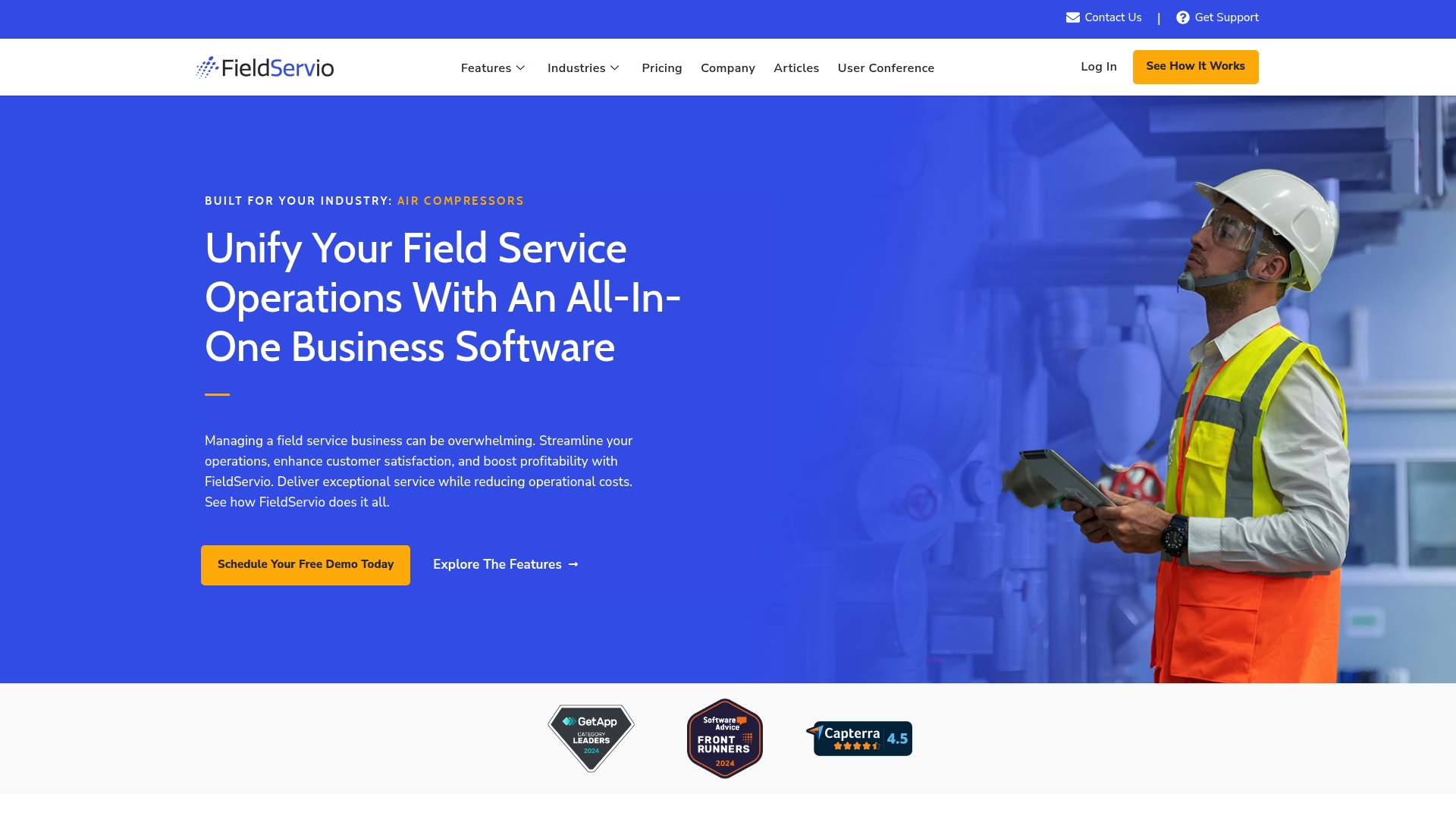
Built for industrial equipment distributors, FieldServio bundles service management, inventory, accounting, contracts, sales, rental fleet, and technician support into a single ERP-like system. The vendor positions those industry-specific modules as a replacement for multiple disjointed systems rather than a collection of point apps.
Core Features
- Service Management: Work order lifecycle, dispatch, and service history captured in one place.
- Field Technician Mobile App: Technician access to job details, digital checklists, and signatures while on site.
- Inventory Management: Real-time stock tracking and reorder signals tied to service parts usage.
- Accounting and financials that link invoices to service and contract billing.
- Contract management that automates agreements, customer sign-off, and billing triggers.
Key Differentiator
FieldServio focuses on industrial sectors such as compressors, generators, forklifts, and boilers and packages vertical workflows into the core product. That industry tilt means common processes for equipment rental, preventive maintenance, and lifecycle billing are prebuilt rather than patched together with add-ons.
Pros
- The all in one scope reduces tool sprawl for teams that manage rental fleets and heavy equipment. Consolidation lowers reconciliation work between service, parts, and finance.
- The vendor reports high customer satisfaction and ongoing product enhancements, which suggests active support and feature updates.
- Mobile tools give technicians offline job access and digital checklists, cutting paper and accelerating on-site closeout.
- Contract billing tied to service and accounting improves invoicing cadence and can shorten days sales outstanding for service-heavy businesses.
- Industry-focused templates shorten time to value for distributors that already follow standard maintenance and rental workflows.
Cons
- Implementation can be complex for very small or simple operations; the product assumes multi-module processes and will require configuration and training.
- The vendor does not publish standard pricing, so budget planning requires a direct quote and a conversation about modules and scale.
- Independent third-party reviews and benchmarks are limited, so external validation of long term outcomes is sparse.
When It May Not Fit
If your field crew is a small residential contractor or a single-truck operation, FieldServio’s multi-module ERP approach may be more overhead than benefit. Teams that need transparent self-service pricing or a frictionless trial before talking to sales will find the vendor’s quote-first model inconvenient.
Notable Integrations
- Avalara for tax compliance and automated tax calculation on invoices and rental charges.
Who It's For
Industrial service providers, equipment rental companies, and distributors that manage preventive maintenance, parts inventory, and contract billing at scale. Best for organizations that want a single vendor to handle operations and financials across service and rental lines.
Real World Use Case
An equipment rental firm consolidated dispatch, parts inventory, and billing into FieldServio. Technicians receive jobs on the mobile app, parts are drawn from monitored stock levels, and invoices flow automatically from completed work orders, reducing manual reconciliation and accelerating payment cycles.
Pricing
FieldServio does not list prices publicly. The vendor supplies custom quotes based on modules, user counts, and integration needs, so plan to request a tailored proposal and ask about implementation and ongoing support fees.
Website: https://fieldservio.com
FieldEquip
At a Glance
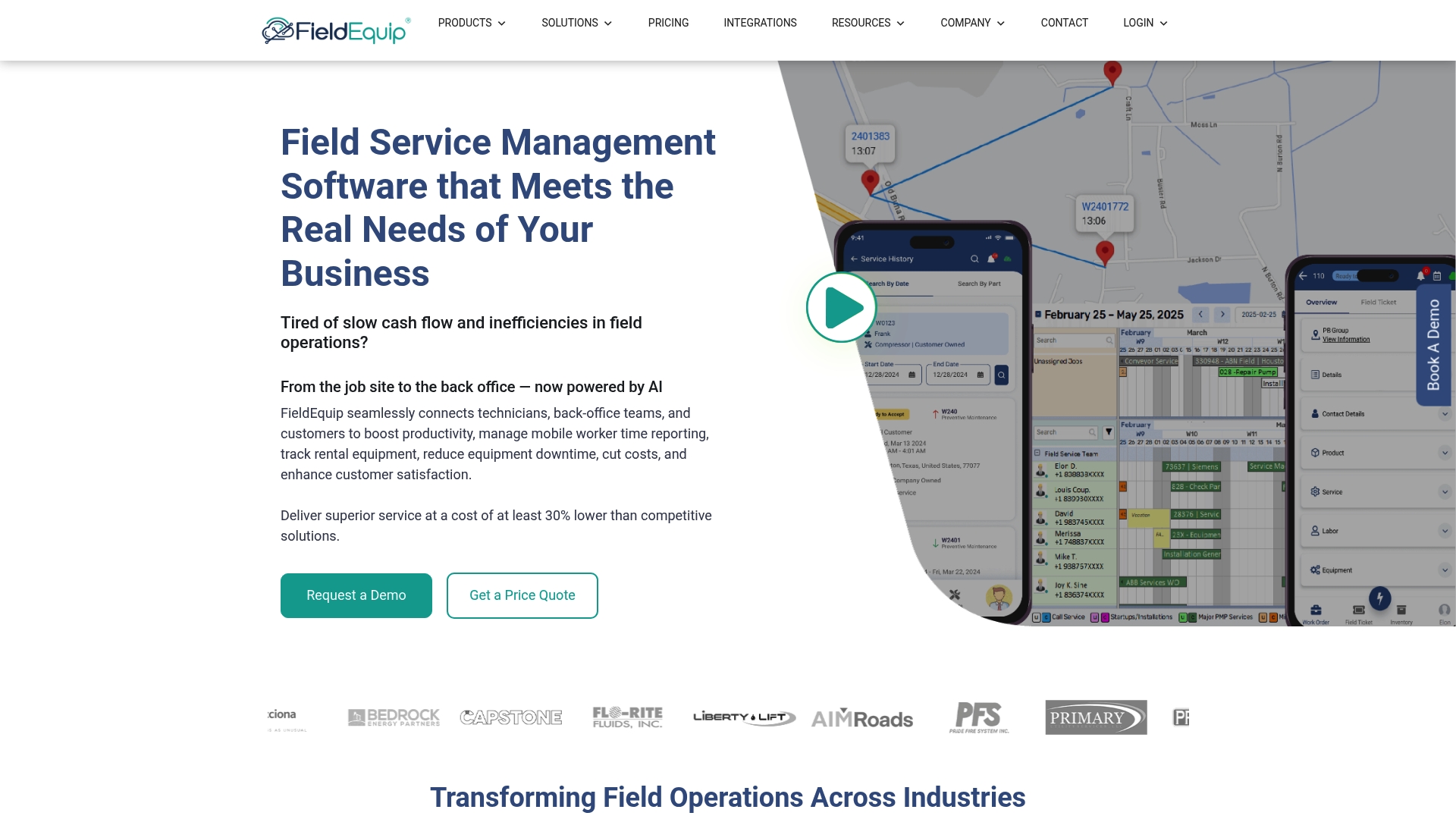
FieldNote AI generates professional work notes automatically from field inputs, cutting manual reporting time for technicians. According to the company, FieldEquip holds SOC 2 Type 2 certification and positions that security posture alongside industry customization and long term support.
Core Features
- Work order management available on mobile and web for online and offline use.
- Automated scheduling and dispatching with configurable rules to match crew skills and geography.
- Real time asset and equipment tracking plus IoT and predictive maintenance analytics for longer run intervals.
- Customer self service portals, error free invoicing, and dashboards for KPI monitoring.
Key Differentiator
The product stands out for AI driven automation, with FieldNote AI turning voice and sensor inputs into structured work notes and reports. That automation paired with real time IoT integration is aimed at reducing admin overhead and surfacing maintenance needs before failure.
Pros
- High level of customization for industry specific workflows allows operations teams to adapt templates for oil and gas, construction, or rental fleets without rebuilding core logic.
- Strong integration paths with enterprise systems reduce duplicate data entry when you already run SAP or Microsoft Dynamics 365.
- Mobile first design supports offline data capture so field crews keep working in low connectivity and sync automatically when back online.
- Dedicated support for implementation and long term support helps tackle the typical integration and training lift for large deployments.
- Scalability from small teams to enterprise operations makes it possible to grow without swapping platforms mid rollout.
Cons
- Setup and integration are complex; the platform often requires dedicated IT resources or an implementation partner to map ERP and asset models correctly.
- Pricing is tailored and likely higher for smaller teams with simple needs, which can place it out of reach for single office operations.
- Third party reviews and customer feedback listed by vendors highlight potential friction during initial configuration and data migration.
When It May Not Fit
If you run a small service crew with basic scheduling and occasional invoicing, FieldEquip is probably overbuilt and costly. Organizations without internal IT or implementation budget will struggle with the integration and customization phases. If you need a lightweight, out of the box scheduling tool, look elsewhere.
Notable Integrations
- Microsoft Dynamics 365
- QuickBooks
- SAP
- Infor ERP
- Sage
- Viewpoint Vista
- KPA EHS
- ShipXpress
Who It's For
Mid to large enterprises in oil and gas, industrial services, construction, and utilities that need configurable field operations, deep ERP connectivity, and AI assisted reporting. Best when you have IT capacity or a rollout budget for integration.
Real World Use Case
A regional oilfield services company automates work order flows, connects rig telemetry via IoT, and uses predictive maintenance analytics to schedule interventions. Customers get real time job visibility through the portal and invoice reconciliation time falls dramatically.
Pricing
Pricing is not published and is typically custom based on deployment size, integrations, and required customization. Expect enterprise licensing and implementation fees rather than a standard per user monthly plan.
Website: https://fieldequip.com
TackPilot
At a Glance
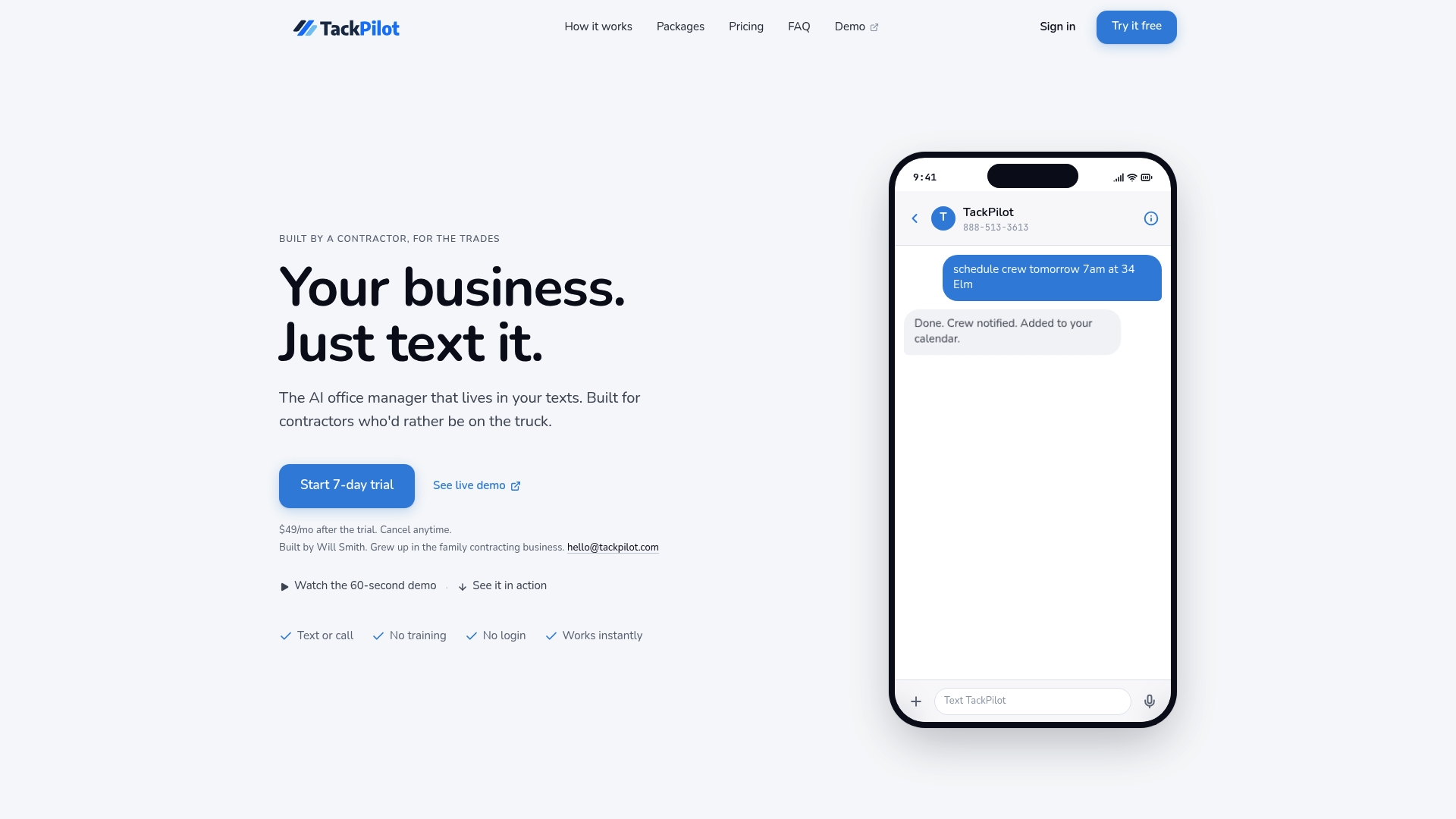
TackPilot lets contractors run core office work using simple text messages, and it offers a free trial with plans starting at $49 per month. The product pairs text-based AI agents with a web dashboard so crews can stay in the field while administrative tasks happen by message.
Core Features
- Text-based communication with AI agents that accept commands and respond like an office assistant.
- Automatic scheduling and crew notifications routed by text to technicians and office staff.
- Estimate drafting from site photos so quotes start from images rather than forms.
- Invoice and payment processing via Stripe and QuickBooks for payments and accounting sync.
- Job and contact management available in a web dashboard for oversight and record keeping.
Key Differentiator
The standout is the text-first workflow: TackPilot is built so you can run scheduling, invoicing, follow ups, and basic quoting without downloading an app or learning menus. That focus narrows the audience compared with full-featured field service suites and favors crews that want minimal office interaction.
Pros
- Contractors can keep working on rooftops and driveways because the system accepts plain text commands rather than forcing an app install.
- Automates repetitive tasks such as follow ups, crew alerts, and invoice creation, which reduces the time spent on phone tag and email threads.
- Trade-specific AI agents are available for workflows tuned to particular trades, helping estimates and messages feel relevant to the job type.
- No app installation or training required lowers the onboarding barrier for crews that dislike new software.
- Affordable pricing with a low entry point and a trial makes it simple to test with one crew before expanding.
Cons
- The tool is aimed at small to mid-sized contractors; buyer reviews indicate it is not a replacement for enterprise-grade systems.
- Core functionality in the basic plan is limited; trade-specific agents and more advanced automation sit behind the Operator package at higher cost.
- Some automated outputs still need manual review, so a hands-off, zero-audit workflow is not realistic for every contractor.
When It May Not Fit
If you run a large multi-branch operation with complex routing, heavy resource planning, or strict enterprise security requirements, TackPilot will likely feel narrow. Teams that require native multiuser permission granularity or built-in advanced reporting should look elsewhere. Also plan for reliable internet access for the dashboard integrations.
Notable Integrations
- Stripe for payment processing.
- QuickBooks for accounting sync.
- Google Calendar for scheduling visibility.
- Outlook Calendar for calendar sync and crew availability.
Who It's For
Small to mid-sized trade contractors who prefer handling business via text messages and want to offload routine administrative tasks to a conversational assistant. Ideal for teams that do not want to train on complex software and who prioritize field time over office time.
Real World Use Case
A roofing contractor texts a photo and request to TackPilot. The AI drafts an estimate, schedules the crew on the calendar, sends the crew a text with the address, and creates an invoice that posts to QuickBooks after payment clears via Stripe. The owner stays on site while the office work completes by message.
Pricing
Plans start at $49 per month for the Solo plan. The Operator package is listed at $399 per month and includes up to six AI agents for trade-specific workflows. A free trial is available to validate the text-driven workflow before committing.
Website: https://tackpilot.com
FieldPie
At a Glance
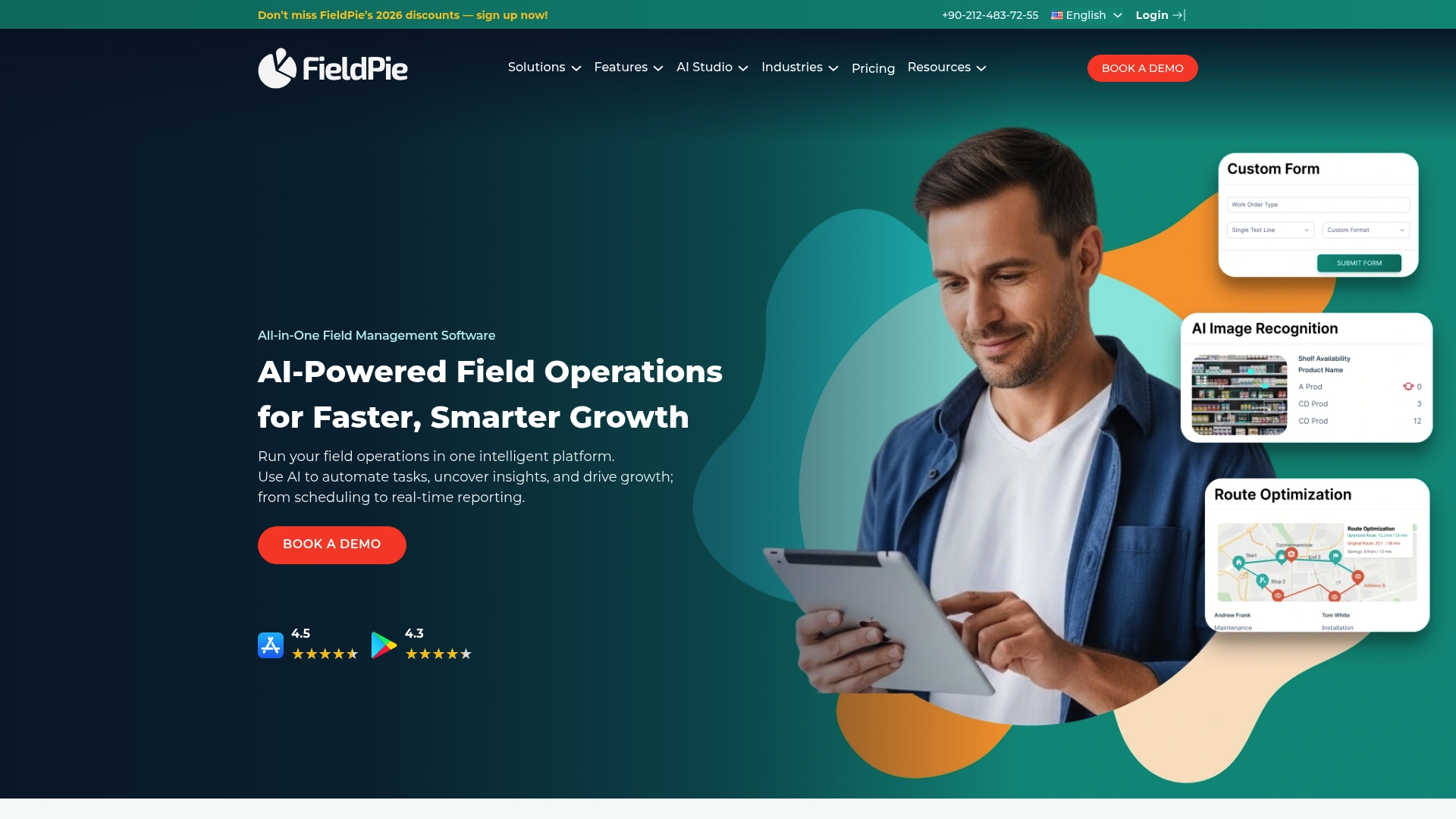
FieldPie reports being trusted by over 2,000 professionals. It combines AI route optimization and image recognition with offline mobile forms to support sales, service, merchandising, inventory, and compliance workflows in one app.
Core Features
FieldPie centralizes field activity tracking, quoting, invoicing, and CRM while adding AI tools for planning and analysis.
- Lead generation tied to website and campaign data with follow-up automation.
- Professional quoting with online approvals and automated invoicing that connects to accounting.
- AI route and schedule optimization plus GPS job management for field crews.
- Custom mobile forms, photo capture, signatures, offline mode, and real-time dashboards.
- Workflow automation for approvals, alerts, and customer notifications via email and SMS.
Key Differentiator
The product’s standout is its focus on AI-driven automation across multiple field tasks. FieldPie merges route optimization, image recognition, and automated follow ups so one platform covers prospecting, execution, and compliance instead of stitching three separate tools together.
Pros
- Intuitive interface that reduces day one friction for crew members entering job data on mobile devices.
- Powerful AI tools that plan routes and reduce drive time, which lowers fuel and labor hours on recurring rounds.
- Direct connections to finance and comms platforms such as QuickBooks and SendGrid make billing and notifications less manual.
- Offline data collection keeps crews productive in basements, remote sites, and stores with poor reception.
- Industry templates and customization let merchandising, maintenance, and inspection teams adapt forms and workflows quickly.
Cons
- Pricing is not published, which creates uncertainty for small teams comparing monthly budgets and total cost of ownership.
- Advanced features have a learning curve; some users report extra training is required to get full value from AI and automation rules.
- Setup depends heavily on integrations and initial configuration, which can be time consuming for organizations without an IT resource.
- Limited public detail about long term support and onboarding makes it harder to plan vendor handoffs.
When It May Not Fit
FieldPie may not be a good match for very small contractors with minimal tech experience or single-operator businesses that need transparent per-user pricing. It also fits poorly for teams that want a plug and play solution with no integration work or for shops that cannot allocate time for setup and training.
Notable Integrations
FieldPie lists direct connections that cover accounting, communications, and payments.
- QuickBooks for financial sync.
- SendGrid for email delivery and notifications.
- Stripe for payment processing.
- Logo (brand logos) noted for branded assets and templates.
Who It's For
Mid-sized to large organizations that need a unified field operations system with AI planning and strong data capture. Good for retailers, service networks, and operations teams that run scheduled routes and have the staff to manage rollout.
Real World Use Case
A retail chain uses FieldPie to confirm shelf compliance, route mobile merchandisers, automate inspection reports, and trigger invoices after photo-verified visits. Managers get daily dashboards and automated alerts when stores fall out of compliance.
Pricing
FieldPie does not publish standard tiers. Pricing appears to be custom based on scale and feature scope, which means you will likely need a demo and quote to get a firm number. That model tends to favor mid-size and larger buyers.
Website: https://fieldpie.com
Comparative Analysis
Making informed choices in field service management solutions requires examining diverse offerings. Below is a detailed comparative assessment of key platforms, highlighting their distinct strengths and scenarios where they excel.
Data Transparency and Customization Levels
Ample Express stands out for its operator-led research methodology, which provides a neutral and data-driven perspective tailored to trade-specific workflows. However, FieldServio offers highly integrated modules for inventory, contracts, and financials, which suit industrial equipment distributors requiring a unified system for operational management. In terms of flexible operational workflows, FieldEquip excels with extensive customization options and deep integration capabilities with enterprise resource planning solutions, making it an excellent choice for large-scale operations requiring tailored configurations.
Accessibility and Target Market Appropriateness
While TackPilot provides a straightforward text-based user interface tailored to small to mid-sized contractors for streamlined administrative functionality, FieldPie focuses on AI-driven tools for route optimization and sales planning, which appeals to mid-sized and large organizations with mobile teams requiring insights into logistics and lead generations. The contrasting scalability between these options underscores the importance of aligning feature availability with business size and complexity.
Best Fit
- If you value impartial, data-driven vendor recommendations tailored to your trade's specific and regional needs, choose Ample Express.
- For industrial service providers desiring a consolidated system for equipment or rental operations' financial and operational management, opt for FieldServio.
- Large enterprises prioritizing ERP integrations and AI-enhanced scheduling benefit greatly from FieldEquip.
- Contractors operating small-scale teams managing office operations via text messaging should explore TackPilot.
- Companies desiring AI-driven logistics and an emphasis on compliance workflows should consider FieldPie.
Our Pick
For trade-focused contractors needing a transparent, unbiased software selection process, Ample Express emerges as the preferred choice. Its vendor-neutral, operator-focused methodology, coupled with region-specific benchmarking and scoring, ensures a more tailored and relevant selection process. However, those seeking an all-encompassing enterprise resource management system or highly specialized industrial equipment features might find FieldServio or FieldEquip to be more aligned with their needs.
Field Service Software Comparison
Selecting the best field service software depends on operational fit, pricing, and unique features that address specific industry needs. The following table compares notable solutions to help inform your decision.
| Product | Core Feature | Key Differentiator | Best For | Pricing | Notable Limitation |
|---|---|---|---|---|---|
| Ample Express | Personalized shortlists and ROI-fit scoring | Vendor-neutral, operator-led research | Contractors in HVAC, plumbing, electrical | Not disclosed | Relies on public sources for proprietary features and prices |
| FieldServio | ERP for service and inventory management | Industry-focused modules for equipment distributors | Industrial distributors needing multi-module ERP | Not disclosed | Initial setup complexity for small operations |
| FieldEquip | IoT predictive maintenance and AI-driven notes | FieldNote AI for automated field reporting | Oil, gas, and construction enterprises | Not disclosed | High implementation costs for smaller teams |
| TackPilot | Text-based scheduling and invoicing | Minimal office interaction through AI text workflows | Small to mid-sized contractors | Starts at $49/mo | May lack advanced reporting or enterprise readiness |
| FieldPie | Mobile forms, AI route planning, and CRM | AI-driven automation across field tasks | Mid to large organizations with scheduled routes | Not disclosed | Learning curve for advanced features |
Find the Best Service Fusion Alternatives with Confidence
Choosing the right field service software can feel overwhelming when faced with so many options and hidden pricing models. This article highlights the common challenge of comparing platforms like Service Fusion without biased vendor influence or unclear rollout risks. If you want to skip the guesswork and find solutions tailored to your trade, crew size, and regional market context, Ample Express offers exactly that. Our platform delivers a ranked shortlist of over 30 software choices backed by operator-led, unbiased research and local pricing benchmarks.

Discover software that fits your operational needs and budget with Ample Express. Compare personalized shortlists, understand rollout risks, and make informed decisions that save time and reduce costly trial and error. Visit https://ampleexpress.com and generate your customized field service software shortlist in under two minutes today.
Frequently Asked Questions
#### How does Ample Express help contractors quickly find software options?
Ample Express provides personalized shortlists in under 2 minutes tailored to trade, crew size, and region. This feature allows contractors to quickly identify software choices that fit their specific operational needs. Contractors can expect swift access to relevant options, reducing the time spent on software selection.
#### What is the difference between Ample Express and FieldServio?
FieldServio excels in bundling multiple service management functions into an ERP-like system specifically for industrial equipment distributors. In contrast, Ample Express offers vendor-neutral recommendations based on operator-led research, ideal for contractors seeking independent guidance for field service software. Organizations looking for a tailored ERP solution might prefer FieldServio, while those wanting unbiased options will benefit from Ample Express’s offerings.
#### Which platform provides automated comparative scoring for service options?
Ample Express utilizes data-driven ROI and fit scoring to rank platforms against local pricing benchmarks and crew size trends. This analytical feature enables contractors to see how different software options align with their business needs. Expect a straightforward comparative view that guides informed decision-making.
#### Can I use Ample Express if I am a small operation?
Ample Express is well-suited for small contractors, as it provides free access to software comparisons without the pressure of vendor demos. The operator-led research is particularly beneficial for smaller teams looking for tailored solutions that fit their workflows. Small businesses can start exploring options without a significant investment.
#### What key update frequency should I expect from Ample Express's recommendations?
Ample Express frequently updates its dataset to keep recommendations aligned with shifting local pricing and product changes. This ensures that contractors receive the most relevant and timely information for decision-making. Anticipate regular adjustments to recommendations reflecting current market conditions.
Recommended
- Best Housecall Pro Alternatives for HVAC Teams (2026) | Ample Express
- Service Fusion pricing guide for electrical companies | Ample Express
- Best Field Service Software Shortlist | Ample Express
- Field Service Growth Blog | Ample Express