
Free Trial Plumbing Field Service Tools: 2026 Guide
Discover the top free trial plumbing field service tools of 2026. Test essential features like scheduling and invoicing at no cost before you buy.
July 17, 2026
Article
Free trial plumbing field service tools are software platforms that let plumbers and small service businesses test professional scheduling, dispatch, invoicing, and customer management features at no cost before buying. The industry term for this software category is field service management (FSM) software. Trials give you a real look at how a platform handles your actual workload, not just a polished sales demo. Ampleexpress has evaluated over 30 FSM platforms and consistently finds that plumbers who run structured trials make better purchase decisions than those who buy on feature lists alone.
What are free trial plumbing field service tools and how do they work?
Free trial plumbing field service tools give you full or partial access to an FSM platform for a set period, typically without requiring a credit card. Trial durations range from 14 to 55 days, with 14 days being the most common. That window is enough to run real jobs through the system if you set it up correctly from day one. The goal is not to browse features. The goal is to simulate a live work day under realistic business conditions.
Most FSM platforms also offer a free plumbing software demo alongside the trial. Demos are vendor-led walkthroughs that show you the platform's best features. Trials are self-directed and reveal how the software actually performs when you are dispatching three techs at once or invoicing a customer on-site. You need both to make a confident decision.
How to quickly set up a plumbing service software trial
Speed matters at setup. Initial setup takes 10–15 minutes on a well-designed platform. If you spend more than 20 minutes just getting started, that complexity will slow your field crew down every day.
Follow these steps to get a trial running fast:
- Create your account. Most providers do not require a credit card to start. Enter your business name, service area, and crew size. Skip optional fields for now.
- Import your contacts. Upload your customer list as a CSV file. Most platforms accept standard CSV format. This step alone tells you how well the software handles your existing data.
- Configure your service library. Add your most common job types and pricing. Setting up your service pricing library early lets you test real quoting and invoicing workflows instead of placeholder data.
- Set up your schedule. Add your techs, assign territories or zip codes, and create two or three test jobs. Run a dispatch to see how the calendar and map view respond.
- Download the mobile app. Install it on the phone your tech actually uses. Log in and complete one test job from start to finish, including the invoice.
Pro Tip: Request a guided onboarding call before you start the trial. Demos with guided support cut trial-and-error setup time by 2–3 hours and reveal whether the vendor understands plumbing-specific workflows like permit tracking and parts standardization.
One common pitfall: skipping the mobile app test. Plumbers often set up the desktop version and declare the trial a success without ever opening the field app. That is the wrong order. Your techs live in the mobile app, not the back office.
What features and workflows should you test during the trial?
The trial period is your chance to stress-test the platform against real plumbing scenarios. Do not just click through menus. Run actual workflows.
Key areas to test:
- Scheduling and dispatch. Book five jobs in one day across two techs. Check for scheduling conflicts, drag-and-drop rescheduling, and real-time GPS updates.
- Mobile app usability. Have your field tech complete a job entirely from their phone: accept the job, capture photos, add parts, and send the invoice. If they struggle, your crew will struggle daily.
- On-site invoicing. Create an invoice in the field and collect a payment. Verify the invoice reaches the customer by email within seconds.
- Customer communication. Test automated appointment reminders and job completion notifications. Confirm the messages look professional and arrive on time.
- Data import and export. Upload a customer list and then export it as a CSV. Confirming CSV export during the trial prevents vendor lock-in later.
- Offline functionality. Test the mobile app in a basement or low-signal area. Offline data capture and syncing is critical for plumbing jobs in crawl spaces and underground utility rooms.
- Automation. Set up one automated follow-up message or review request. Automation that works during the trial will save hours each week after you subscribe. You can learn more about what to expect from automated billing features before you start testing.
Pro Tip: Prioritize mobile-first platforms for field crew adoption. A feature-heavy platform your techs refuse to use is worse than a simple one they use every day.
Comparing trial models: what type of trial fits your business?
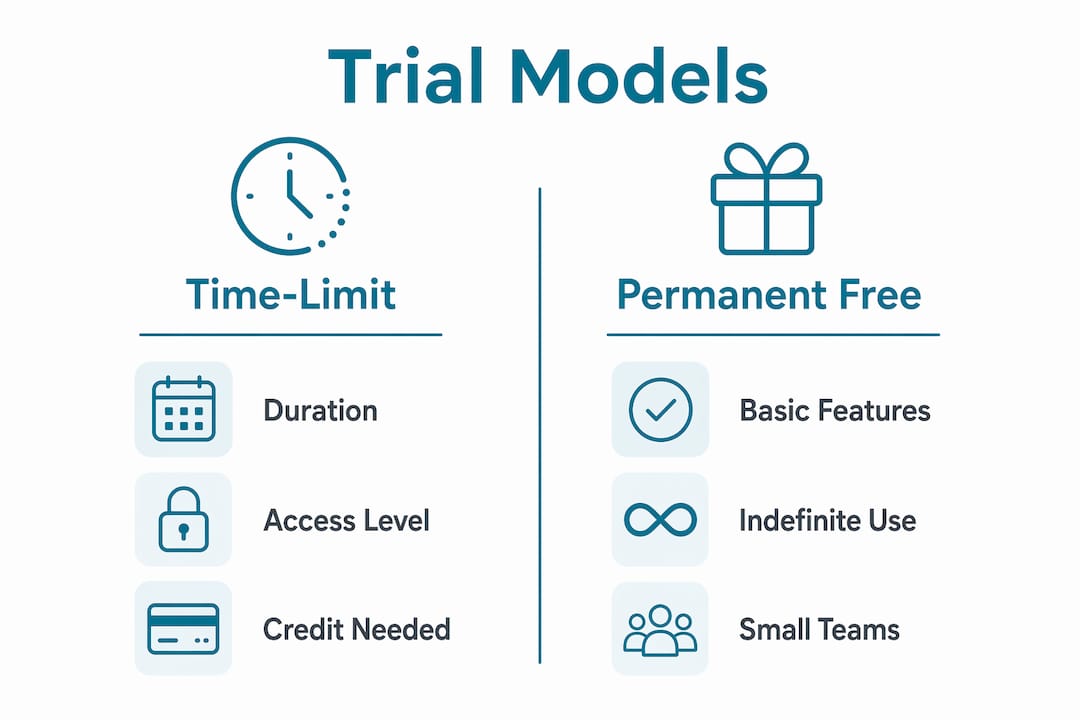
Not all plumbing tool trial versions work the same way. The format of the trial affects what you can test and how much pressure you feel to commit.
| Trial model | Duration | Access level | Credit card required | Best for |
|---|---|---|---|---|
| Time-limited full access | 14–30 days | All features | Usually no | Most plumbing businesses |
| Extended trial | Up to 55 days | All or most features | Sometimes | Larger crews needing longer evaluation |
| Permanent free tier | Indefinite | Basic features only | No | Solo operators or 1–2 user teams |
| Demo plus trial | 14–30 days | Full access with support | Usually no | First-time FSM buyers |
Permanent free tiers exist for solo operators or very small teams. They cover basic scheduling and invoicing indefinitely, which works if you run fewer than five jobs a week. For any crew with two or more techs, a time-limited full-access trial gives you a more accurate picture of how the platform performs under real load.
Pay attention to what happens when the trial ends. Accounts may be suspended or downgraded if you do not enter payment information before the deadline. Export your test data before the trial closes, regardless of whether you plan to subscribe.
Self-hosted or open-source field service tools eliminate subscription costs entirely, but they require significant technical maintenance. For most plumbing businesses, a SaaS trial is the faster and lower-risk path.
How to evaluate trial results and decide if the tool fits
A trial without a structured evaluation is just a free subscription. Use this checklist to assess what you learned:
- Match results to your crew size. A solo plumber needs different features than a five-tech operation. Confirm the platform scales to your actual team, not just your growth plans.
- Assess ease of use for both field and office users. If your office manager and your lead tech both found the platform clear, that is a strong signal. If either struggled, adoption will fail.
- Test support responsiveness. Submit a support ticket during the trial. Measure how long the response takes and whether the answer is useful. Slow support during a trial means slow support after you pay.
- Verify data ownership. Confirm you can export all customer records, job history, and invoices in a standard format. This protects you if you need to switch platforms later.
- Run the trial during a busy period. Testing during high-activity periods validates scheduling and dispatch features under real pressure. A slow Tuesday tells you nothing about how the platform handles a Monday morning with six emergency calls.
- Involve your team. Get at least one field tech and one office user to give feedback. Their input reveals adoption risks you will not spot from the owner's seat.
Avoid the common mistake of focusing only on features. Simpler mobile-friendly apps consistently outperform feature-heavy platforms in real-world plumbing adoption. A platform your crew actually uses beats a platform with every feature on the checklist. For a broader view of how top-rated platforms compare, Ampleexpress maintains a current list of best plumbing field service apps ranked by crew size and fit.
Key Takeaways
The most effective way to evaluate field service management software is to run a structured trial during a busy work period, test the mobile app first, and verify data export before committing.
| Point | Details |
|---|---|
| Trial duration varies | Most trials run 14–30 days; some extend to 55 days without requiring a credit card. |
| Setup speed signals quality | If initial setup takes more than 20 minutes, the platform will slow your field crew down daily. |
| Mobile app is the priority | Test the field app before the desktop version; field tech adoption determines real-world success. |
| Verify data export early | Confirm CSV export during the trial to avoid vendor lock-in after you commit. |
| Test under real load | Run the trial during a busy period to see how scheduling and dispatch hold up under pressure. |
What I have learned from watching plumbers trial software
Most plumbers I have worked with make the same mistake: they spend the first week of a trial clicking through settings and never run a real job through the system. By day 12, they have no useful data and extend the trial or give up entirely.
The platforms that get adopted are almost never the ones with the longest feature list. They are the ones where the field tech can complete a job, send an invoice, and collect payment in under three minutes on a phone with one bar of signal. That is the bar. Everything else is secondary.
I have also seen plumbers skip the guided demo because they want to "figure it out themselves." That instinct costs them hours. A 30-minute demo with a vendor who knows plumbing operations will surface workflow gaps that take days to find on your own. If the vendor cannot speak to permit tracking, parts standardization, or multi-tech dispatch, that tells you something important about how well the platform actually serves your trade.
My strongest advice: involve your most skeptical tech in the trial from day one. If they find the mobile app usable, everyone will. If they reject it, no amount of back-office features will save the rollout.
— Blake
How Ampleexpress helps plumbers find the right software
Ampleexpress takes the guesswork out of comparing field service management software for plumbing businesses. The platform provides a ranked shortlist of over 30 FSM options, with clear notes on trial access, pricing paths, crew size fit, and rollout risk.
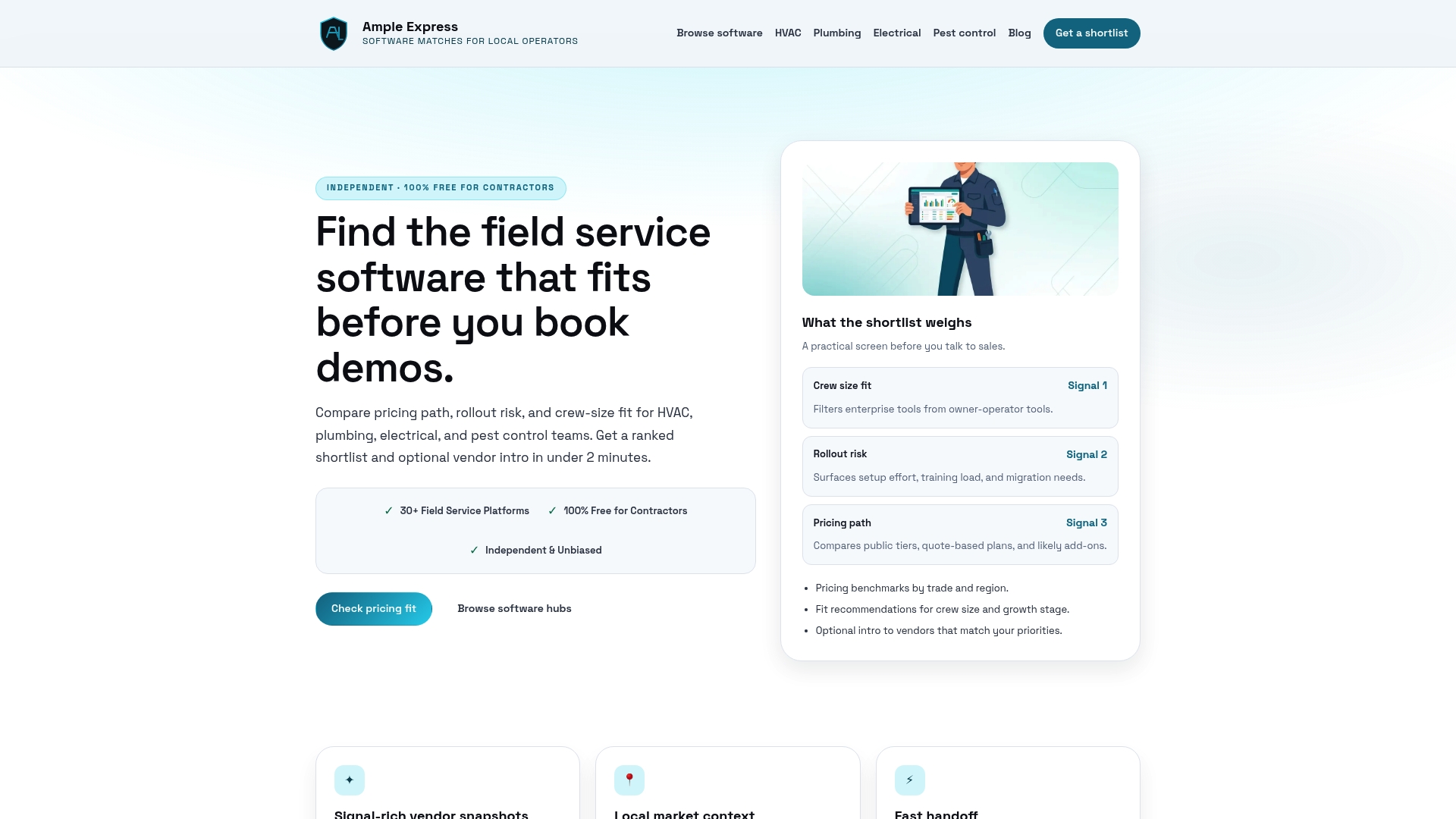
You can browse the full field service software catalog to filter by trade, crew size, and trial availability. Each listing includes a direct path to start a trial or request a demo. If you want a side-by-side view of how platforms stack up on pricing and features, the software comparison tool gives you that in minutes. Share your crew size and top priorities, and Ampleexpress will surface the options that fit your operation.
FAQ
What is the typical length of a plumbing software trial?
Most plumbing field service software trials run 14 days, though some providers offer extended trials of 30 or 55 days. The majority do not require a credit card to start.
Do free plumbing field service apps have all the features I need?
Permanently free tiers typically cover basic scheduling and invoicing for 1–2 users. Full-featured access usually requires a time-limited trial or a paid subscription.
What should I test first during a field service management tools free trial?
Test the mobile app before anything else. Have a field tech complete a full job cycle, including dispatch, parts capture, invoicing, and payment collection, on their actual phone.
How do I avoid getting locked in after a free plumbing software demo or trial?
Confirm that the platform allows CSV export of all customer and job data before the trial ends. Export a test file early to verify the feature works as expected.
Is it worth doing a guided demo before starting a trial?
Yes. A guided demo reduces setup time by 2–3 hours and reveals whether the vendor understands plumbing-specific workflows like multi-tech dispatch and on-site invoicing.