
Types of HVAC Job Management Tools for Contractors
Discover the types of HVAC job management tools that help contractors boost efficiency. Learn how to choose the right one for your business!
June 21, 2026
Article

HVAC job management tools are software platforms and applications that help contractors schedule jobs, dispatch technicians, track inventory, manage customer relationships, and process payments from a single system. The industry groups these tools into five core categories: field service management (FSM) platforms, CRM software, scheduling and dispatching tools, estimating and proposal software, and accounting integrations. Leading platforms in 2026 include ServiceTitan, Jobber, Housecall Pro, and BuildOps. Understanding the types of HVAC job management tools available, and which category fits your crew size and business model, is the fastest way to cut wasted time and reduce costly scheduling errors.
1. What are the main types of HVAC job management tools?
The core software stack for HVAC contractors covers five distinct categories, each solving a different operational problem:
- Field service management (FSM) platforms: All-in-one systems that combine scheduling, dispatch, invoicing, and reporting. ServiceTitan and Jobber are the most recognized examples.
- Customer relationship management (CRM): Tools that store customer history, equipment records, and communication logs. A strong CRM prevents repeat service calls from starting from scratch.
- Scheduling and dispatching software: Dedicated tools that assign jobs to technicians based on location, skill set, and availability. Some FSM platforms include this natively; others require a separate module.
- Proposal and estimating tools: Software that generates flat-rate quotes or custom bids. Jobber is particularly strong in this category for small shops.
- Inventory tracking systems: Tools that monitor parts on trucks and in warehouses, reducing the cost of emergency supply runs.
- Accounting and payment processing: QuickBooks Online integrates natively with most major FSM platforms and starts around $30 per month for basic plans.
These six categories form the complete HVAC software stack. Most contractors do not need all six from day one, but knowing each category helps you identify gaps in your current workflow.
2. How do HVAC job management tools vary by business size?
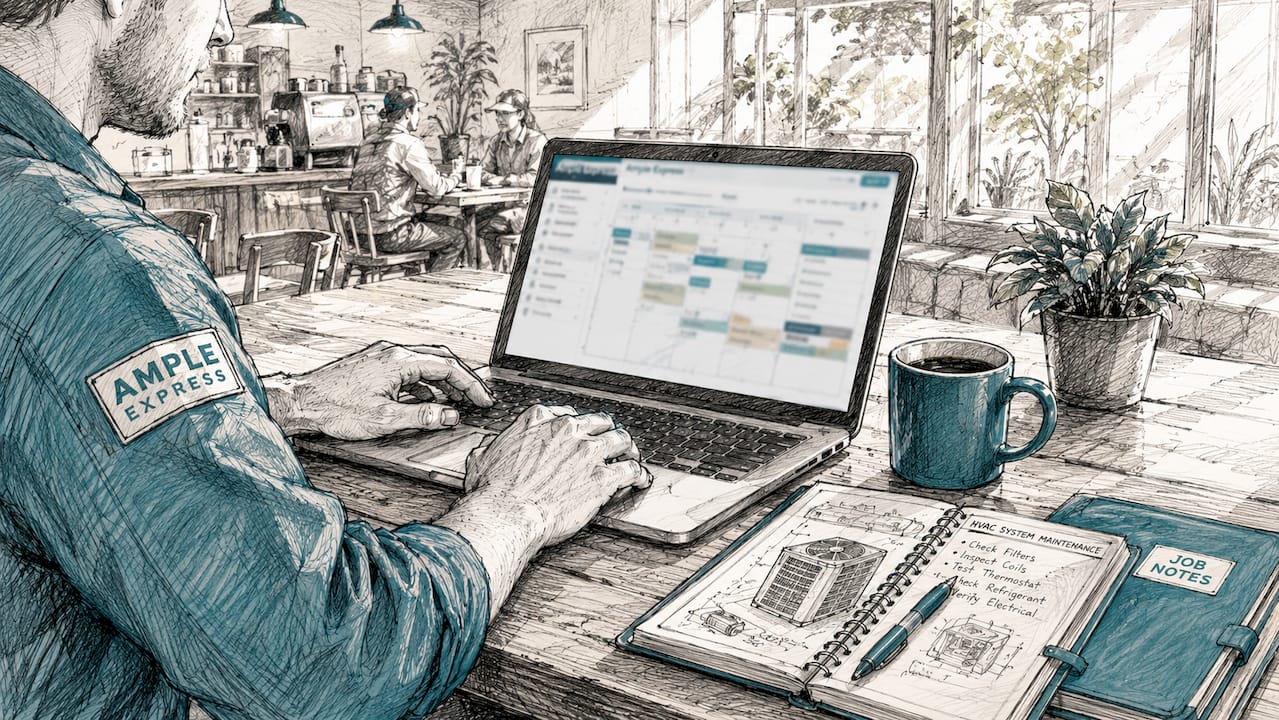
Tool selection depends heavily on crew size and job complexity. Residential vs. commercial business model is the leading factor in software satisfaction and the primary driver of software churn when the wrong tool is chosen.
Small shops with one to five technicians need speed and simplicity. Jobber starts at $49 per month and Housecall Pro at $69 per month. Both are built for fast onboarding and residential workflows. A solo operator running 8 to 10 service calls per day does not need a platform built for 50 technicians.
Mid-sized shops with 6 to 20 technicians often outgrow entry-level tools within 12 to 18 months. They need stronger dispatch logic, service agreement tracking, and reporting by technician or job type. This is where platforms like Housecall Pro's higher tiers or ServiceTitan's mid-market offering become relevant.
Enterprise contractors running 20-plus technicians across multiple locations require platforms like ServiceTitan or BuildOps. ServiceTitan holds 31% market share in enterprise HVAC software. That dominance reflects its depth of features, not its ease of use. Enterprise tools require careful workflow redesign and training before they deliver value.
3. Residential vs. commercial: why the distinction matters
Residential and commercial HVAC operations have fundamentally different software needs. Residential tools focus on fast flat-rate pricing, onsite payment collection, and customer-facing features like online booking and automated review requests. Commercial tools must handle preventive maintenance scheduling, multi-site asset tracking, and compliance documentation.
Forcing a residential tool onto a commercial maintenance contract is a documented operational risk. Mismatched software causes missed scheduled visits and revenue loss on recurring contracts. BuildOps and Field Ascend are built specifically for commercial HVAC, with work-order histories and PM checklists that residential platforms cannot replicate natively.
Pro Tip: If more than 30% of your revenue comes from commercial maintenance contracts, evaluate BuildOps or Field Ascend before defaulting to a residential platform like Jobber or Housecall Pro.
4. Key features of top HVAC service management platforms
The table below compares the most widely used HVAC management software platforms by primary strength, target business size, and starting price.
| Platform | Primary Strength | Best For | Starting Price |
|---|---|---|---|
| ServiceTitan | Full FSM stack, reporting depth | Enterprise, 20+ techs | ~$398/mo |
| Jobber | Quoting, client portal, ease of use | Small shops, 1–10 techs | $49/mo |
| Housecall Pro | Service agreements, marketing tools | Small to mid, residential | $69/mo |
| BuildOps | Commercial PM, multi-site work orders | Mid to enterprise, commercial | Not publicly listed |
| Field Ascend | Preventive maintenance, compliance docs | Commercial HVAC specialists | Not publicly listed |
ServiceTitan delivers the most complete HVAC-specific feature set, including refrigerant tracking, technician scorecards, and revenue reporting by service category. The tradeoff is cost and complexity. Entry-level software can go live within 3 to 5 days, while ServiceTitan requires months of data migration and staff training.
Jobber and Housecall Pro are the right starting point for most small residential shops. Jobber leads on quoting and proposal efficiency. Housecall Pro leads on service agreement management and built-in marketing features like automated follow-up campaigns.
Pro Tip: Request a live demo using your actual job types and customer data, not the vendor's scripted walkthrough. You will spot workflow gaps in 20 minutes that a sales call would never reveal.
5. HVAC-specific documentation: a feature most contractors underestimate
Native HVAC documentation support separates purpose-built platforms from generic FSM tools. HVAC-specific documentation such as refrigerant logs, PM checklists, and equipment service histories is a major pain point when handled through workarounds in generic software. Technicians end up doing double entry, once in the field and again at the office, which wastes time and introduces errors.
Platforms like ServiceTitan and Field Ascend build refrigerant tracking and PM documentation directly into the job workflow. A technician completes the checklist on a mobile device, and the record is attached to the asset automatically. That single feature eliminates a category of compliance risk that generic tools cannot address without custom configuration.
Mobile-first interfaces for job histories, equipment data capture, and refrigerant documentation are now a competitive standard in 2026. Any platform that requires office-based data entry after a field visit is behind the curve.
6. Job scheduling tools for HVAC: what to look for
Scheduling is where most HVAC contractors feel the most daily friction. A strong scheduling module does three things: it assigns the right technician to the right job, it accounts for drive time and parts availability, and it updates in real time when jobs run long or get canceled.
Look for drag-and-drop dispatch boards, GPS-based technician tracking, and automated customer notifications. ServiceTitan's dispatch board is the most feature-complete in the market. Jobber's scheduling is simpler but faster to learn, which matters when you are training a new office coordinator in a week.
Avoid scheduling tools that do not sync with your CRM. When a customer calls to reschedule, your dispatcher needs to see the full job history, equipment on site, and any open quotes in one view. Disconnected tools create gaps that cost you repeat business.
7. Accounting and payment integration for HVAC contractors
Accounting integration is not optional for any shop running more than 10 jobs per week. QuickBooks Online is the standard integration partner for HVAC FSM platforms. It starts around $30 per month and connects natively with Jobber, Housecall Pro, and ServiceTitan. That connection means invoices created in the field sync automatically to your books without manual re-entry.
For shops that track inventory costs by job or manage fabrication, QuickBooks' upgraded plans add class tracking and inventory valuation. This matters when you need to know the true margin on a commercial installation versus a residential tune-up.
Payment processing is built into most modern FSM platforms. Housecall Pro and Jobber both support card-on-file and instant invoicing from the field. Getting paid the same day the job closes is a cash flow advantage that paper-based invoicing cannot match.
8. What to consider when selecting HVAC management software
Choosing the wrong platform costs more than the subscription fee. It costs technician time, office hours, and the revenue lost when jobs fall through the cracks. Use this checklist before committing to any platform:
- Match complexity to crew size. A 3-technician shop does not need ServiceTitan's feature depth.
- Identify your job mix. Residential flat-rate service and commercial PM contracts need different tools.
- Budget for implementation. Enterprise tools require months of setup. Factor that time into your decision.
- Verify mobile capability. Technicians must be able to complete every job step from their phone.
- Check accounting integration. Confirm native QuickBooks Online sync before signing a contract.
- Evaluate HVAC-specific features. Refrigerant logs and PM checklists should be built in, not bolted on.
- Plan for training. Even simple platforms need 2 to 4 weeks for staff to reach full productivity.
Use the contractor software checklist from Ampleexpress to score each platform against your actual workflow before you start a trial.
Key takeaways
The right HVAC job management software is determined first by business size and second by whether your work is primarily residential or commercial.
| Point | Details |
|---|---|
| Match tool to business size | Small shops fit Jobber or Housecall Pro; enterprise operations need ServiceTitan or BuildOps. |
| Residential vs. commercial drives fit | Forcing a residential tool onto commercial contracts causes missed visits and revenue loss. |
| Implementation time is a real cost | Entry-level tools go live in 3–5 days; enterprise platforms require months of ramp-up. |
| Mobile-first is now the baseline | Any platform requiring office-based double entry is behind current industry standards. |
| Accounting integration is non-negotiable | QuickBooks Online native sync eliminates manual re-entry and reduces billing errors. |
What I have learned from watching contractors pick the wrong software
The most common mistake I see is contractors choosing software based on a vendor demo rather than a live test with their own jobs. A polished demo hides the friction points that show up on day 30. The second most common mistake is underestimating how long it takes for technicians to actually use a new platform consistently.
Technician adoption is the real implementation risk. A platform is only as good as the data your techs put into it. If the mobile interface is clunky or requires too many taps to close a job, techs will revert to paper or text messages. That defeats the entire purpose of the software investment.
My honest recommendation: start with the simplest tool that covers your core needs, get your team using it consistently, then upgrade when you hit a real ceiling. Jumping straight to an enterprise platform because it has every feature is a fast way to burn six months and still not have clean data. Incremental adoption beats ambitious rollouts almost every time.
Evaluate platforms by comparing HVAC software side by side on the features your technicians use daily, not the features that look impressive in a sales presentation.
— Blake
Find the right HVAC job management tools with Ampleexpress
Ampleexpress ranks over 30 field service software options specifically for HVAC contractors, with fit recommendations based on your crew size, job mix, and regional market. The platform gives you a shortlist in minutes instead of weeks of vendor calls.

Whether you run a 2-technician residential shop or a 25-technician commercial operation, Ampleexpress removes the guesswork from software selection. Start with the HVAC software comparison page to see ranked options with pricing paths and rollout risk scores. Use the software cost calculator to budget accurately before you commit to any platform. You can also browse the full field service software directory to compare tools across HVAC, plumbing, electrical, and pest control trades.
FAQ
What are the main types of HVAC job management tools?
The main types are FSM platforms, CRM software, scheduling and dispatching tools, estimating software, inventory tracking systems, and accounting integrations. Most contractors start with an FSM platform that combines several of these functions.
How much does HVAC job management software cost?
Entry-level tools like Jobber start at $49 per month and Housecall Pro at $69 per month. Enterprise platforms like ServiceTitan start at approximately $398 per month, not including implementation and training costs.
What is the best HVAC software for small contractors?
Jobber and Housecall Pro are the strongest options for small residential shops. Jobber leads on quoting efficiency; Housecall Pro leads on service agreements and built-in marketing features.
Do commercial HVAC contractors need different software?
Commercial HVAC operations require tools with preventive maintenance scheduling, multi-site asset tracking, and compliance documentation. BuildOps and Field Ascend are built for these needs; residential platforms are not.
How long does it take to implement HVAC management software?
Entry-level platforms can go live within 3 to 5 days. Enterprise tools like ServiceTitan require months of data migration, workflow redesign, and staff training before reaching full productivity.
Recommended
- Get a HVAC software shortlist
- austin Hvac software guide | Ample Express
- Best HVAC Field Service Software (2026) - Compare Top Tools
- Best hvac software alternatives to ServiceTitan | Ample Express
- Free Plumbing Job Management Tools: 2026 Guide