
Top 6 MrTask.com Alternatives for 2026
Explore 6 MrTask.com alternatives to improve your operational efficiency and task management solutions in the field service industry.
July 3, 2026
Article

Choosing field service management software that fits real-world workflows and crew sizes is harder than it should be. Most platforms require sales calls for pricing, skip local benchmarking, or force contractors to trial tools that miss trade-specific needs. This comparison lines up alternatives so you can match them to your business size, workflow, and pricing expectations without wasting weeks on demo calls.
Table of Contents
Ample Express
At a Glance
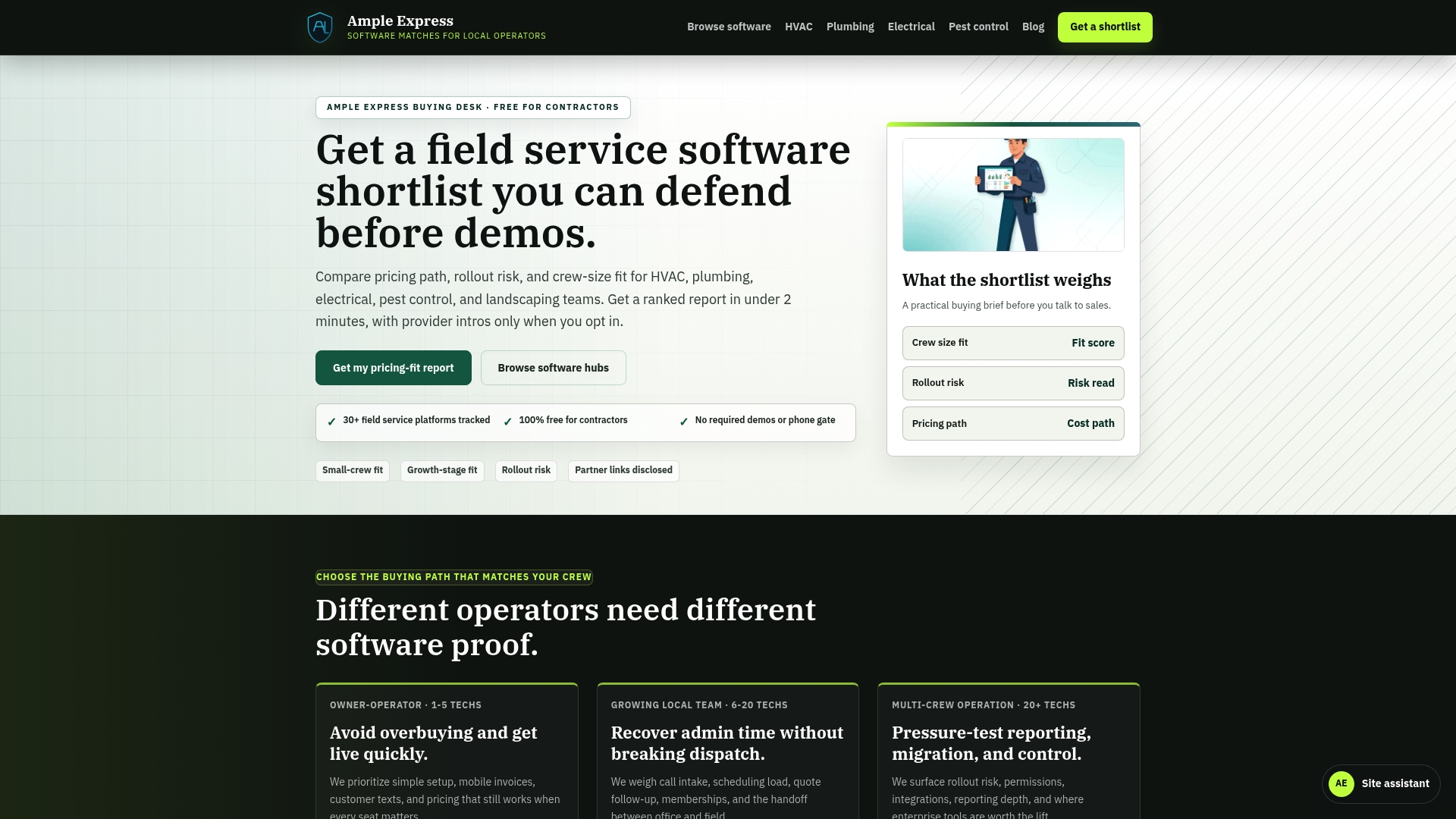
A ranked shortlist of over 30 field service software options helps contractors cut vendor choices quickly. Ample Express pairs those shortlists with local market analytics for places such as Enterprise, NV. The service offers free shortlists and trade-focused market signals you can act on, while planning a rollout.
Core Features
Ample Express delivers vendor neutral research and side by side comparisons aimed at trades like HVAC, plumbing, electrical, pest control, and landscaping. The platform combines trade specific workflow analysis with local market data integration and prebuilt or customizable vendor shortlists. It also includes ROI estimation tools and cost calculators to help you model total cost and payback for different software choices.
Key Differentiator
Research led, vendor neutral market signals form the core distinction here. Ample Express layers those signals over local benchmarks and crew size trends so fit scores reflect regional realities. That approach informs rollout risk estimates and highlights pricing paths that matter for small and medium trade shops.
Pros
The research is led by contractors and market analysts, which makes the comparisons grounded in on the job reality and common field workflows. The platform provides detailed, data backed vendor analysis and trade specific fit scores, and it publishes its methodology so you can verify assumptions. Free shortlists and local pricing benchmarks reduce the time you spend scheduling demos and guessing which vendors will match your crew size.
Cons
- Relies on publicly available reviews and data, which may miss niche workflows or very recent product updates.
Who It's For
You run a local trade business and want unbiased, data driven advice for software selection. You manage a small to medium crew and need regional pricing context and rollout risk estimates. You plan to replace or adopt a new field service system and prefer a research led shortlist before booking demos.
Unique Value Proposition
A ranked shortlist of over 30 field service software options speeds vendor screening and lowers demo overhead. That shortlist ties directly to local market benchmarks and crew size trends so you compare vendors against realistic local cost and fit expectations. The result is a clearer implementation plan and fewer surprises during procurement and rollout.
Real World Use Case
A plumbing company in Enterprise, NV used Ample Express to compare regional options and generate a tailored shortlist for its three truck crew. The firm modeled cost scenarios with the provided ROI calculators and narrowed demos to two vendors with similar fit scores. That focused demo process saved scheduling time and clarified the expected rollout steps.
Website: https://ampleexpress.com
Field Service in Motion
At a Glance
Field Service in Motion reports a client project that delivered over 20% increased field team efficiency. The company says the same project improved back office performance by 15% and raised customer and technician satisfaction 10%. The consultancy focuses on FSM performance improvement across Europe and reports experience involving thousands of technicians.
Core Features
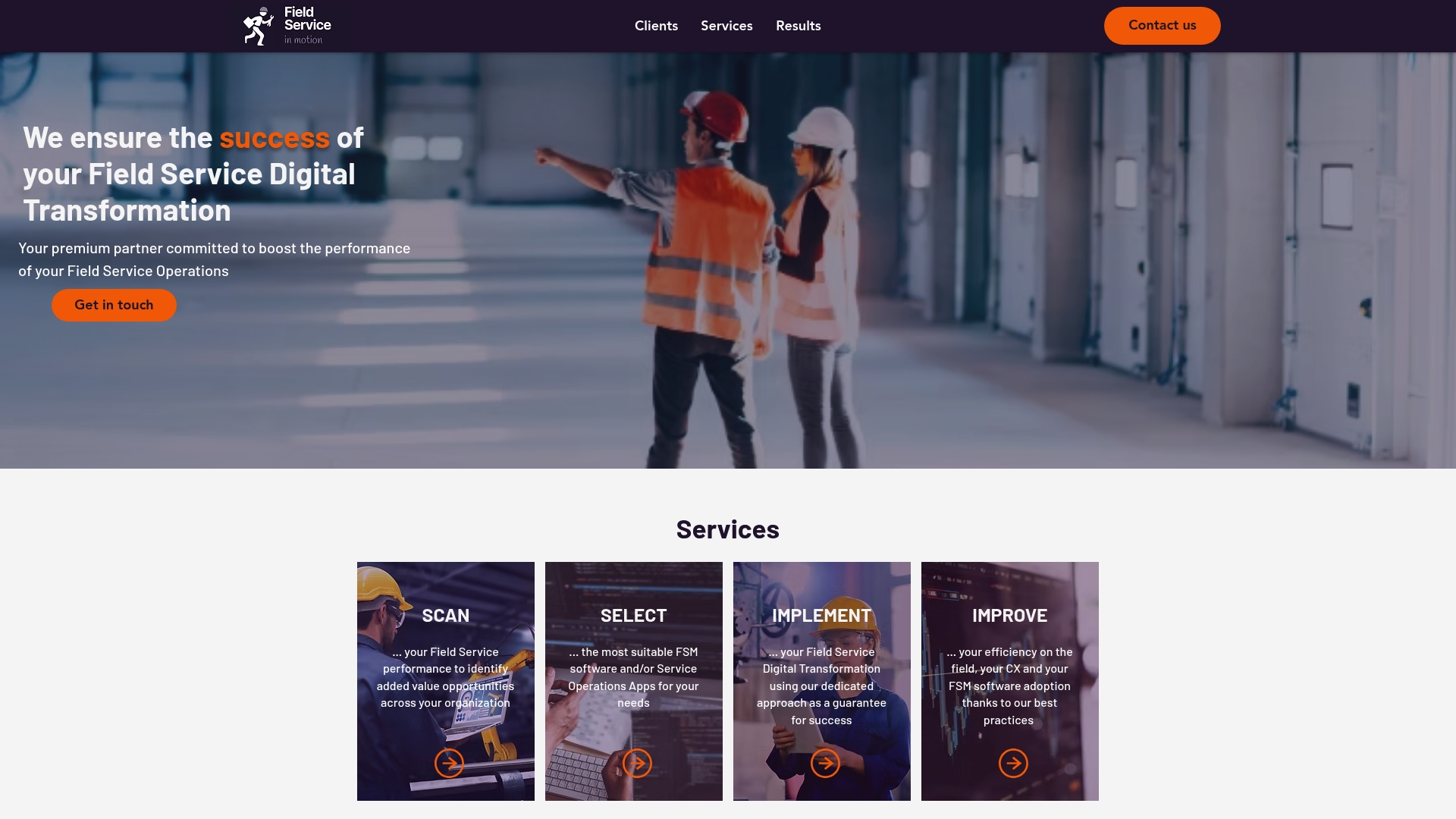
The firm runs a structured performance assessment called SCAN to map workflows, KPIs, and failure points. It guides vendor selection through a SELECT phase and manages rollouts with a hands on IMPLEMENT approach that covers project management and change management. The team pairs technical fixes with operational changes and targeted efficiency programs to raise technician productivity and customer experience.
Key Differentiator
Field Service in Motion dedicates its practice solely to improving field service performance and keeps an independent stance from FSM software vendors. That narrow focus lets the consultancy prioritize operational outcomes over software resale. The vendor history across European programs informs both strategy and execution.
Pros
Deep experience in field service transformation comes through in vendor case work and role coverage that includes project managers, business analysts, and change managers. Independence from software vendors reduces conflict of interest when selecting technology and negotiating scope. The approach ties technical changes to organizational adjustments so teams and processes change together, which supports measurable lifts in efficiency and satisfaction.
Cons
- Public site pages for specific FSM software and integrations return errors, which limits self service research.
- The website lists few details on pricing or step by step project methodology, so you must rely on direct conversations or third party reviews.
- Consultancy engagements can be costly for smaller operators because work is tailored and resource intensive.
When It May Not Fit
If your priority is an off the shelf tool or a self serve pricing page, this consultancy will feel too service heavy. Small single tech shops seeking a low cost subscription tool will likely find the model unsuitable. If you need a vendor with published integration lists and immediate product tutorials, this service has limited public technical detail.
Who It's For
Mid to large sized organizations that need an outside firm to run assessment, vendor selection, and implementation work will get the most from this consultancy. Regional operators with complex field operations and multiple stakeholders will benefit from the team makeup. Companies planning a formal digital transformation program and willing to invest in change management match this profile.
Real World Use Case
A multinational client in Europe engaged Field Service in Motion for a full FSM transformation. That project produced the efficiency and satisfaction figures reported above and improved back office throughput. The engagement shows how assessment led to software selection and staged rollout supported by change management.
Pricing
Not applicable — informational only. The website does not publish fixed rates or package prices. Prospective clients must request a proposal to receive a project estimate.
Website: https://fieldserviceinmotion.com
FieldPulse
At a Glance
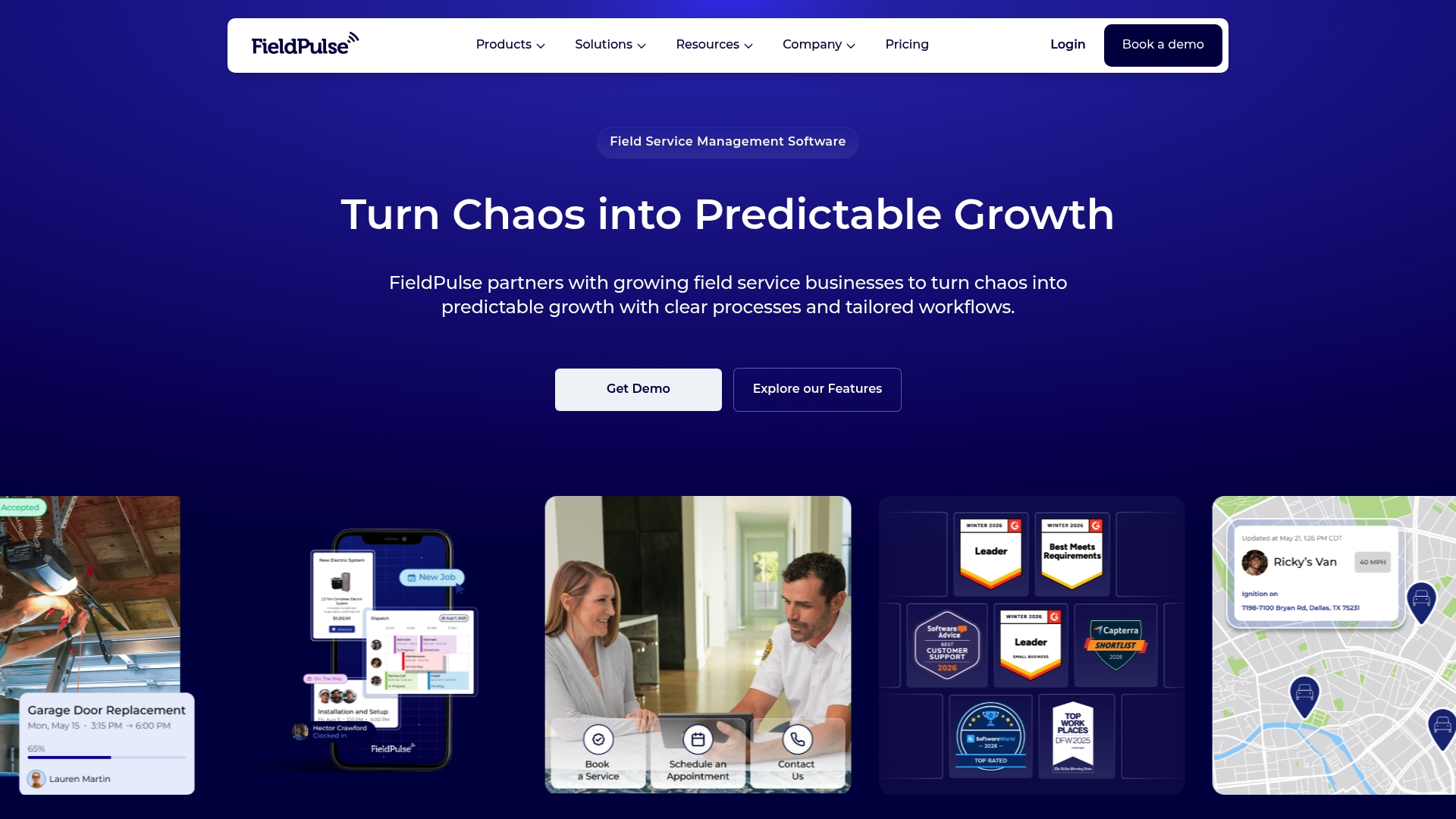
FieldPulse reports a modular toolkit that supports booking through payment and includes an Operator AI module for automated job booking. The product targets trade service teams and offers packaged tiers that adapt to business size. That focus makes it easy to match features to crews growing beyond single technician operations.
Core Features
FieldPulse combines scheduling and dispatch, work order and job management, and mobile app support so technicians can receive jobs and capture notes on site. It also includes invoicing and estimates, dashboards and reporting, inventory and asset tracking, and customer and booking portals. Advanced items include Operator AI for automated booking, Clearpath workflow design, custom forms, and a Pricebook for pricing control.
Key Differentiator
FieldPulse stands out for highly customizable workflows and integration options tailored to trades such as HVAC, plumbing, and electrical. The platform emphasizes custom workflow design through Clearpath and a configurable Pricebook so teams can model pricing and job steps that match real service work. That level of workflow control suits businesses that need more than basic scheduling.
Pros
FieldPulse provides a wide set of tools that cover the entire job cycle from booking to payment, which reduces the need for multiple point tools. The platform is rated well for flexibility and customization, and many customers praise its support and usability. Integration with common accounting tools helps keep office workflows aligned with field activity and invoices.
Cons
- Pricing is tailored and requires contacting sales, which makes quick price comparisons difficult.
- The breadth of features can feel overwhelming for single technicians or very small crews.
- Deep customization may require dedicated onboarding or training to set up workflows correctly.
When It May Not Fit
If you run a solo operation or need only simple scheduling and invoice generation, FieldPulse may be heavier than necessary. Teams that require transparent per seat pricing on a public page will find the sales based pricing model a poor fit. If you lack time to configure workflows, the product may demand support hours early in deployment.
Notable Integrations
FieldPulse integrates with QuickBooks, Stripe, and Square for accounting and payments. Those connections let you close the loop from invoice to accounting without manual export steps.
Who It's For
Small to medium trade service businesses seeking a flexible platform to grow into multi technician and multi location operations will benefit most. Contractors who need custom workflows, price controls, and inventory tracking will find this aligned with their business processes. Owners who prefer configurable tools to fixed workflows will get more value.
Real World Use Case
A plumbing company uses FieldPulse to accept customer calls, assign technicians, and push work orders to the mobile app. Technicians collect signatures and parts used, and the office issues invoices that sync with QuickBooks. That flow reduces double entry and speeds up billing.
Pricing
FieldPulse uses tailored pricing that requires contacting sales for a quote. The vendor advertises tiered packages and optional premium products so costs vary by team size and required modules.
Website: https://fieldpulse.com
FieldEdge
At a Glance
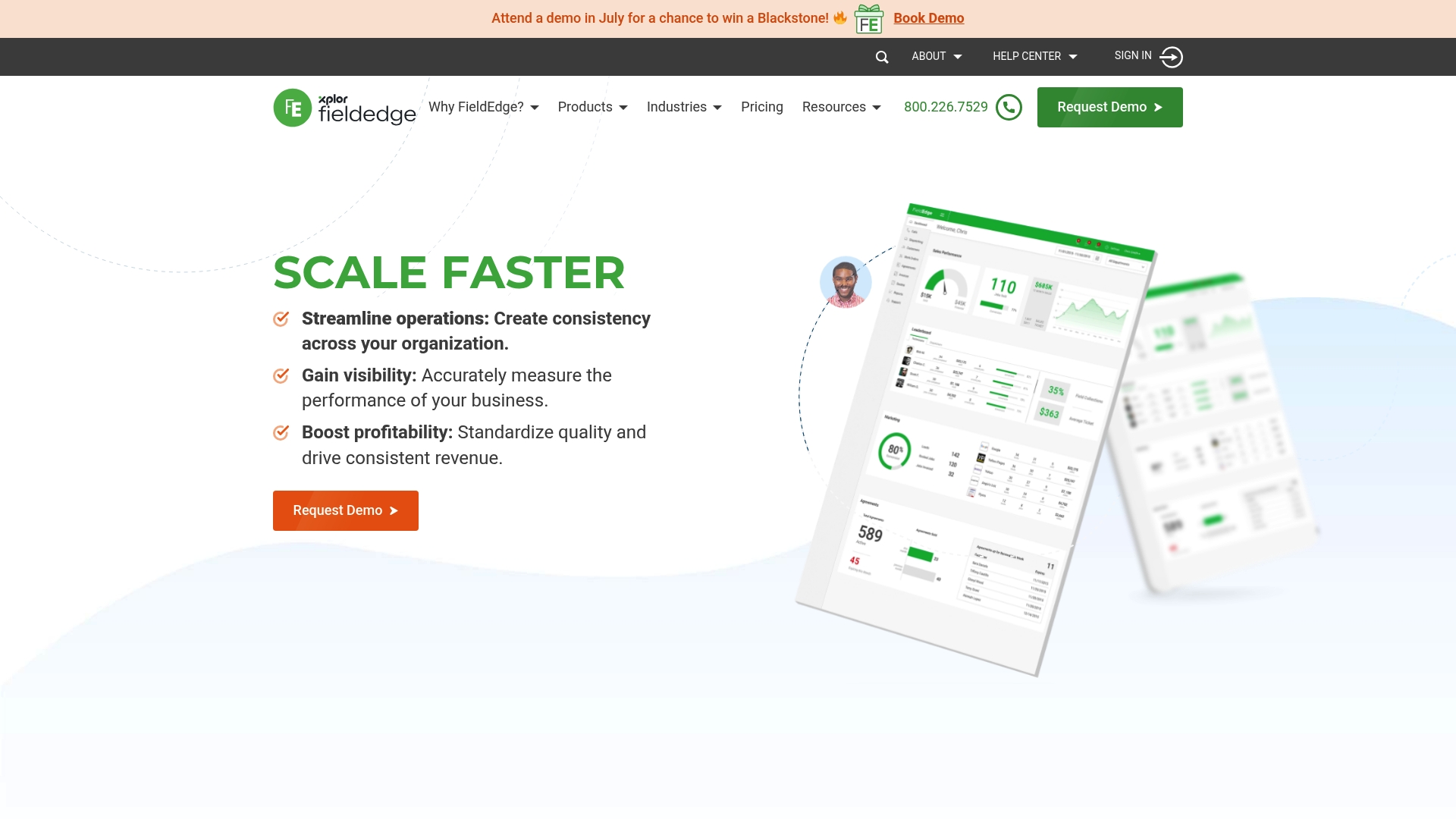
FieldEdge reports over 40,000 users and traces its roots back to 1980. That long history shows in the product depth and trade-specific features. The platform sits inside Xplor, combining payments and commerce services with field service management. FieldEdge targets multi-truck operations that need integrated dispatch and payment flow.
Core Features
FieldEdge combines dispatching and scheduling, customer history and warranty tracking, and a mobile CRM that technicians use on the job. The platform supports quoting, work order management, and invoicing with mobile payments via FieldEdge Payments. It also offers performance reporting, marketing automation through MarketingEdge, and synchronization with QuickBooks for accounting.
Key Differentiator
FieldEdge grew from decades of trade-focused product work and that heritage shows in its packaged feature set. The product bundles dispatch, payments, quoting, and warranty management under one roof. That integrated approach reduces the number of point solutions a mid-market contractor must manage. FieldEdge also emphasizes flat rate pricing tools tailored to service technicians.
Pros
FieldEdge delivers a trade-ready feature mix built for HVAC, plumbing, and electrical teams, which saves time on job setup and quoting. The mobile app gives technicians access to customer history and lets them take payments on-site, which shortens cash collection cycles. Strong accounting synchronization with QuickBooks and built-in reporting help managers reconcile daily work and track profitability.
Cons
- Pricing is not publicly listed and requires a consultation or demo.
- The system can be complex for very small or solo operations.
- Initial setup and training may take time according to some user reports.
When It May Not Fit
If you run a single-person operation, FieldEdge may overwhelm your needs and budget. Small teams that want out-of-the-box simplicity will likely prefer a lighter scheduling tool. If you need an implementation that finishes in days rather than weeks, the training and rollout here could be a poor match.
Notable Integrations
FieldEdge integrates with QuickBooks for accounting synchronization. That integration reduces duplicate data entry between field jobs and financial records.
Who It's For
FieldEdge fits mid-market and multi-truck contractors who need unified field and office workflows. It suits teams that process payments on-site and want tighter ties between dispatch, invoicing, and accounting. Choose this if you need trade-specific quoting, warranty management, and reporting across several technicians.
Real World Use Case
A plumbing company with 10 trucks uses FieldEdge to assign jobs from a central office and push schedules to technicians' mobile apps. Technicians capture signatures, process payments with FieldEdge Payments, and close work orders from the field. Managers pull real-time reports to compare job profitability and technician efficiency.
Pricing
FieldEdge pricing is not publicly listed and requires scheduling a demo for a custom quote. The vendor tailors pricing to company size and required modules.
Website: https://fieldedge.com
Workever
At a Glance
Workever reports a 4.6★ rating across review platforms. The app combines job management, scheduling, quotes, and invoicing in a single platform targeted at trades. It also includes mobile apps that work offline and a customer portal for online payments and self-service.
Core Features
Workever handles job creation, scheduling with drag and drop, and on-the-go quotes and invoicing from mobile devices. The mobile apps support offline work, GPS tracking, and mobile forms for compliance and data capture. It also covers asset and stock management, time and expense tracking, purchase orders, automated reminders, and basic report generation with custom fields.
Key Differentiator
The product stands out for its combination of an easy to use interface and mobile offline capabilities. That mix helps crews keep working when connectivity drops. Accounting links with common packages reduce duplicate data entry.
Pros
The interface reads clean and stays usable for nontechnical staff, which shortens onboarding time. Mobile apps that function offline and include GPS make field verification easier and reduce paper work. Direct connections to popular accounting packages cut reconciliation work and speed up invoicing for back office teams.
Cons
- Pricing can be a challenge for solo operators because plans start at £29/month.
- Some trades prefer deeper, vertical features and may need extra customization or add-ons.
- The large feature set can feel overwhelming for one-person operations that only need basic scheduling.
When It May Not Fit
Workever may not suit very large enterprises with complex, multi-department workflows and advanced reporting needs. Solo technicians on a tight cash flow plan might find the per-user monthly cost burdensome. Teams that require specialized vertical modules could need another product or additional integrations.
Notable Integrations
Xero, QuickBooks are supported for accounting sync and payment reconciliation. These integrations help reduce double entry between field operations and accounts.
Who It's For
Small to medium service businesses and trades teams that want a single platform for jobs, scheduling, and billing. Crews that need offline mobile access and basic inventory or asset tracking will get the most value. Teams with an existing Xero or QuickBooks workflow will see faster adoption.
Real World Use Case
A plumbing company uses Workever to schedule jobs, send mobile quotes, and invoice clients from the van. Field teams record work with mobile forms and the office reconciles invoices in accounting software. The result reduces office admin and speeds payment cycles.
Pricing
Plans start at £29/month per user for the Base plan and £39/month per user for the Ultimate plan. Billing is monthly with no contract and a 14-day free trial is available. Optional add-ons include payments, chat, and extra integrations.
Website: https://workever.com
FIELDBOSS
At a Glance
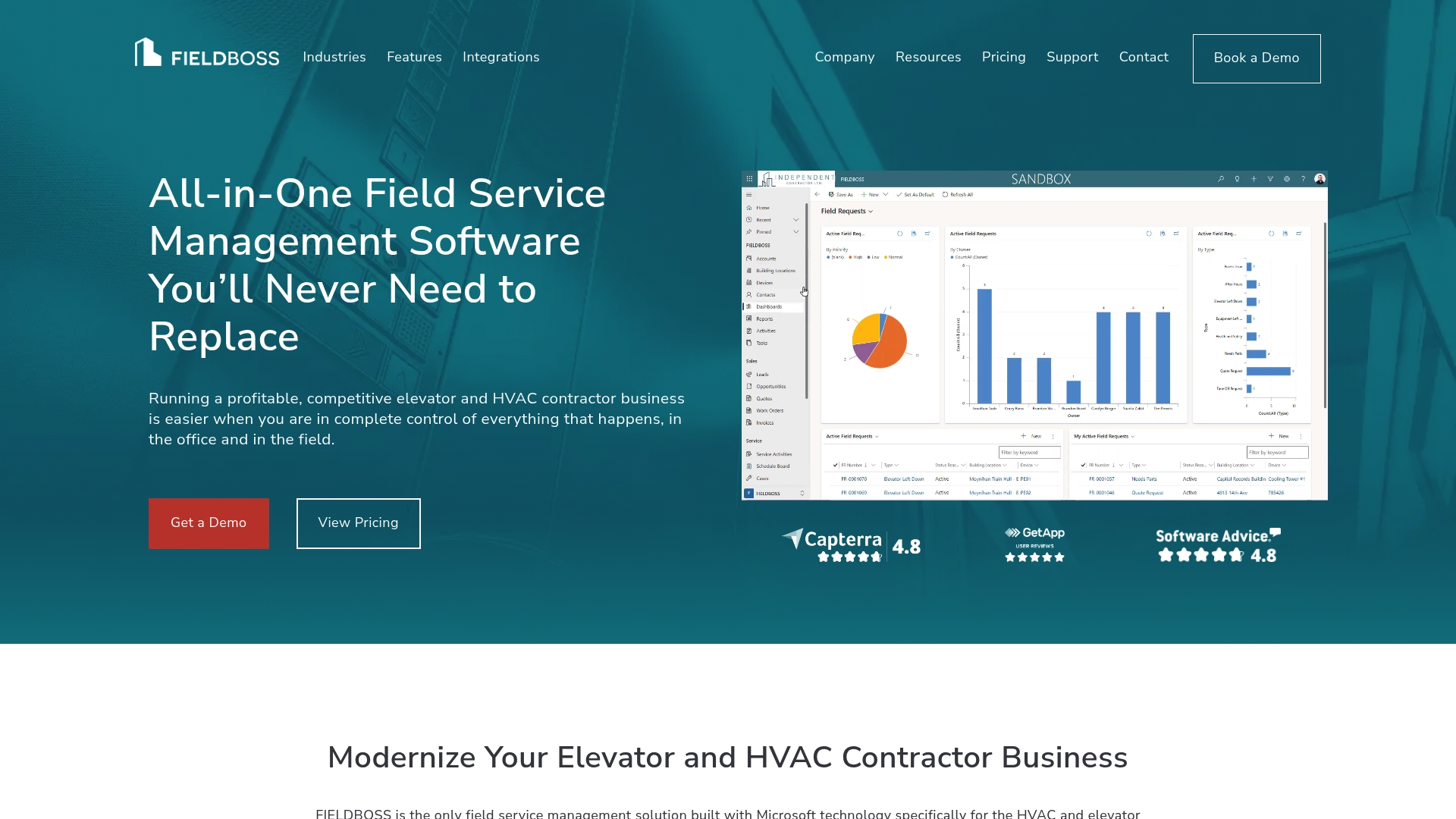
Implementation fees start from $50,000, with mobile seats at $90 per user/month and back office seats at $185 per user/month. This pricing profile points to a solution aimed at larger contractors that need deep operational and financial consolidation. The product runs on the Microsoft cloud and packages field tools, reporting, and accounting under one vendor.
Core Features
FIELDBOSS combines CRM, scheduling, maintenance management, dispatch, and work order management into a single system that also covers payroll and accounting. The platform includes project management, estimating and quoting, purchasing and inventory, invoicing, and reporting with mobile apps that can work offline. Microsoft cloud delivery and AI-driven support are included to connect field data with back office processes.
Key Differentiator
FIELDBOSS focuses specifically on the elevator and HVAC industries and leverages Microsoft technology to tie financials and operations together. That focus yields prebuilt workflows and data mappings aimed at maintenance routes, recurring service, and project billing. The vertical orientation makes it a narrower choice than general field service packages.
Pros
The product packs industry-specific customization that reduces the need to rebuild core workflows for elevator and HVAC work. Strong links to Microsoft Dynamics 365 and QuickBooks let accounting and operational data flow without manual exports. Mobile apps support offline work for technicians on remote sites, which improves job completion and invoicing speed. Reporting and dashboards provide visibility across field operations and finances for multi entity and growing businesses.
Cons
- High implementation costs: Setup and deployment start at a five figure sum, which raises the upfront budget for smaller firms.
- Complex setup: Customization and configuration often require professional services and a longer rollout timeline.
- Training curve: The breadth of features means staff need time and guided training to use the system effectively.
When It May Not Fit
Very small contractors or single technician businesses will likely find the price and implementation effort disproportionate. Teams that want a lightweight scheduling tool or a simple invoicing app will spend more than necessary. Organizations seeking a rapid, low cost rollout will find this solution misaligned with their needs.
Notable Integrations
FIELDBOSS integrates with Microsoft Dynamics 365 and QuickBooks to move financial and customer data between systems. Those integrations support complex billing, general ledger posting, and customer account synchronization.
Who It's For
Mid sized to large HVAC, elevator, and specialty contracting firms that need one system to handle field work, projects, and accounting benefit most. Multi entity operations and companies planning significant growth will get the most value. Small shops and one person operations should evaluate lower cost options first.
Real World Use Case
A commercial elevator company in New Jersey uses FIELDBOSS to schedule preventive maintenance, manage remote technicians, and centralize customer accounts. The company reduced duplicate data entry by keeping work orders, billing, and inventory in the same system. That consolidation helped shorten invoice cycles and clarify maintenance history for customers.
Pricing
Pricing uses per user monthly seats plus implementation. Mobile seats start at $90 per user/month and back office seats at $185 per user/month, with implementation fees starting from $50,000. Final costs vary with modules, customizations, and deployment scope.
Website: https://fieldboss.com
Comparison of alternatives
Finding the best field service management software depends on regional insights and industry demands. This section evaluates several leading solutions to identify tradeoffs and align recommendations with operational needs.
Regional Benchmarking and Research Depth
Ample Express excels at integrating vendor research into regional realities, producing market-aligned shortlists for contractors. This platform leverages analytics to provide ROI metrics, local crew size trends, and rollout risk estimation tailored to plumbing, HVAC, and other trades. While its reliance on public data might not account for niche workflows, its transparent methodology and focus on local benchmarks offer wide appeal.
Field Service in Motion, on the other hand, prioritizes structured assessment and implementation for larger organizations. Unlike Ample Express's tool-led approach, this consultancy focuses on operational change directly tied to FSM strategy, distinguishing it for stakeholders planning multi-department transformations.
Feature Breadth and Workflow Customization
FieldPulse delivers a modular platform, offering integration-heavy, customizable workflows ranging from scheduling to mobile app-driven fieldwork. Its tools include Operator AI for automated booking—a draw for mid-sized trades teams scaling operations. However, FieldPulse’s complexity may overwhelm one-person firms prioritizing minimal deployments.
FieldEdge and Workever both feature trade-targeted capabilities, yet differ in user scope: FieldEdge suits mid-sized operators needing warranty-linked workflows bundled with financial reconciliation, while Workever addresses small teams seeking offline mobile apps paired with straightforward scheduling and job management.
Best fit
- Contractors needing transparent, localized vendor benchmarks to align software selection with market conditions succeed with Ample Express.
- Field managers implementing consulting projects improved through direct oversight will value Field Service in Motion.
- Multi-crew operators seeking modular workflows ready for scaling beyond single-location setups match FieldPulse.
- Mid-sized teams combining financial workflows and trade-specific quoting find functionality in FieldEdge.
- Compact crews wanting mobile-first ease-of-use and straightforward scheduling see utility from Workever.
Our pick
Ample Express delivers the most utility for contractors focused on data-led vendor evaluations reflecting regional benchmarks and localized deployment risks. Its emphasis on unbiased comparisons aligns with operators managing small fleets and tight budgets. For sole proprietors or enterprise-wide transformations, alternative products may integrate feature breadth or consulting depth more effectively.
Choosing the right field service management software depends on understanding its core functionalities, differentiators, and best use cases. Below is a side-by-side comparison to assist in making an informed decision.
| Product | Core Feature | Key Differentiator | Best For | Pricing | Notable Limitation |
|---|---|---|---|---|---|
| Ampleexpress | Market-specific vendor shortlists | Vendor-neutral local analytics | Small to medium trade businesses | Price not published | Relies on public data, potentially outdated for niche requirements |
| Field Service in Motion | FSM performance assessment and improvement workflows | Independent consultancy with operational focus | Mid to large field service organizations | Price not published | Limited self-service resources for FSM software integrations |
| FieldPulse | Scheduling, invoicing, and inventory management | Customizable workflows via Clearpath and Pricebook | Small to medium trades needing flexible workflows | Price not published | Depth of features can be overwhelming for smaller operations |
| FieldEdge | Dispatching, scheduling, and mobile CRM | Long history and trade-focused feature sets | Multi-truck operations requiring integrated payment flow | Price not published | Setup and training duration may extend rollout timelines |
| Workever | Mobile-first job management with offline access | Ease-of-use and offline functionality | Small teams needing simple scheduling and billing tools | £29–£39/month per user | Pricing may not align with solo operator budgets |
| FIELDBOSS | CRM, scheduling, and resource management | Industry-specific for HVAC and elevator services | Medium to large specialty contractors | From $50,000 plus seat cost | High implementation cost with extensive setup requirements |
Choosing The Right Field Service Software Among MrTask.com Alternatives
Finding the right field service software can feel confusing with so many options like MrTask.com alternatives available. You want a solution that fits your crew size, local market factors, and real job workflows without wasting time on guesses or scheduling unnecessary demos. Ampleexpress offers a vendor neutral ranked shortlist of over 30 software solutions designed to match your specific needs across trades such as HVAC, plumbing, and electrical.
Use Ampleexpress to compare pricing, rollout risk, and local market fit based on your region and crew size. This approach minimizes surprises and clarifies implementation steps.
See how Ampleexpress matches your business needs and receive tailored recommendations that save effort and increase confidence in your software choice.
Visit Ampleexpress now to quickly narrow your software options with licensed regional insights and fit scoring.
FAQ
#### How does Ampleexpress help with vendor comparisons?
Ampleexpress simplifies vendor comparisons through its ranked shortlist of over 30 field service management software options. This feature allows contractors to quickly narrow down choices based on local market analytics, making the decision-making process more efficient. Start by exploring the local market data that Ampleexpress offers to find the best fit for your business.
#### What is the difference between Ampleexpress and FieldEdge?
FieldEdge excels with over 40,000 users and offers an extensive set of trade-specific features built for multi-truck operations. In contrast, Ampleexpress provides vendor-neutral research and local benchmarks, making it ideal for small and medium contractors seeking data-driven software selections. Consider Ampleexpress if you're looking to avoid complications during procurement and rollout.
#### Can I use Ampleexpress if I have a small crew?
Ampleexpress is designed to assist contractors with small to medium crews by providing tailored shortlists based on local market pricing and crew size trends. This makes it a useful resource for businesses planning to adopt or replace software solutions. Ultimately, it helps streamline the process of finding the right fit for your specific needs.
#### What are the key features of Ampleexpress?
Ampleexpress offers features such as ROI estimation tools and customizable vendor shortlists that help contractors assess total costs and payback for various software choices. Understanding these features can significantly enhance your decision-making process when selecting field service management software.
#### Does Ampleexpress provide local market analytics?
Yes, Ampleexpress incorporates local market analytics to refine vendor fit scores that reflect regional realities. This means you can expect more accurate pricing paths and rollout risk estimates based on your specific market context, making it valuable for contractors looking to make informed decisions.
Recommended
- Fieldroutes
- Get a Pest Control software shortlist
- Pest Control field service software
- Field service software by trade
- Top 4 Sites for fieldgroove.com Alternatives 2026
- Top 5 fieldroutes.com Alternatives for Field Service Management 2026
- Best Housecall Pro Alternatives for HVAC Teams (2026) | Ample Express
- Contractor Software Selection Checklist for 2026 | Ample Express