
Field Service Software Onboarding Checklist for Managers
Streamline your team's efficiency with our essential field service software onboarding checklist. Boost retention and productivity today!
July 23, 2026
Article

What does a complete field service software onboarding checklist cover?

A solid field service software onboarding checklist moves new technicians from paperwork to productive solo jobs in a structured sequence. Skip steps, and you get missed data, compliance gaps, and frustrated crews. Get it right, and time-to-productivity drops by 50% compared to unstructured starts, significantly improving employee retention beyond the first year.
The checklist spans five phases:
- Pre-boarding: Signed contracts, right-to-work verification, payroll details, emergency contacts, and equipment orders placed shortly before the start date.
- Equipment and access setup: Vehicle allocated, tools and PPE ready, FSM platform account created, email and calendar access provisioned, login credentials delivered securely.
- Software training: Day-by-day walkthroughs of job acceptance, dispatch, time tracking, parts logging, invoicing, and compliance documentation.
- Shadowing and supervised work: New hires observe senior technicians on real jobs, then lead tasks under supervision before taking solo calls.
- Solo work and ongoing support: First independent jobs booked only for demonstrated competencies, with 30, 60, and 90-day check-ins to track progress.
Managers, mentors, and operations staff each own specific checklist items. Assign them clearly before day one.
How to handle the asset management checklist during onboarding
Physical readiness and software readiness must happen in parallel. A technician who shows up without a stocked van or working app login loses a full day.
- Allocate and insure the company vehicle; verify it meets your trade's load requirements.
- Stock the van with consumables and tools appropriate to the role (HVAC, plumbing, electrical, or pest control).
- Issue branded workwear and PPE that meets current OSHA standards for the trade.
- Create the technician's FSM platform account and enable asset-tracking features before the start date.
- Assign the vehicle and tool kit to the technician's profile in the software so job history ties to the correct assets.
- Train the new hire on in-app safety inspection workflows and pre-job hazard assessments.
- Document all issued equipment in the software with serial numbers, condition notes, and assignment dates.
- Coordinate between operations and IT so every item is ready at least two working days before the start date.
Implementation planning should begin months before go-live to allow time for asset data entry, account provisioning, and stakeholder alignment.
Reporting and safety documentation checklist items
Safety documentation is not a box to check once. It is a recurring workflow your new hire must execute correctly on every job, starting from day two.
- Complete all trade-specific OSHA safety modules within the FSM platform before the first field day.
- Train on pre-job hazard assessment forms: how to open, complete, and submit them digitally.
- Show exactly how your company logs incidents, near-misses, and equipment defects inside the software.
- Demonstrate compliance documentation workflows: Gas Safe notifications, EPA refrigerant logs, Part P submissions, or whichever regulatory filings apply to your trade.
- Verify the new hire can attach photos and notes to a job record to support audit trails.
- Confirm all mandatory safety training modules are marked complete and tracked in the platform before solo work begins.
Compliance errors on a new technician's first solo job create callbacks, customer complaints, and regulatory exposure. Walk through every compliance workflow using a test job, not a live one.
Scheduling and job tracking essentials checklist
Mastering the scheduling side of your FSM platform is what separates a technician who runs their day from one who calls the office every hour.
- Navigate the job diary: accept, flag, or reschedule allocated jobs without office intervention.
- Log travel time and route changes accurately within the platform.
- Clock on and off jobs in the app; record work completed, parts used, and customer signature at close-out.
- Update job status in real time so dispatchers see accurate field data without follow-up calls.
- Use the dispatch board to understand how split shifts and back-to-back jobs are sequenced.
- Add clear notes for the office on any scope changes, unexpected findings, or follow-up requirements.
- Practice the full job cycle three times on test jobs: accept, travel, arrive, complete, close out.
Pro Tip: Run every new hire through a sandbox or training mode in your FSM platform before they touch live jobs. Most platforms support this, and it lets technicians make mistakes where it costs nothing.
Key features to assess when choosing field service software
Your software selection directly shapes how fast your team gets productive. Evaluate these capabilities before committing to a platform.
- Integration: Confirm the platform connects with your accounting system, payroll, inventory, and quoting tools. Build a "must-integrate" list before vendor demos. Ampleexpress's software fit guide walks through how to match platform capabilities to crew size and trade.
- Role-based access and permissions: Dispatchers, technicians, and managers need different views. Verify the platform supports granular permission settings.
- Mobile checklists and offline functionality: Field techs often work in basements, crawl spaces, and rural areas with no signal. Offline capability is not optional.
- Data migration support: Ask vendors specifically what tools and templates they provide for migrating customer contacts, open jobs, asset records, and invoice history.
- Automated onboarding workflows: Platforms that trigger task reminders, checklist assignments, and progress tracking automatically reduce the administrative load on managers.
- Training resources: Look for role-specific training paths, on-demand mobile-accessible content, and sandbox environments.
- Progress monitoring: The platform should let you see which onboarding tasks are complete, overdue, or blocked, without manual follow-up.
The 2026 field service software landscape shows increasing demand for platforms that combine offline mobile capability with automated compliance tracking.
Why mobile checklists improve field service accountability
Paper-based checklists get lost, skipped, or filled in after the fact. Mobile checklists embedded in your FSM platform solve all three problems.
- Technicians complete pre-job hazard assessments, safety inspections, and job close-outs in real time, on-site.
- Managers see completion status instantly, without waiting for end-of-day paperwork.
- Photo attachments and digital signatures create audit-ready records automatically.
- Guided workflows inside the app reinforce training during the first weeks on the job, reducing the need for constant supervisor check-ins.
- Automated reporting pulls checklist data into compliance summaries, cutting back-office processing time.
- Offline functionality, available in platforms like Microsoft Dynamics 365 Field Service, keeps technicians productive even without a network connection.
Organizations that use complete onboarding checklists through their FSM platform see better first-time fix rates and higher customer satisfaction scores compared to those relying on verbal instructions alone.
Expert recommendations for successful software onboarding in field services
The best field service managers treat onboarding as a 90-day sustained process, not a one-week event. Here is what the research and field experience say actually works.
- Start pre-boarding communication early. Poor pre-boarding communication drives new hire attrition before day one. Send a welcome email, first-week schedule, and software login details at least three days before the start date.
- Assign a mentor or onboarding buddy. Wharton research confirms the biggest challenge for new hires is building internal relationships. A buddy who is not the direct manager accelerates that process.
- Use a phased software rollout. Launch core workflows first: job scheduling, dispatch, and invoicing. Add reporting, time tracking, and advanced modules at 60 days. Throwing everything at a new hire in week one guarantees low adoption.
- Assess both technical and customer service aptitudes. Pre-employment and early-tenure assessments should cover mechanical aptitude and client-facing skills equally. A technician who fixes the problem but handles the customer poorly still generates callbacks.
- Check in at 30, 60, and 90 days. Structured reviews with the new hire, their mentor, and key stakeholders catch performance gaps before they become habits.
- Use automation to keep the process consistent. Workflow tools can trigger pre-boarding reminders, generate daily checklists for mentors, and flag technicians who are not progressing on schedule. Every subsequent hire then runs through the same reliable sequence.
- Offer multiple training formats. Onsite, virtual, and hybrid delivery accommodates field schedules and different learning styles. Field techs often prefer mobile-based training they can access between jobs.
Data migration and initial setup steps
Data migration is consistently the step that delays go-live dates. Success requires months of preparation, not weeks.

Start by auditing what you actually need to migrate: customer contacts, open jobs, asset records, invoice history, and job templates. Flag anything outdated, duplicated, or stored in someone's inbox rather than a central system. Standardize your templates before migration begins, because inconsistencies in your legacy data will surface as errors in the new platform.
Work with your FSM vendor's implementation team to map legacy fields to the new system's data structure. Run a test migration with a subset of records before committing the full dataset. Verify that asset assignments, job history, and customer accounts all appear correctly in the new platform before you decommission the old one.
Build your implementation team at least 4–6 weeks before your planned go-live date. Assign a dedicated project owner who understands both field operations and office workflows. That person drives communication, scheduling, and accountability across the entire setup process.
Change management and user adoption strategies
Software adoption fails when the rollout is treated as an IT project rather than an operational change. Your technicians need to understand why the new platform makes their jobs easier, not just how to use it.
Involve field staff early. Ask dispatchers, lead technicians, and schedulers what frustrates them about current workflows before you configure the new system. When the platform reflects their input, resistance drops. Early contact with key stakeholders using a customized transition guide accelerates role clarity and speeds up adoption across the team.
Centralize your operational templates before launch. If different crews use different formats for quotes, job specs, and notes, the new software will magnify those inconsistencies. Standardize first, then migrate. Create standard operating procedures for repeatable tasks, such as how jobs move from sales to scheduling and how technicians capture site details, and embed those SOPs in the platform's workflow templates rather than leaving them in a training manual nobody reads.
Collect structured feedback at 30, 60, and 90 days post-launch. Use short surveys or quick field ride-alongs to surface what is working and what is creating friction. Adjust workflows, permissions, and training content based on what you hear. Platforms like Right Flow Solutions offer digital onboarding tools designed specifically to support this kind of iterative field team adoption.
***
Ampleexpress helps HVAC, plumbing, electrical, and pest control contractors find the right FSM software for their crew size and operational needs, without the guesswork. The platform provides a ranked shortlist of over 30 field service software options with pricing paths, rollout risk ratings, and fit recommendations tailored to your trade.
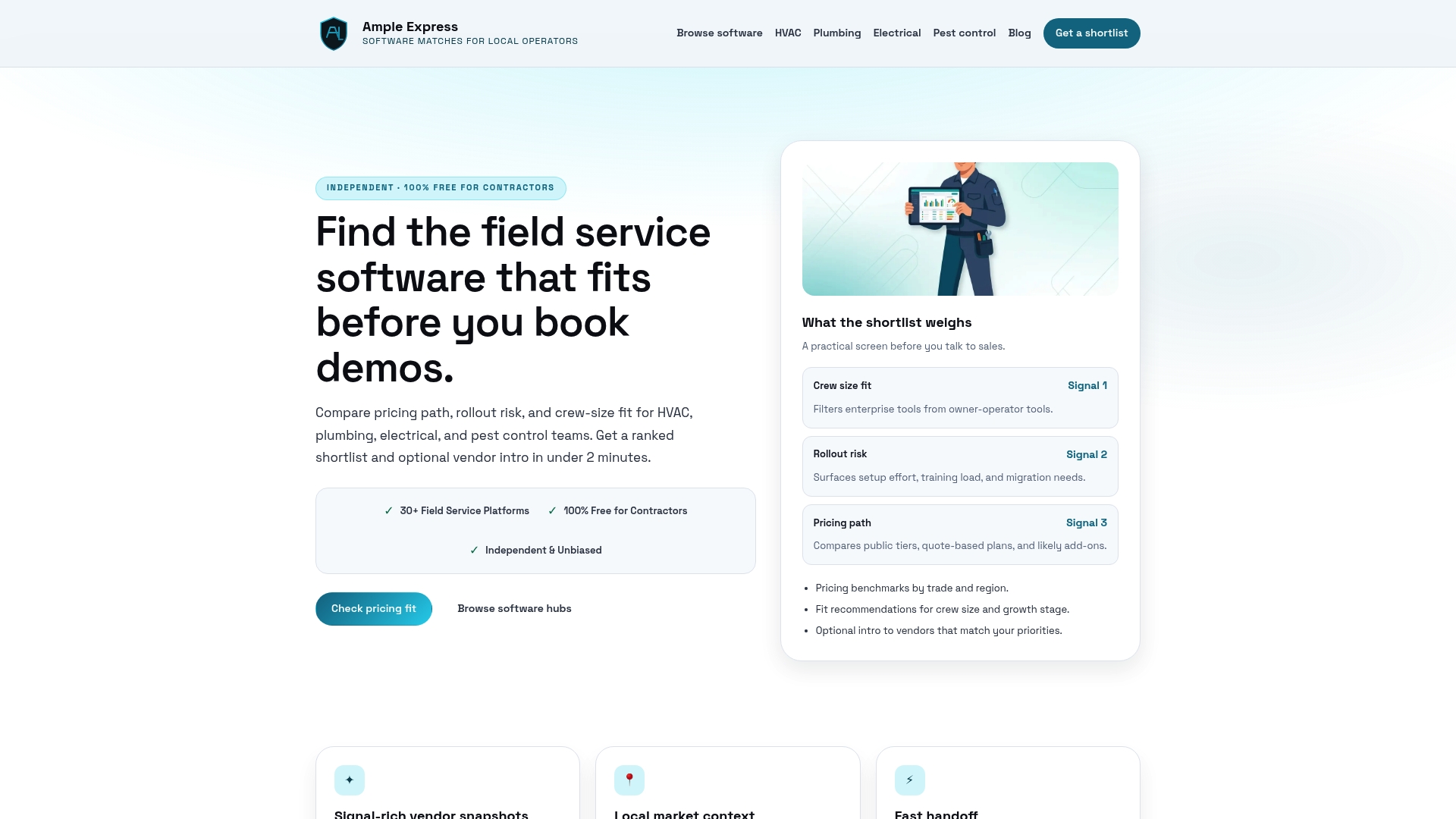
Share your crew size and top priorities at ampleexpress.com to get a personalized software shortlist in minutes.
***
Key Takeaways
A structured field service software onboarding checklist, run over 90 days with phased software rollout and regular check-ins, cuts time-to-productivity by 50% and drives lasting user adoption, while also improving employee retention beyond the first year.
| Point | Details |
|---|---|
| Start pre-boarding early | Send login credentials, schedules, and welcome materials at least several days before the start date. |
| Phase the software rollout | Launch core workflows first; add reporting and advanced modules at 60 days to prevent overwhelm. |
| Assign a mentor | A buddy who is not the direct manager accelerates relationship-building and platform adoption. |
| Check in at 30, 60, and 90 days | Structured reviews catch performance and adoption gaps before they become entrenched habits. |
| Migrate data before go-live | Audit, clean, and standardize legacy records months ahead to avoid delays on launch day. |