
Software Fit Recommendation for Field Service Managers
Discover what is software fit recommendation and how it helps field service managers choose the right software for operational success.
June 13, 2026
Article

A software fit recommendation is the structured process of evaluating and matching software solutions to your business's specific workflows, crew size, integration needs, and cost constraints. In field service management, this process goes by the industry term software alignment assessment and covers far more ground than a vendor demo or a feature checklist. For HVAC, plumbing, electrical, and pest control businesses, choosing the wrong platform means dispatch failures, billing gaps, and crew frustration. This guide breaks down exactly how to evaluate fit, score vendors, and avoid the hidden costs that derail most software decisions.
What is software fit recommendation for field service businesses?
A software fit recommendation is a scored, structured evaluation that matches a vendor's capabilities to your operational requirements across multiple dimensions. Evaluation frameworks recommend scoring vendors on core workflow coverage, mobile functionality, pricing transparency, integration ecosystem, and trade-specific fit using weighted criteria rather than relying on demos alone. This approach removes gut-feel bias and replaces it with a defensible, repeatable decision process.
The distinction matters because most field service owners evaluate software the wrong way. They sit through a polished demo, get excited about a scheduling board, and sign a contract without asking whether the platform exports job history, connects to QuickBooks, or supports their technician count at a price that holds after year one. A fit recommendation framework forces you to answer those questions before you commit.
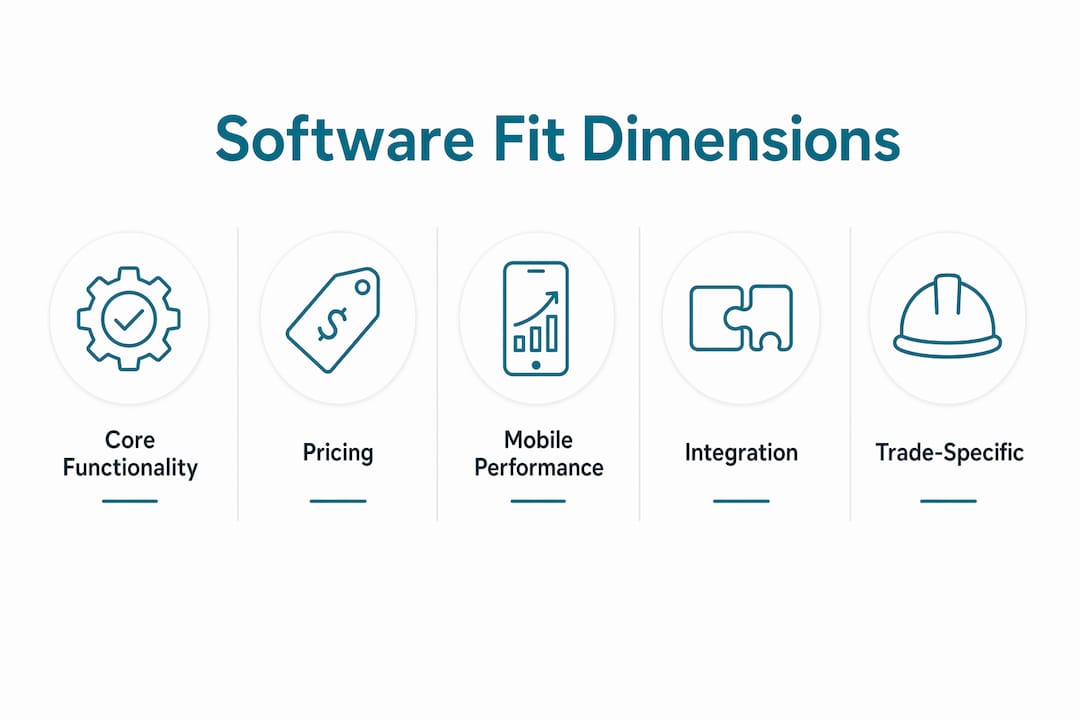
Software alignment assessment covers five core dimensions:
- Core workflow coverage: Does the platform handle dispatch, job scheduling, work orders, invoicing, and job history natively?
- Mobile functionality: Can technicians complete jobs, capture signatures, and update statuses from the field without a laptop?
- Integration ecosystem: Does the platform connect to your accounting software, parts suppliers, or CRM without custom development?
- Pricing transparency: Are per-user fees, add-on costs, and contract terms clearly stated upfront?
- Trade-specific fit: Does the platform support your trade's specific workflows, such as recurring maintenance agreements for HVAC or permit tracking for electrical?
Pro Tip: Involve your dispatcher, lead technician, and office manager in the scoring process. Each role uses the software differently, and their input prevents you from buying a platform that works for billing but breaks down in the field.
Cross-functional stakeholder involvement is one of the most consistently overlooked steps in vendor selection. Collaborative scoring tools like Google Sheets capture qualitative notes alongside numeric scores, giving you a transparent record of why you chose one vendor over another.
How to evaluate software options using a fit framework
A weighted evaluation matrix is the most reliable method for comparing field service software vendors. You assign a percentage weight to each evaluation dimension based on your business priorities, score each vendor from 1 to 5 on each dimension, multiply the score by the weight, and total the results. The vendor with the highest weighted score wins on paper. You then verify that score against reference calls and a structured trial.

Here is a practical example of how to weight your evaluation dimensions:
| Evaluation dimension | Suggested weight | What to assess |
|---|---|---|
| Core functionality | 25% | Dispatch, work orders, invoicing, job history |
| Pricing transparency | 15% | Per-user cost, contract length, add-on fees |
| Mobile performance | 15% | Field usability, offline mode, signature capture |
| Integration ecosystem | 20% | QuickBooks, parts suppliers, CRM compatibility |
| Trade-specific fit | 10% | Recurring maintenance, permit tracking, service agreements |
| Vendor support quality | 10% | Onboarding support, response time, training resources |
| Data portability | 5% | CSV export, API access, migration support |
The weights above are a starting point. A two-technician plumbing company will weight pricing higher than a 20-person HVAC firm that needs deep integration with a parts distributor. Adjust the weights to reflect your actual priorities before scoring any vendor.
Pro Tip: Run your top two vendors through a 14-day trial using real jobs, not demo data. Score mobile performance and dispatch speed based on what your crew actually experiences, not what the sales rep showed you.
A common mistake is overvaluing a slick demo. Demos are designed to show a platform's best features in ideal conditions. Real-world fit assessments require you to test the software against your actual job types, crew size, and existing tools. Structured fit evaluation platforms that generate machine-readable outputs with defined fields are more practical than those producing free-text results. The same principle applies to field service software: platforms with well-documented APIs and structured data exports are easier to integrate and easier to leave if needed.
What does total cost of ownership mean for software fit?
Total cost of ownership (TCO) is the full financial cost of adopting a software platform over its useful life, including every cost beyond the monthly subscription fee. TCO components include onboarding, training, data migration, and potential vendor exit support, all of which are routinely underestimated by buyers. Migration support alone can cost between $500 and $2,000 or more, plus 20 to 40 hours of internal staff time. That is a real cost that belongs in your evaluation.
Here is how to calculate TCO for any field service software vendor:
- Subscription cost: Multiply the monthly per-user fee by your crew size and by 24 months. This is your baseline.
- Onboarding and setup: Ask the vendor directly what onboarding costs. Some platforms charge $500 to $2,500 for guided setup. Others include it. Get it in writing.
- Training time: Estimate how many hours your dispatcher, office manager, and technicians will spend learning the new system. Multiply by their hourly cost to your business.
- Data migration: If you are moving job history, customer records, or invoices from a previous platform, ask who handles the migration and what it costs. Many vendors outsource this.
- Integration development: If the platform does not natively connect to your accounting software, budget for API development or a third-party connector like Zapier.
- Vendor exit cost: Ask whether your data is exportable in a standard format (CSV or JSON) and whether the vendor charges for data retrieval on contract termination.
Pro Tip: Review software pricing benchmarks for field service businesses before you negotiate. Knowing regional pricing norms gives you leverage and helps you spot inflated onboarding fees.
Early evaluation of migration and fallback plans is one of the most practical steps you can take to protect your business. Many teams discover vendor lock-in issues only after they have already committed, at which point switching costs are high and leverage is gone. Treating TCO as part of your fit score, not an afterthought, changes the outcome.
Feature-focused vs. outcome-focused software fit analysis
Feature-focused evaluation asks: "Does this platform have the features I need?" Outcome-focused evaluation asks: "Will this platform improve how my business operates?" The difference sounds subtle. In practice, it determines whether your software investment pays off or creates new problems.
Feature-focused evaluations are easier to run. You build a checklist, ask each vendor to confirm which boxes they check, and pick the one with the most checkmarks. The problem is that feature comparison is often easier than evaluating operational risks and contractual exit strategies. A platform can check every box on your list and still fail because it requires a 45-minute onboarding call for every new technician, or because its mobile app loses data when a tech goes offline in a basement.
Outcome-focused evaluation looks at different evidence:
- Adoption rate: What percentage of technicians at similar businesses actually use the platform daily after 90 days?
- Dispatch efficiency: Does the scheduling board reduce the time your dispatcher spends on phone calls and manual updates?
- Billing cycle time: Does invoicing happen faster after implementation, or does it create new approval steps?
- Integration health: Does the platform sync job data to QuickBooks automatically, or does someone manually export a CSV every week?
- Support responsiveness: When a technician has a problem in the field at 7 a.m., how fast does the vendor respond?
The best software fit analysis combines both approaches. You use a feature checklist to eliminate vendors that cannot meet your baseline requirements, then apply outcome-focused scoring to rank the remaining candidates. You can review a contractor software selection checklist to structure both phases of your evaluation.
Fit should be treated as a continuous process that accounts for contract terms, data portability, and operational impact beyond the initial selection. A platform that fits your two-technician operation today may not fit a ten-technician operation in three years. Build a review trigger into your contract, such as a 12-month reassessment, so you catch misalignment before it becomes expensive.
Key takeaways
A software fit recommendation is only as reliable as the evaluation framework behind it. Weighted scoring, TCO analysis, and outcome-focused criteria together produce decisions that hold up over time.
| Point | Details |
|---|---|
| Define fit across five dimensions | Score workflow coverage, mobile performance, integrations, pricing, and trade-specific needs. |
| Weight your criteria before scoring | Adjust dimension weights to match your crew size and operational priorities before evaluating vendors. |
| Calculate full TCO upfront | Include onboarding, training, migration, and exit costs to avoid budget surprises after signing. |
| Prioritize outcome-focused analysis | Measure adoption rates and dispatch efficiency, not just feature checkboxes, to assess real-world fit. |
| Plan for vendor exit early | Verify data export options and migration costs before committing to any platform. |
Why software fit is the decision most field service owners get wrong
I have reviewed hundreds of software decisions made by field service contractors, and the pattern is consistent. Owners spend 80% of their evaluation time in vendor demos and 20% on everything else. That ratio should be reversed.
The demo is the vendor's best argument for their platform. It is not your best tool for making a decision. The questions that actually determine fit, such as what happens to your data if you cancel, whether your technicians will use the mobile app without daily reminders, and whether the integration with your accounting software requires a developer, rarely come up in a demo unless you force them.
I have also seen contractors choose platforms based on price alone, then spend three times the subscription cost on onboarding, custom integrations, and eventually migration to a different platform 18 months later. The API capabilities of a platform are one of the most underweighted factors in field service software decisions. A platform with poor API documentation creates integration debt that compounds over time.
The contractors who make durable software decisions treat the evaluation as a capability investment, not a procurement task. They involve their dispatcher and lead technician. They score vendors on a weighted matrix. They ask for a data export sample before signing. And they set a 12-month review date in their calendar the day they go live. That discipline is what separates a software decision that works from one that becomes a recurring problem.
— Blake
How Ampleexpress helps you find the right software fit
Ampleexpress evaluates over 30 field service software platforms across HVAC, plumbing, electrical, and pest control trades, scoring each one on workflow coverage, pricing transparency, integration health, and rollout risk. The result is a ranked shortlist tailored to your crew size and trade, not a generic list of popular tools.

If you are ready to compare options with fit scores already built in, start with the field service software by trade page. You will see vendor rankings, pricing paths, and fit notes specific to your trade and region. Ampleexpress does the evaluation work so you can make a confident decision without spending weeks on demos and spreadsheets.
FAQ
What is a software fit recommendation?
A software fit recommendation is a scored evaluation that matches a software platform to your business's specific workflows, crew size, integration needs, and cost constraints. It uses weighted criteria across multiple dimensions rather than feature checklists or demos alone.
How do I choose the right software fit for my field service business?
Build a weighted evaluation matrix covering core functionality, pricing, mobile performance, integrations, and trade-specific needs. Score your top vendors against each dimension, calculate total cost of ownership, and verify results with a real-world trial using your actual jobs and crew.
Why does software alignment matter more than features?
Software alignment determines whether a platform actually improves your operations after implementation. A feature-rich platform that your technicians avoid using or that fails to sync with your accounting software creates more problems than it solves.
What is included in total cost of ownership for field service software?
TCO includes the subscription fee, onboarding costs, training time, data migration fees, integration development, and vendor exit costs. Migration support alone can range from $500 to $2,000 or more, plus 20 to 40 hours of internal staff time.
How often should I reassess my software fit?
Reassess fit at least every 12 months or when your crew size changes significantly. A platform that fits a three-technician operation may not support a ten-person team, and catching that misalignment early reduces switching costs.