
How to Scale Plumbing Software Costs With Crew Growth
Learn how to scale plumbing software costs with crew growth. Optimize subscriptions and manage hidden fees for better profitability.
July 7, 2026
Article

Scaling plumbing software costs with crew growth is defined as the process of matching your software plan, feature tier, and per-user spending to your actual crew size at each stage of growth. Most plumbing business owners focus on the monthly subscription price and miss the full picture. Payment processing fees add 2.5%–3.5% per transaction, and labor costs from manual data re-entry can exceed your subscription fee entirely. The industry term for this broader view is total cost of ownership, and it is the only number that tells you what software actually costs your business.
What are the main cost components of plumbing software as crews grow?
Plumbing software pricing follows a clear tier structure based on crew size. Solo operators typically pay $29–$49 per user per month. Crews running 2–6 trucks land in the $100–$200 range. Shops with 6–15 trucks pay $200–$300 or more per user per month. Each jump in crew size triggers a tier upgrade, and that upgrade compounds fast when you add multiple seats.
Subscription fees are only the starting point. Processing fees of 2.5%–3.5% per transaction hit every invoice you collect digitally. For a shop running $50,000 in monthly revenue, that is $1,250–$1,750 in processing costs alone, often more than the software subscription itself. Large-volume shops can pay thousands in processing fees annually, dwarfing what they spend on the platform license.

Implementation and training add another layer. Enterprise plumbing software carries implementation fees ranging from $1,500 to $15,000, with setup timelines of 3–12 weeks. That window creates real productivity disruption. Factor in the labor hours your office staff and technicians spend learning the new system, and the upfront cost grows significantly.
The most useful way to normalize these costs is per truck, not per seat or per subscription. Here is how the tiers break down:
| Crew size | Typical monthly cost per user | Key cost driver |
|---|---|---|
| Solo (1 truck) | $29–$49 | Subscription only |
| Small (2–6 trucks) | $100–$200 | Subscription + processing fees |
| Mid-size (6–15 trucks) | $200–$300+ | Subscription + processing + training |
| Enterprise (15+ trucks) | Custom pricing | Implementation + integration labor |
Key cost components to track at every stage:
- Monthly subscription per active user
- Payment processing fees per transaction
- Implementation and onboarding fees
- Training time billed in labor hours
- Manual data re-entry labor if accounting is not integrated
Pro Tip: Calculate your cost per truck monthly, not just your total subscription bill. That number tells you whether your software spend is growing in proportion to your revenue or outpacing it.
How to align software features and tiers with crew size
Buying more software than your crew can use is one of the fastest ways to waste money when you grow a plumbing business. A two-truck operation does not need advanced routing algorithms or multi-location reporting. Those features cost money and add complexity that slows down smaller teams.
Smaller crews, typically under five technicians, get the most value from platforms with clean dispatch screens, simple invoicing, and mobile job history capture. The priority is speed and ease of use in the field. When technicians can complete a job, capture payment, and close the ticket without calling the office, you recover real time and real revenue.
Mid-size crews running 6–12 trucks need more. Automated scheduling, route optimization, and detailed job costing reports become worth the higher tier cost at this stage. Dispatch software at this level reduces drive time by 20%–30% and pushes missed appointments below 2%. Utilization rates typically climb from 68%–72% up to 82%–88%. That improvement pays for the software upgrade.
Larger operations with 12 or more trucks benefit from enterprise features, but the ROI curve for enterprise-grade software generally favors shops with 10–12 or more trucks. Smaller operations that adopt these platforms early often suffer from complexity and cost before they see returns.
Pro Tip: Project your crew size 12 months out, not just today. Buy the tier that fits where you will be in six months, not where you are right now. Upgrading mid-year costs more in disruption than buying slightly ahead of your current needs.
The right match by crew size:
- 1–4 technicians: Prioritize dispatch, invoicing, and mobile payment capture. Keep the platform simple.
- 5–10 technicians: Add route optimization, job costing, and basic reporting. Verify two-way accounting integration.
- 11+ technicians: Evaluate advanced scheduling, multi-location support, and detailed performance dashboards.
Step-by-step approach to managing software costs during growth
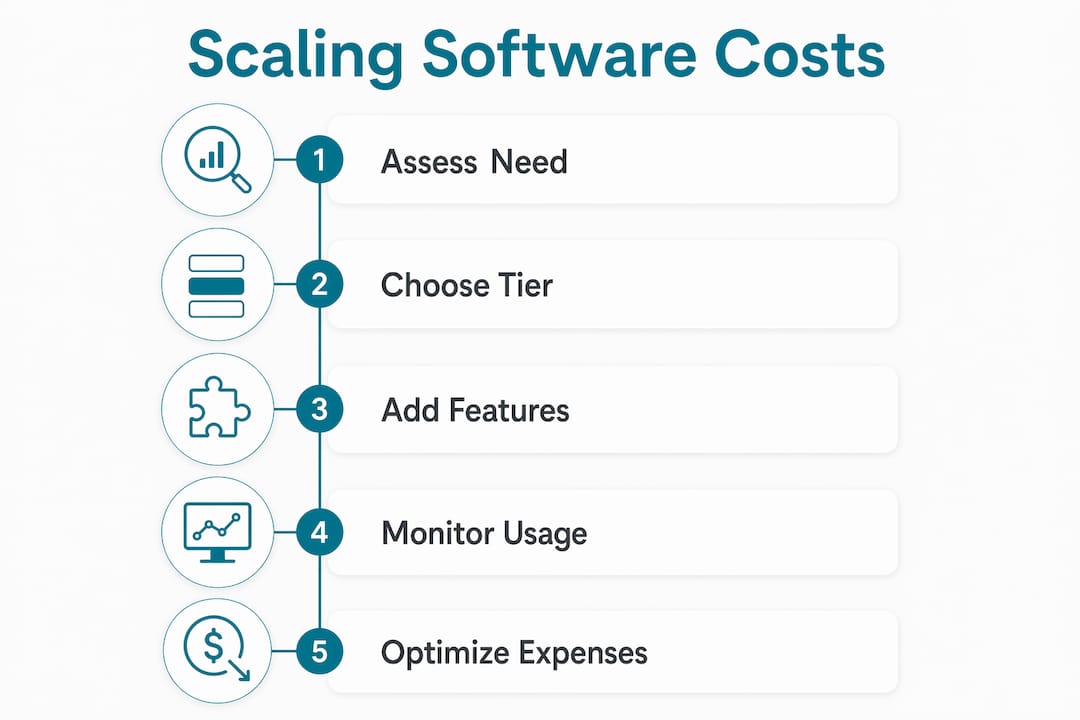
Controlling software costs as your crew expands requires a repeatable process, not a one-time decision. Follow these steps each time your crew size changes by two or more technicians.
- Audit your current cost per truck. Pull your last three months of software invoices. Add subscription fees, processing fees, and any add-on charges. Divide by your active truck count. This is your baseline.
- Map your actual usage. Identify which features your team uses every week versus which ones sit idle. Unused features in a higher tier are money leaving your business without return.
- Forecast crew growth realistically. Plan for the next 6–12 months. If you are adding two trucks in the next quarter, check whether your current plan covers that without a tier jump or whether you need to budget for an upgrade.
- Evaluate total cost of ownership before switching plans. Include processing fees and labor re-entry costs in your comparison. Crews spend several hours per week re-keying data when accounting and field software are not integrated. That labor cost adds up faster than most owners expect.
- Integrate your field software with your accounting platform. QuickBooks and Xero both offer direct integrations with most mid-tier field service platforms. Eliminating manual re-entry recovers those hours and reduces billing errors.
- Negotiate implementation terms before signing. Ask vendors to spread training across multiple sessions rather than a single intensive rollout. Implementation timelines of 3–12 weeks require planning to minimize disruption. Staggered onboarding keeps your crew productive while they learn.
- Review cost versus usage every 90 days. Set a calendar reminder. Compare your cost per truck to your revenue per truck. If the ratio is worsening, you are either overpaying for features or underutilizing what you have.
Pro Tip: Ask your software vendor for a usage report before your renewal date. Most platforms track feature adoption by user. If half your team never opens the reporting module, you may be paying for a tier you do not need.
Common mistakes when managing plumbing software costs in growth phases
The most common mistake plumbing business owners make is treating the subscription fee as the total cost. Payment processing fees regularly exceed the subscription cost for active shops. Owners who do not track this line item separately often underestimate their true software spend by 30%–50%.
A second major pitfall is failing to integrate field software with accounting. When your technicians close a job in the field app and someone in the office has to re-enter that data into QuickBooks manually, you are paying twice for the same work. That labor cost is invisible on your software invoice but very real on your payroll.
Adopting enterprise-grade platforms too early creates a third problem. The ROI for enterprise software favors larger operations. A five-truck shop that buys an enterprise platform pays for complexity it cannot use and spends weeks in implementation that a simpler platform would not require.
Technician usability is an underrated cost factor. Technician turnover costs between $15,000 and $25,000 per replacement. Poor software that frustrates technicians in the field contributes directly to that churn. A platform your crew finds easy to use is a retention tool, not just a scheduling tool.
"The real cost of plumbing software is not what you pay the vendor each month. It is what you lose in technician time, billing errors, and missed appointments when the software does not fit your crew. Owners who track total operational cost, not just the subscription line, make better decisions at every stage of growth."
Watch for these warning signs that your software costs are getting out of control:
- Processing fees are not tracked as a separate line item in your monthly review
- Technicians regularly call the office to complete tasks the app should handle
- Your office staff spends more than two hours per week re-entering field data
- You are paying for a tier with features no one on your team uses
- Your software ROI calculation has not been updated in over six months
Key Takeaways
Controlling software costs as you grow a plumbing crew requires tracking total cost of ownership, not just the subscription price, at every stage of crew expansion.
| Point | Details |
|---|---|
| Cost tiers scale with crew size | Solo operators pay $29–$49/user; mid-size crews pay $200–$300+/user per month. |
| Processing fees are a hidden major cost | Fees of 2.5%–3.5% per transaction often exceed annual subscription costs for active shops. |
| Match features to current crew size | Avoid enterprise platforms until you run 10–12 or more trucks to prevent cost and complexity overload. |
| Integrate accounting to cut labor waste | Unintegrated systems create hours of weekly re-entry labor that costs more than most software fees. |
| Audit costs every 90 days | Regular reviews catch seat creep, unused features, and rising processing fees before they compound. |
What I've learned about software costs and crew growth in plumbing
Most plumbing business owners I talk to are surprised when they see their actual software cost per truck. They know the subscription number. They do not know the processing fee total, the re-entry labor hours, or what they spent on implementation last year. When you add those up, the real number is often two to three times the subscription price.
My honest recommendation is to start with a platform your technicians will actually use. A simpler platform with strong dispatch and clean mobile invoicing beats a feature-heavy system your crew ignores. Technician adoption drives your ROI. A platform that sits unused or causes daily frustration is not a software problem. It is a retention and revenue problem.
I also see owners rush to enterprise platforms because a competitor mentioned using one. The enterprise ROI curve is real, but it only kicks in at scale. If you are running fewer than 10 trucks, the money you save by staying on a mid-tier platform is better spent on marketing and lead generation. Grow the crew first. Upgrade the software when the complexity of your operation actually demands it.
Run a software cost audit every quarter. It takes 30 minutes and it will show you exactly where your spend is going. That discipline separates owners who control their costs from those who discover problems at renewal time.
— Blake
How Ampleexpress helps you match software to your crew and budget
Choosing the right software tier for your crew size is exactly what Ampleexpress is built to help you do. The platform gives you a ranked shortlist of plumbing field service software options matched to your specific crew size, budget, and feature priorities. You get clear pricing paths, rollout risk ratings, and fit recommendations without having to contact every vendor yourself.
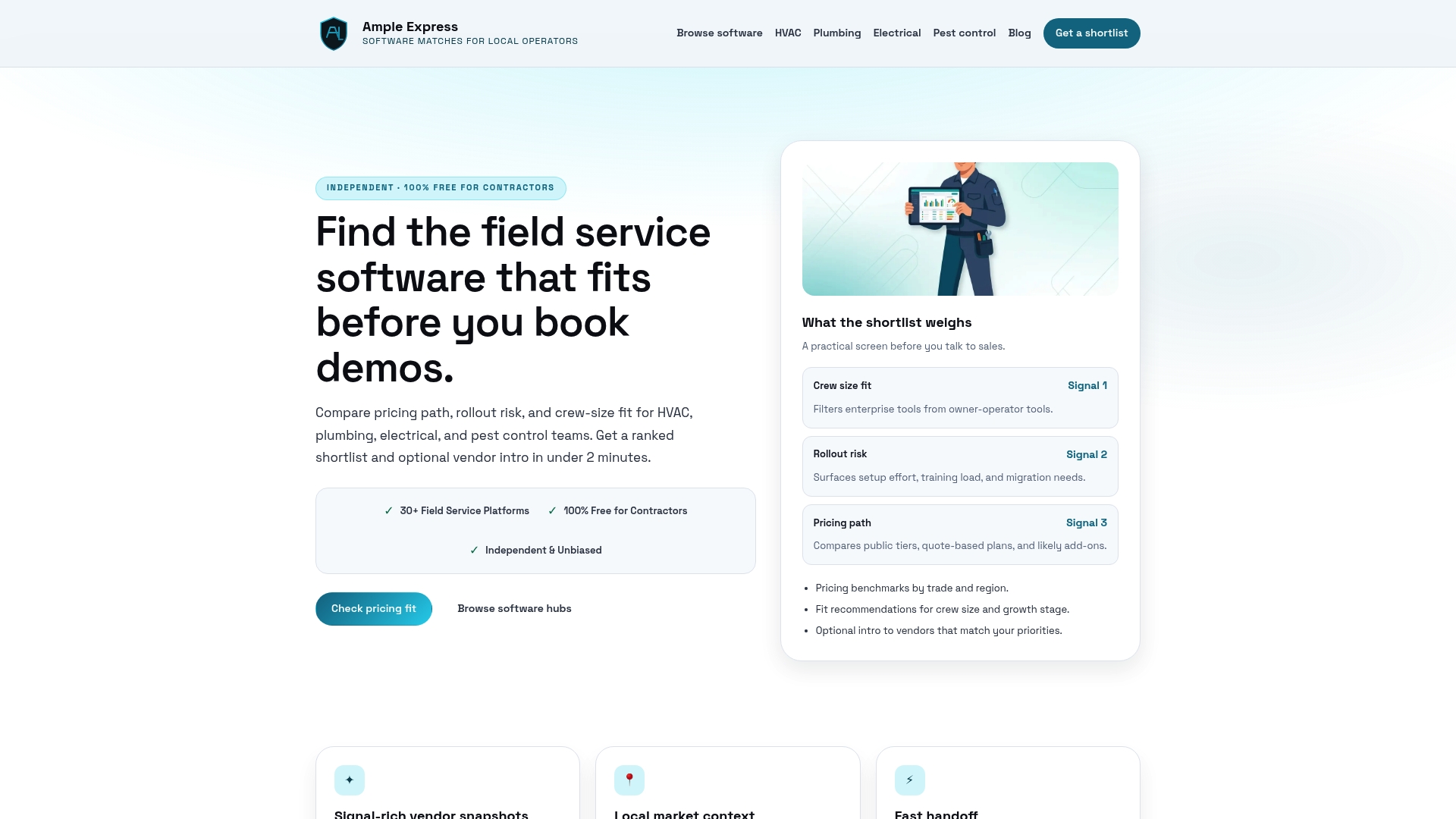
Ampleexpress also provides a software cost calculator that factors in processing fees, implementation costs, and crew size to give you a realistic total cost estimate before you commit. If you are adding trucks and need to know whether your current plan still fits, that tool gives you the answer in minutes. Share your crew size and priorities, and Ampleexpress returns a shortlist built around your actual numbers.
FAQ
What does plumbing software typically cost per user per month?
Plumbing software pricing ranges from $29–$49 for solo operators to $200–$300 or more per user for crews running 6–15 trucks. The tier you need depends on your crew size and the features you require.
What hidden fees should plumbing business owners watch for?
Payment processing fees of 2.5%–3.5% per transaction and labor costs from manual data re-entry are the two most common hidden expenses. Both regularly exceed the monthly subscription cost for active plumbing shops.
When should a plumbing business upgrade to enterprise software?
The ROI for enterprise-grade platforms generally favors shops with 10–12 or more trucks. Smaller operations typically pay for complexity they cannot use and face long implementation timelines that disrupt productivity.
How does dispatch software improve crew efficiency?
Effective dispatch software reduces drive time by 20%–30% and keeps missed appointments below 2%. Crew utilization typically improves from the 68%–72% range up to 82%–88%, which directly increases billable revenue.
How much does technician turnover cost a plumbing business?
Replacing a single technician costs between $15,000 and $25,000. Software that is difficult to use in the field contributes to burnout and turnover, making platform usability a direct factor in your labor retention costs.