
Plumbing Software Overspending Mistakes to Avoid
Avoid common plumbing software overspending mistakes that can cost you thousands. Learn how to choose the right tools and save money today!
July 8, 2026
Article

Common plumbing software overspending mistakes are defined as budget errors contractors make when purchasing, configuring, or renewing software without accounting for total cost of ownership. These mistakes cost plumbing shops thousands of dollars annually, not just in subscription fees, but in hidden transaction charges, wasted labor, and failed rollouts. Poor cost estimation drives up to 70% of plumbing project budget overruns, and buying the wrong software compounds that problem. The sections below identify the most expensive errors and show you exactly how to avoid them.
1. Common plumbing software overspending mistakes start with buying enterprise-grade tools
Small plumbing shops frequently buy software built for large fleets. The result is mandatory onboarding fees, inflated monthly costs, and features no one uses.

Enterprise onboarding costs range from $3,000 to $5,000 upfront, with monthly per-seat fees that can reach $1,500 even for a three-person crew. That means a two-person shop could spend more in year one than the software will ever save them.
The core problem is mismatched scale. Software designed for 50-truck fleets includes dispatch routing, multi-location inventory, and enterprise reporting. A five-person plumbing team does not need any of that. Every unused module still costs money.
- Verify the vendor's target customer size before signing anything
- Ask for a crew-size-specific pricing breakdown, not just a base rate
- Confirm which features are included at your tier versus locked behind upgrades
- Check whether onboarding is mandatory or optional
Pro Tip: Run a 30-day pilot with a single crew before committing to a full purchase. This reveals adoption gaps and true workflow fit before the full contract locks in.
2. Ignoring payment processing fees inflates your real software cost
Payment processing fees typically run 2.5%–3.5% per card transaction and can surpass your monthly subscription cost in high-volume shops. Most contractors focus on the subscription line item and miss this entirely.
A shop processing $50,000 per month in card payments at 3% pays $1,500 monthly in processing fees alone. That dwarfs a $150 software subscription. The subscription is not your biggest software expense.
Model your full one-year cost before selecting any platform. Include the subscription, processing fees, and any add-on module charges.
| Cost Category | Typical Annual Range |
|---|---|
| Software subscription | $1,800–$6,000 |
| Payment processing fees | $3,600–$9,000+ |
| Add-on modules | $600–$2,400 |
| Onboarding and setup | $0–$5,000 |
Pro Tip: Ask vendors directly whether they use flat-rate or interchange-plus processing. Flat-rate is simpler but often more expensive for high-volume shops. Knowing the difference saves real money.
Check the plumbing software hidden fees guide from Ampleexpress for a full breakdown of charges to verify before signing.
3. Manual data re-entry from disconnected tools drains labor budgets
Non-integrated software forces your office staff to re-enter job data between field apps, accounting tools, and invoicing systems. Manual re-entry consumes five or more labor hours weekly, costing up to $7,500 per employee annually. That is a hidden payroll expense tied directly to a software gap.
The integration gap is one of the most overlooked plumbing expense management issues. A cheaper platform that does not sync with QuickBooks or your parts catalog creates labor overhead that costs more than the subscription savings.
Before selecting any tool, map every data handoff in your current workflow. Identify where staff manually copy information from one system to another. Each of those handoffs is a cost center.
- Prioritize platforms with native accounting integrations
- Confirm two-way sync, not just one-way data export
- Test the integration during the pilot period, not after purchase
- Factor labor savings into your ROI calculation when comparing platforms
The software bundling guide from Ampleexpress covers how consolidating tools reduces this overhead significantly.
4. Skipping automated estimate follow-ups wastes your bidding investment
Estimates left without follow-up after 48 hours see a 30%–40% drop in conversion rates. Every bid you send without a follow-up system is money you already spent on estimating that may never convert.
Automated three-touch follow-up workflows recover 8%–12% of lost project revenue by keeping your bid in front of the customer at the right intervals. Most contractors either disable this feature during setup or never enable it at all.
Follow-up automation turns your software from a recordkeeping tool into a revenue-generating system. The feature exists in most mid-tier plumbing platforms. The cost of not using it is measurable.
- Enable automated follow-ups on day one of your software setup
- Set a three-touch sequence: 48 hours, 5 days, and 10 days after estimate delivery
- Personalize the message template with the job type and customer name
- Track conversion rates by follow-up stage to identify where leads drop off
Review the quote generation software guide for platform-specific instructions on configuring follow-up workflows.
5. Prioritizing feature count over user adoption burns your software budget
Most plumbing contractors use only 15–30 features of complex software platforms. Buying an enterprise suite for its feature list and then watching field crews ignore the mobile app is one of the most costly plumbing software budgeting errors in the industry.
Advanced software often has 70%–85% of its features sitting unused. That is not a usage problem. It is a purchasing problem. Contractors buy on demos and feature lists, not on workflow fit.
Field crews reject clunky mobile apps fast. When technicians stop logging job notes or skip the dispatch confirmation step, data quality collapses. Bad data means bad reporting, and bad reporting means you cannot track costs or performance accurately.
Simpler software that your entire crew actually uses every day will outperform a feature-rich platform that sits half-empty. The value of any field service tool is determined entirely by the quality of data your technicians enter into it. A platform with 200 features and 20% adoption delivers less ROI than a platform with 40 features and 90% adoption.
- Involve dispatchers and field technicians in the software evaluation process
- Score platforms on mobile app usability, not just desktop feature lists
- Run a workflow simulation with real job scenarios during the trial period
- Reject any platform your crew finds confusing after two training sessions
6. Overlooking vendor lock-in creates expensive future costs
Some platforms store your customer records, job history, and invoice data in proprietary formats that cannot be exported without paying extraction fees. Vendor lock-in limits your future software options and drives up switching costs when you eventually need to change platforms.
This is a long-term plumbing software spending trap. You sign up for a low monthly rate, build two years of customer data inside the platform, and then discover that migrating that data costs thousands of dollars or requires manual re-entry.
Evaluate data portability before you commit to any platform. Ask the vendor directly whether you can export all records in a standard format such as CSV or JSON at any time.
- Request a sample data export during the trial period to verify format and completeness
- Confirm there are no fees for data extraction or account closure
- Check contract terms for data ownership clauses
- Prioritize platforms with open API access for future integration flexibility
Key Takeaways
The most expensive plumbing software mistakes share one root cause: contractors evaluate software on price and features without modeling total cost or testing real-world adoption.
| Point | Details |
|---|---|
| Match software to crew size | Enterprise platforms cost $3,000–$5,000 to onboard and are built for fleets, not small shops. |
| Model total annual cost | Processing fees of 2.5%–3.5% per transaction often exceed the subscription fee itself. |
| Enable follow-up automation | Three-touch automated follow-ups recover 8%–12% of lost project revenue from unconverted bids. |
| Prioritize adoption over features | Contractors use only 15–30 features of complex platforms; simpler tools with high adoption yield better returns. |
| Verify data portability upfront | Proprietary data formats create costly migration fees and limit your future software choices. |
What I've learned from watching contractors overspend on software
Software purchases are change management projects. Most contractors treat them as IT installations. That gap in thinking is where the real money gets lost.
Failed software rollouts cost more than a full annual subscription when you factor in lost labor, corrupted customer records, and staff churn from frustration. I have seen shops spend $8,000 on a platform, abandon it after 90 days, and then spend another $5,000 migrating back to a simpler tool.
The contractors who get the best ROI from their software share one habit: they pilot before they commit. One crew, 30 days, real jobs. If adoption is not strong by day 30, the platform is wrong for the business, regardless of what the demo showed.
Flashy features do not fix broken estimating workflows or poor dispatch habits. Software only captures what your team puts into it. Start with the simplest tool your crew will actually use, then add complexity as your processes mature.
— Blake
Right-size your plumbing software investment with Ampleexpress
Ampleexpress built its platform specifically to help plumbing contractors avoid the budget errors covered in this article. The independent shortlist covers over 30 field service software options for plumbing ranked by crew size, pricing transparency, and rollout risk.
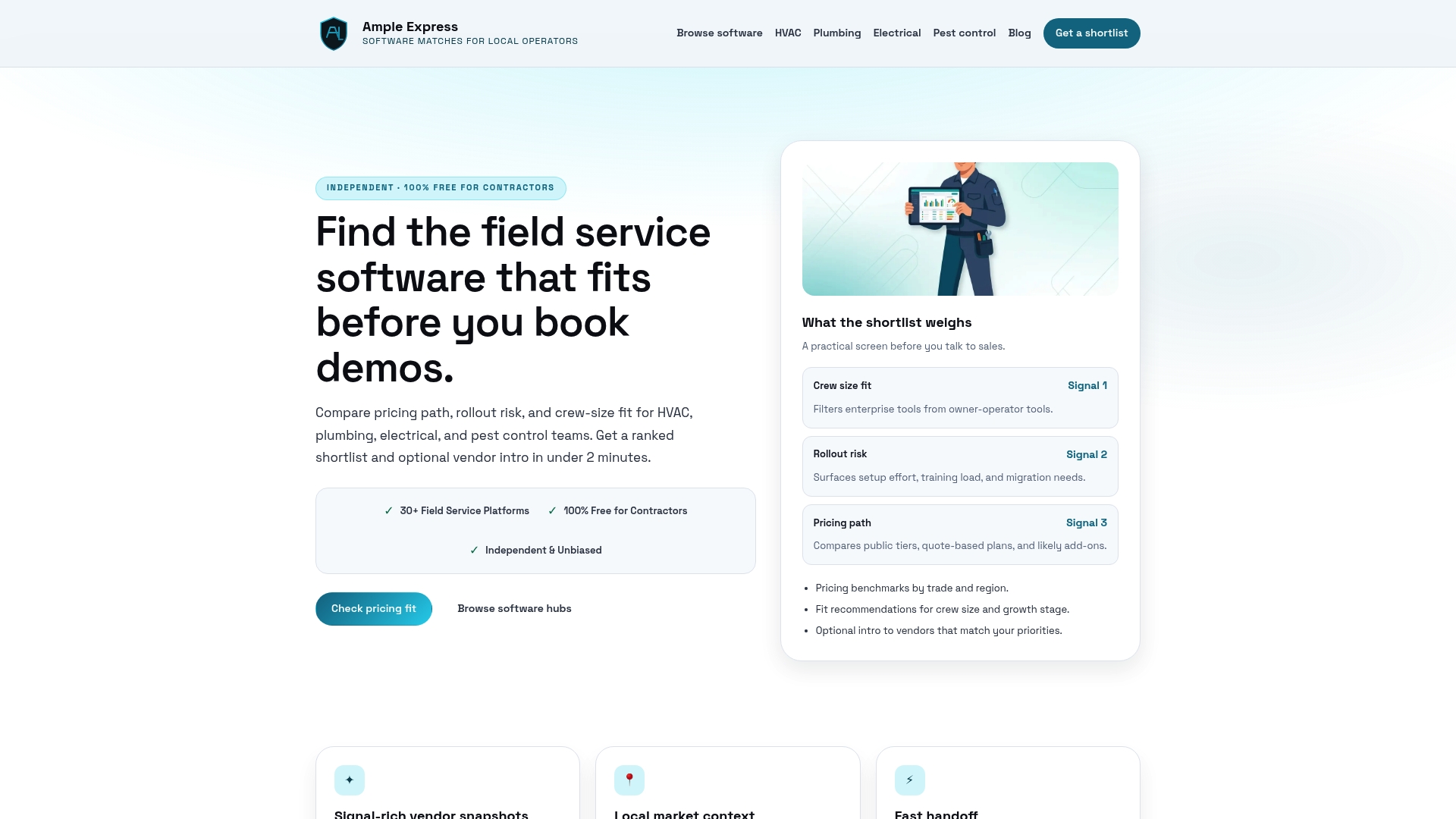
You can use the software cost calculator to model your full one-year cost including subscription fees, processing charges, and labor overhead before committing to any platform. Ampleexpress also provides regional pricing benchmarks so you can verify whether a vendor's quote matches what other plumbing shops in your market are actually paying. Share your crew size and top priorities, and Ampleexpress returns a ranked shortlist built for your operation.
FAQ
What are the most common plumbing software overspending mistakes?
The most common mistakes are buying enterprise-grade software for small crews, ignoring payment processing fees, and skipping follow-up automation. Each of these errors adds thousands in unnecessary annual costs.
How much do payment processing fees add to plumbing software costs?
Processing fees typically run 2.5%–3.5% per card transaction. For a shop processing $50,000 monthly, that adds up to $18,000 or more per year, often exceeding the software subscription cost.
Why does software adoption matter more than feature count?
Most plumbing contractors use only 15–30 features of complex platforms. Low adoption leads to poor data quality, which eliminates the reporting and billing benefits the software was purchased to deliver.
How do I avoid vendor lock-in when choosing plumbing software?
Request a sample data export during the trial period and confirm there are no extraction fees. Prioritize platforms that store data in standard formats like CSV and offer open API access.
What is the fastest way to cut plumbing software costs?
Model your full one-year cost before signing, including processing fees and labor for manual re-entry. Then run a 30-day pilot with one crew to verify adoption before committing to a full contract.